5 min read
What Is a Design System for a Small Business?
Learn how a modular design system helps small businesses reduce graphic design and web dev costs by up to 50%. A practical guide for entrepreneurs.
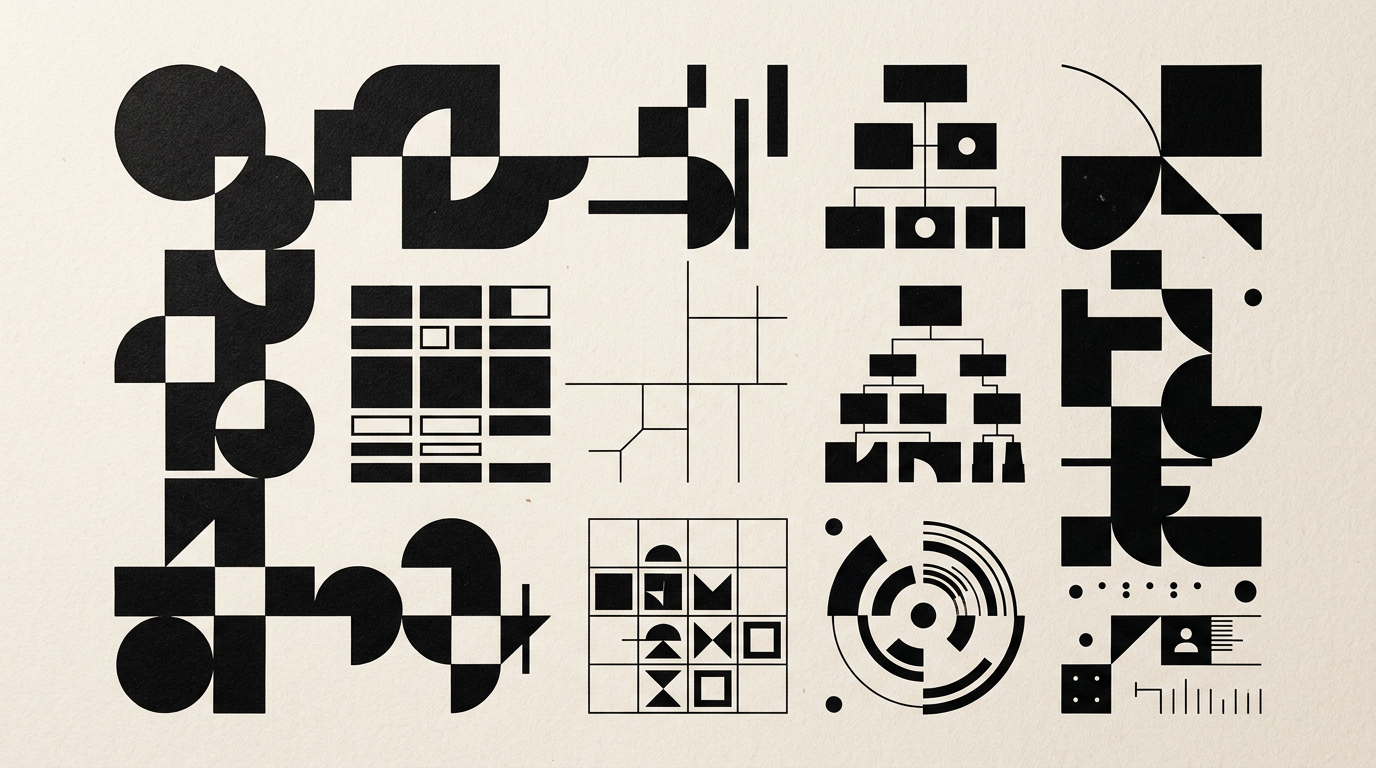
Many small businesses confuse a brand style guide with a design system, ending up wasting time and money on every new campaign. A design system is a structured set of rules, graphic components, and code that guarantees a coherent identity across all channels. In this article, I explain exactly how it helps a growing business save resources and scale efficiently.
What exactly is a design system, and how does it differ from a brand manual?
A design system is a living library of modular components and usage rules, whereas a traditional brand manual is a static PDF document. While a style guide only shows what a professional logo design looks like and which color palette to use, a design system contains ready-to-use elements: from buttons, forms, and web typography to social media templates and print-ready prepress rules. The main difference lies in day-to-day utility. A manual is read once and forgotten in a folder, while a design system is used daily by developers, marketers, and designers. For a small business, switching from a static PDF to reusable assets means you stop reinventing the wheel every time you launch a new landing page or marketing campaign.
Does a small business really need a design system, or is it just for enterprise corporations?
Yes, a small business needs a modular design system tailored to its scale because time and budget resources are far more limited than in large corporations. While enterprise companies use complex frameworks like Material Design, a local business or starter e-commerce shop benefits immensely from a simplified system that eliminates visual chaos and cuts graphic production costs. Without a clear framework, every new banner, packaging box, or webpage becomes an expensive, disconnected experiment. Having a structured visual identity as a system allows you to delegate asset creation to freelancers or junior staff without losing brand consistency. You effectively save dozens of hours of unnecessary revisions and approval loops every month.
What concrete elements are included in a small business design system?
An effective design system for a small business contains both foundational elements and practical templates for daily operational needs. There is no point in cluttering the system with hundreds of theoretical rules; instead, focus on modular pieces that combine effortlessly.
Essential components include:
- Design tokens: core colors (HEX, RGB, CMYK), typographic scales, spacing values, and drop shadows.
- UI components: buttons, form inputs, product cards, iconography, and hover/active states.
- Digital templates: standard formats for Instagram posts, Facebook ads, carousel slides, and email headers.
- Print assets: pre-set layouts for business cards, flyers, product labels, and custom packaging.
- Tone and messaging rules: concise guidelines on writing style and how visuals interact with copy.
How does a design system help reduce marketing and graphic design costs?
A design system cuts graphic production and web development costs by 30% to 50% through component reuse. Instead of paying a designer to build a layout from scratch for every promotion, you use pre-built templates where changing text and product images takes less than 10 minutes. The same efficiency applies to general graphic design for web or print: developers do not waste hours measuring font sizes or searching for color codes because components are pulled straight from the shared library. For example, launching a new landing page takes 2 days instead of 2 weeks, leading to lower agency retainers and much faster time-to-market testing.
How is a design system implemented on a website and across digital channels?
On the web, a design system translates into a UI library synced between the design tool and the website source code. When building a presentation website, every button, heading, or form field is defined once in code. If you later decide to tweak your primary brand color or button border radius, the update happens in one central file and propagates across the entire site instantly. Furthermore, in the age of generative search and GEO / AEO / AIO optimization, a clean visual and technical structure helps AI-driven engines index and understand your site hierarchy much faster.
How does a design system work for print materials and product packaging?
For print and packaging, the system provides rigorously organized master files with calibrated CMYK color profiles and standardized bleed lines. When creating packaging for a new product, you do not invent a new layout from scratch; you apply the system's defined typographic grid, logo placement rules, and illustration style. This prevents costly printing errors — such as illegible fonts, color mismatches, or wrong trims — that can burn thousands of Euros in wasted print runs. Every box, label, or shipping bag looks like part of the exact same product family, building strong shelf presence and customer recognition.
How long does it take to build and launch a simplified design system?
It typically takes between 3 and 6 weeks for a small business, depending on product range complexity and active sales channels. The process starts with an audit of existing brand collateral, followed by simplifying the color palette and typography. During weeks 2 and 3, core UI components and digital/print templates are built. In the final two weeks, the system is documented in an accessible platform (such as Figma) and handed over to your team. Unlike enterprise projects that take a year, a small business design system focuses strictly on essential assets that can go straight to production.
How do you prevent a design system from becoming too rigid for a small team?
To avoid rigidity, a design system should be treated like a Lego set rather than a strict rulebook. Flexibility is achieved by setting firm guardrails while leaving ample creative room for assembling elements.
Here is how to keep your system flexible:
- Set mandatory rules for only 20% of core assets (logo, primary brand colors, core typography).
- Allow flexible variations for 80% of application components (seasonal banners, ad backgrounds).
- Audit and update the design system every 6 months based on real-world team feedback.
- Avoid creating rules for hypothetical scenarios your business will not encounter in the near future.
What's next?
If you want to stop wasting budget on fragmented graphics and build a cohesive brand image, it is time to establish your own design framework. Explore real client examples in my portfolio to see how structured design drives business growth. When you are ready to bring clarity to your visual communications, send me a message through the contact page and let us map out the ideal design system for your business.