6 min read
What files do you get at the end of a logo design project?
Learn exactly what file formats, color variations, and technical specifications you should receive upon completing a professional logo design project.
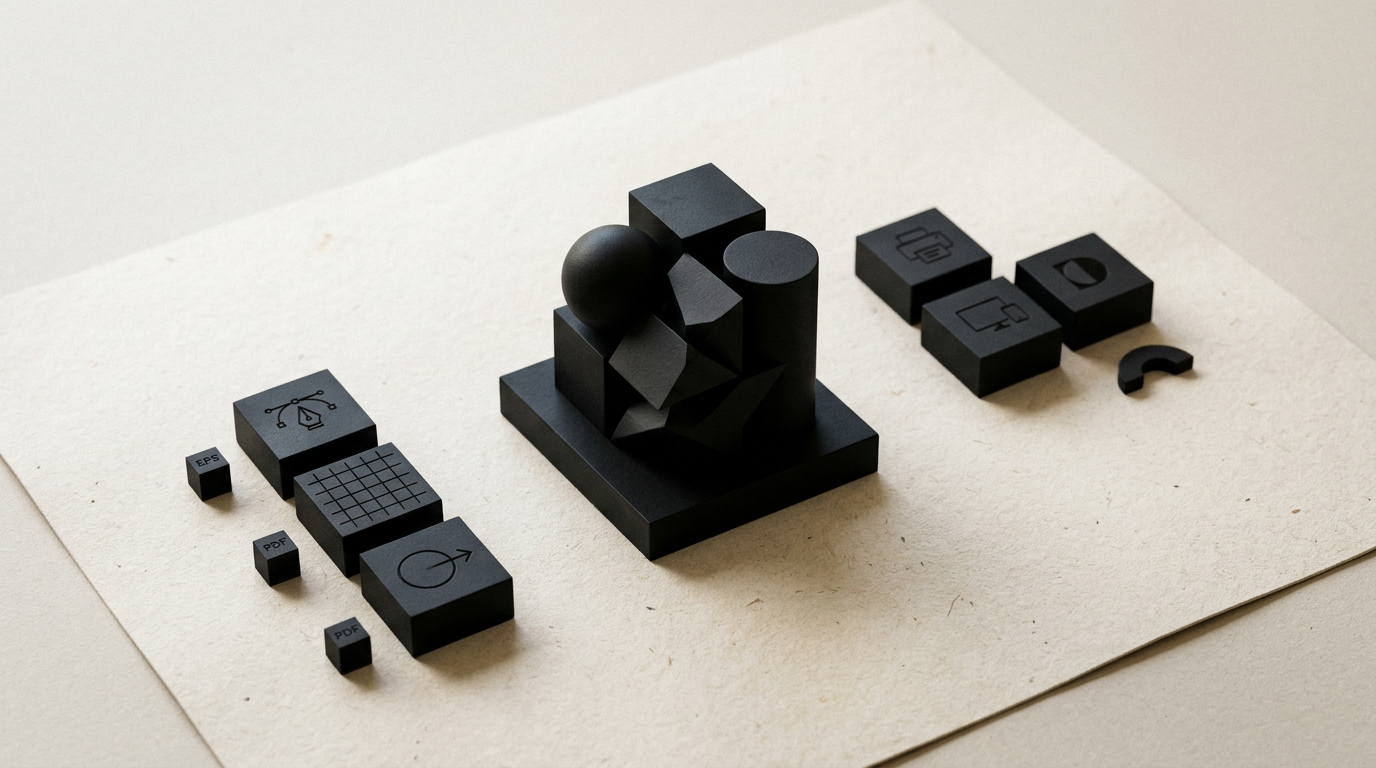
Handing over a brand package is not just about sending a image over WhatsApp or exporting a random file from an automated tool. A professional creare logo process ends with delivering a rigorously structured archive that gives you total independence across any medium, from a smartphone screen to 10-meter billboards. Here are the exact formats, color variations, and technical files you should receive at the end of a project.
Why is a single JPG or PNG file not enough for a logo?
A JPG or PNG file is a raster format based on a fixed grid of pixels, created strictly for a specific size. If you try to enlarge a PNG file extracted from a quick export to print it on a large outdoor banner, the pixels will multiply, making the logo blurry and pixelated. Furthermore, JPG files always have a solid white or colored background, meaning you cannot place them over colored backgrounds on a website without a box around them. For complete design grafic services, you need flexible formats that allow element isolation and infinite scaling. A single raster file severely restricts your marketing and advertising operations.
What is a vector file and why do I absolutely need it?
A vector file is a mathematical format built with lines, points, and curves that can be resized to any scale without any loss of quality. Unlike raster photos, vector files do not rely on a fixed pixel resolution, making them the core asset of any visual brand. You need vector files for three main reasons:
- They serve as the master source from which all other image formats (PNG, JPG, WebP) are exported.
- It is the only format accepted for vinyl cutting plotters, laser engraving, volumetric signage, embroidery, or large-format printing.
- It guarantees that years from now, any designer can edit or adapt your logo without recreating it from scratch.
Without these master vector files, any project in a portofoliu remains incomplete and unusable over the long run.
What is the difference between print files and screen files?
The main difference between print and digital files lies in the color mode used and the export resolution. For digital screens (websites, social media, mobile apps), files use the RGB (Red, Green, Blue) color space at a resolution of 72–150 DPI or SVG vector formats. For physical printing (business cards, packaging, flyers), files must be prepared in the CMYK (Cyan, Magenta, Yellow, Key/Black) color mode at a minimum of 300 DPI or using Pantone (PMS) spot colors. If you send an RGB file to print, the final printed colors will look dull or completely off. In any complete identitate vizuala project, every delivered file is labeled and formatted specifically for its intended destination.
What exact file formats will I receive in the final package?
The final deliverable package contains a clean folder structure categorized by usage and technical file extensions. You will receive the following essential formats:
- AI (Adobe Illustrator): The primary native vector source file, fully editable, used by professional graphic designers.
- EPS (Encapsulated PostScript): A universal vector format compatible with almost all graphics software and print machinery.
- Vector PDF: A standardized file easy to view on smartphones or laptops, technically prepared for print production.
- SVG (Scalable Vector Graphics): A vector format optimized for the web, heavily used when building a modern site de prezentare.
- PNG: A high-resolution raster format (300 DPI) with a transparent background, exported in RGB for digital applications.
- JPG: A standard raster format with a solid white background, ideal for internal documents, Word files, or PowerPoint presentations.
How do I receive color and layout variations of the logo?
A professional logo is delivered in a complete matrix of color modes and structural arrangements so that it functions seamlessly on any surface. The standard package includes the full-color primary version (for white or light backgrounds), the negative white version (for dark backgrounds or images), the solid black monochrome version (for stamps, invoices, or single-color printing), and a simplified grayscale version. Additionally, if your brand identity includes both a mark (icon) and text (logotype), you will receive the horizontal layout (for website headers), the vertical/stacked layout (for square spaces or packaging), and the isolated mark. All these combinations are exported in every file format mentioned above.
What do I get for social media profiles and website favicons?
Beyond primary brand assets, a complete delivery package includes a ready-to-use digital kit, eliminating the need for you to crop or resize images manually. This kit features profile graphics centered and sized to the exact pixel specifications of Facebook, Instagram, LinkedIn, TikTok, and WhatsApp (1080x1080px square or circular crops). You also receive the isolated icon exported in small sizes (16x16px, 32x32px, 512x512px) in PNG and ICO formats, ready to be uploaded as a favicon on your site de prezentare or online store. This ensures a crisp visual presentation across all devices.
What is a brand guidelines document and is it included?
Brand Guidelines (or a Brand Book) is the technical manual explaining how to correctly use your logo and visual identity. Depending on the selected scope, it can be a concise one-page document (Brand Sheet) or a detailed 10–20 page PDF manual. The guide specifies exact color codes (HEX for web, RGB for digital, CMYK and Pantone for print), primary and secondary typography (with licensing links), minimum clear space rules around the logo, minimum size limits for legibility, and clear examples of incorrect usage. This document prevents brand erosion over time.
How can I use these files if I don't have graphic design software?
You do not need expensive software like Adobe Illustrator or Photoshop to use your delivered logo package. For daily tasks (social media posts, Word documents, email signatures, or Canva designs), you will use the files in the "Digital" folder (PNG or JPG formats). These open instantly on any computer, tablet, or phone. When working with an external vendor (a print shop, packaging manufacturer, or web developer), simply forward them the "Vector" or "Print" folder containing AI, EPS, or PDF files. They possess the professional software required to handle them correctly.
How do properly structured files impact visibility in AI engines?
The technical structure and semantic naming of digital files directly impact how search engines and AI assistants parse your visual identity. By applying targeted optimizare GEO / AEO / AIO strategies, lightweight SVG files with descriptive filenames (e.g., brand-name-official-logo.svg instead of logo1.png) improve site loading speeds and Core Web Vitals scores. Generative AI models and web crawlers can easily connect your business name with official visual assets, increasing the likelihood that your brand is accurately represented in AI-generated answers.
What's next?
If you need a brand identity built correctly from early concepts to the full technical archive delivery, I am here to help. Whether launching a new business or refreshing an existing brand, I deliver transparent, structured branding, web design, and print services. Visit the contact page to discuss your project details or explore my services to see how we can collaborate.