5 min read
Which Microinteractions Really Help Users on a Website?
A practical guide on how subtle microinteractions improve user experience and boost conversion rates on a website.
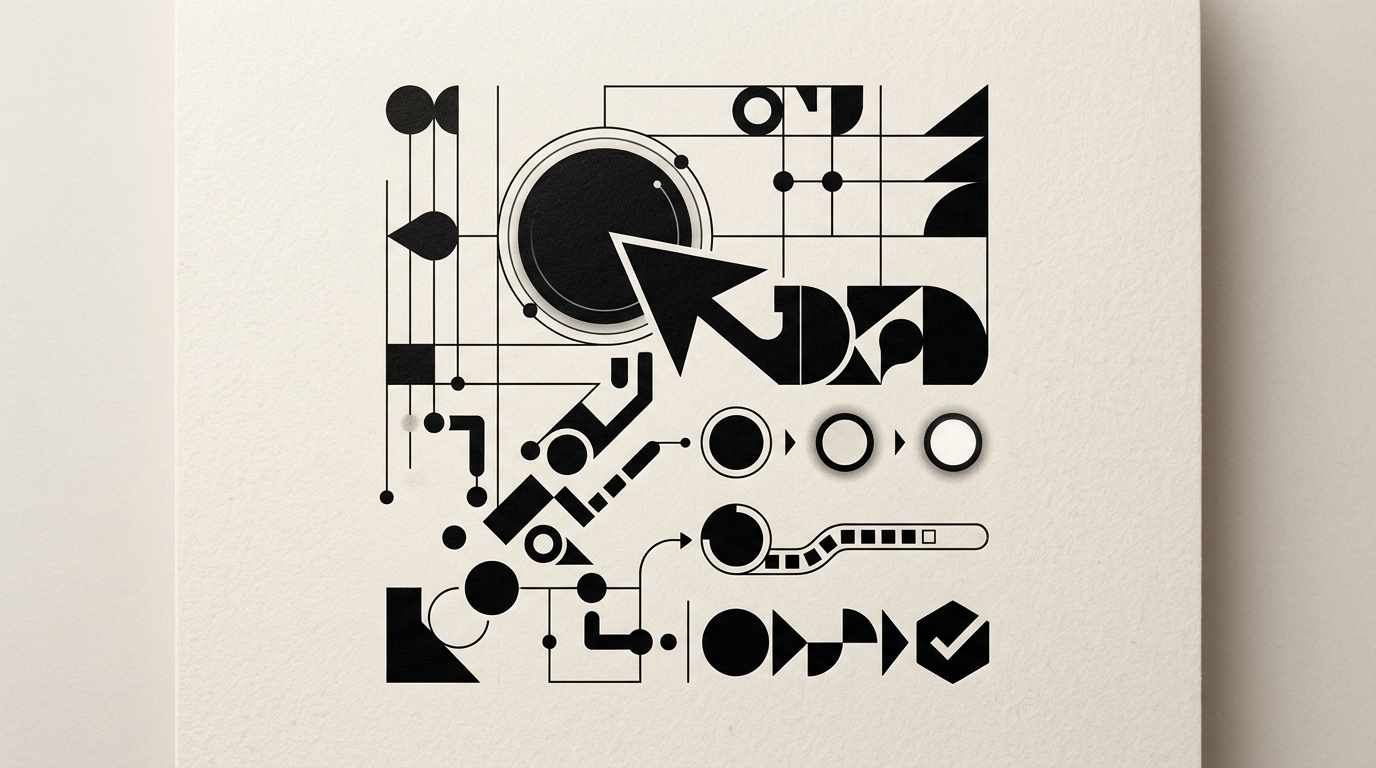
Microinteractions are subtle functional details that confirm actions, provide instant feedback, and guide users across a web page. From a simple color shift on hover to a visual checkmark when completing a form field, these elements reduce friction and increase conversion rates. In this guide, I answer the most frequent questions about using microinteractions to turn visitors into active clients.
What exactly are microinteractions in web design?
Microinteractions are short, single-purpose functional moments within a user interface designed to accomplish one specific task. They consist of four core components: the trigger, the execution rule, visual feedback, and final states. Essentially, they are the instant visual response a website gives when a user clicks a button, toggles an option, or fills out a field. Without them, an interface feels rigid and static, leaving visitors wondering whether their action was registered. When building a presentation website, I integrate microinteractions to confirm every step of the user journey. These elements are not merely decorative; they reduce user anxiety and can increase time spent on page by up to 20% by providing a continuous feeling of control and flow.
Which microinteractions are most effective in online forms?
The most effective form microinteractions are real-time field validation, visual password toggles, and dynamic submit button states during processing. Instead of waiting for a full page refresh to see error messages, the user gets immediate feedback right beside the relevant input field.
- Inline validation (green checkmark or red text) for email addresses and phone numbers.
- Password visibility toggle switch (eye icon).
- Progress indicators for multi-step forms.
- Submit buttons with loading spinners to prevent double submissions.
A form optimized through clean graphic design and clear microinteractions can reduce form abandonment rates by up to 35%. Every detail must guide the user without distracting from the main objective.
How do microinteractions help increase conversion rates?
Microinteractions boost conversions by removing user hesitation and creating a rewarding interaction flow. When a shopper adds an item to their cart and sees a subtle animation on the icon paired with a brief confirmation message, they immediately know the action succeeded. This instant feedback builds trust. Furthermore, microinteractions can draw attention to primary Call-to-Action buttons using subtle hover or pulse effects. In my visual identity projects, I align the style of microinteractions with the brand personality. A luxury brand benefits from slow, smooth transitions, whereas a tech brand demands fast, crisp animations. The direct result is lower bounce rates and an intuitive user path.
Can microinteractions slow down website loading speed?
Well-optimized microinteractions do not slow down your website because they are built using lightweight CSS3 and minimalist JavaScript. From a technical standpoint, modern CSS animations utilize GPU hardware acceleration and add less than 2-3 KB to the total code size. Performance issues only arise when relying on heavy, unoptimized libraries or large GIF files. Maintaining clean technical execution also supports GEO / AEO / AIO optimization for AI visibility, as search engines and AI systems favor fast-loading, efficiently coded interfaces. To preserve optimal performance, the golden rule is using CSS transform and opacity properties while avoiding properties that trigger layout reflows.
How can you tell if a microinteraction is helpful or annoying?
A microinteraction is helpful if it solves a practical user need or provides clear status feedback without delaying navigation. The standard UX rule states that animations should last between 200 and 400 milliseconds; anything exceeding 500 ms feels sluggish and frustrates the user.
- The animation loops endlessly without user input.
- It locks the screen and prevents clicking on adjacent elements.
- It is overly flashy and distracts from core reading content.
- It fails to provide functional feedback (purely decorative clutter).
To examine how aesthetics and functionality achieve balance, explore my portfolio, where every visual effect serves a distinct purpose.
Do I need custom microinteractions if I am using a standard theme?
Yes, customizing microinteractions is often the exact detail that separates a generic template from a memorable, professional platform. Off-the-shelf themes typically feature basic hover states that fail to express your brand language. From how the mobile menu animates to how a custom logo scales on scroll, these adjustments establish visual consistency. For example, a vector logo can shrink smoothly in a sticky header, preserving screen space for reading content. Investing in tailored details turns a standard interface into a premium brand touchpoint, signaling quality to potential clients.
How do you measure the impact of microinteractions on site performance?
You measure the impact of microinteractions by analyzing user behavior using web analytics, heatmaps, and structured A/B testing. You do not measure the animation itself, but rather the change in completion rates for target actions. Tracking clear metrics before and after introducing a microinteraction reveals its true value.
- Form Completion Rate.
- Average time required to complete contact fields.
- Click-through rates (CTR) on primary action buttons.
- Reduction in user input errors.
A 10-15% bump in button conversions following a confirmation microinteraction offers clear proof that users feel more confident taking action on your platform.
What is the process for implementing microinteractions in a new project?
The implementation process begins by identifying friction points in the user journey and defining interactive states (idle, hover, pressed, loading, success, error) for key components. During initial wireframing, I set timing curves and duration constraints—such as a 300 ms transition. Next, I write lightweight CSS and JavaScript code and test performance across various mobile devices and browsers to guarantee smooth rendering. Testing across viewports is critical because desktop hover effects do not translate to touchscreens, where tap feedback states take priority. Finally, clean integration ensures the interface remains fast and accessible.
What’s next?
Thoughtfully designed microinteractions make the difference between a high-bounce website and a platform that consistently converts visitors. If you are ready to turn your website into a smooth, intuitive experience for your clients, I offer full web design and branding services. Head over to the contact page to discuss your project and define the right visual strategy for your business.