6 min read
How Do You Adapt a Logo for All Digital and Print Formats?
Learn how to properly adapt a logo for web, social media, print, and packaging without sacrificing quality or readability.
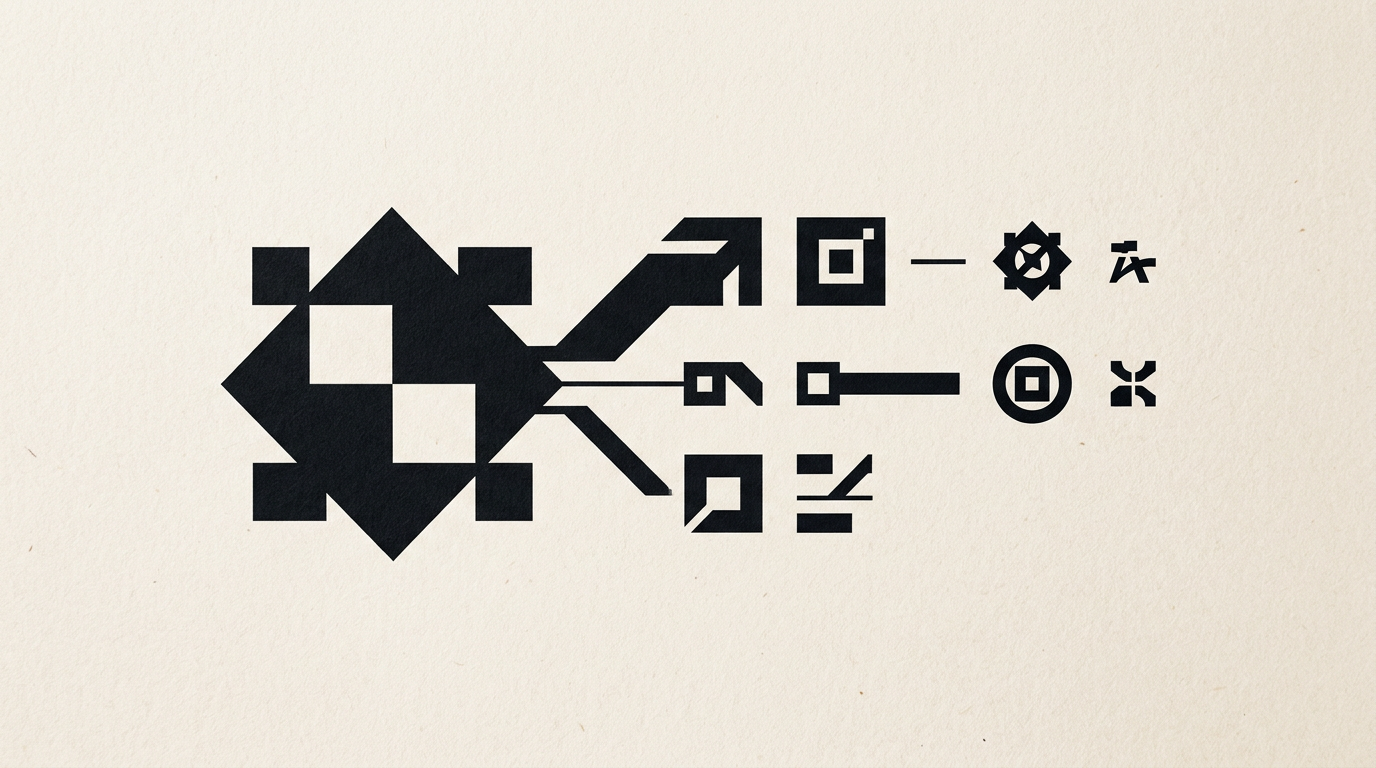
A flexible logo isn't just about scaling down an image by dragging its corners in an editing program. Technically adapting your visual identity for screens, print, and packaging guarantees that your brand remains legible and impactful across any medium. From a tiny 16x16 pixel favicon to a 3-meter outdoor sign, every format requires clear structural rules.
Why is a single PNG or JPEG file not enough for a logo?
A single raster file (PNG or JPEG) instantly loses clarity when scaled up, creating visible pixelation on larger formats. For a business investing in professional logo design, the primary deliverable files must be vector-based (SVG, EPS, AI), which rely on mathematical equations rather than a fixed grid of pixels. PNG files support transparent backgrounds, but scaling them from 300 pixels to a billboard destroys edge sharpness. JPEG files automatically add an unwanted white background, making them unusable on colored application headers or dark interfaces. Furthermore, PNG color profiles are strictly RGB (for displays), which distorts colors if sent directly to a print shop. Proper adaptation starts with source vector files that allow exporting to any target format seamlessly.
What layout variations should a logo package include?
A complete visual identity package must include multiple spatial configurations of the same logo to fit different aspect ratios. Attempting to force a long horizontal logo into a square or circular Instagram profile picture reduces the text to an unreadable size. Main layout variations include:
- Primary version (horizontal/full): The official version used in the header of a presentation website, on invoices, or official documents where horizontal space is ample.
- Secondary version (vertical/stacked): Stacked vertically, ideal for shopping bags, narrow product labels, vertical banners, or street signs.
- Symbol or Icon (Submark): A simplified, textless visual representation suitable for favicons (16x16px), social media profile icons, or small packaging.
- Simplified version (Responsive Logo): A design stripped of fine lines or intricate gradients, engineered specifically for display sizes under 100 pixels.
How do you adapt logo colors for screen versus print?
On-screen colors use the RGB color model (red, green, blue) based on light, whereas physical printing relies on the CMYK system (cyan, magenta, yellow, black) based on ink pigments. To ensure your brand colors stay consistent across smartphone screens and cardboard boxes, professional graphic design services define precise color codes for every medium. RGB and HEX colors display high vibrancy. When converted to CMYK for print, neon shades or deep electric blues can appear visibly duller. For high-precision printing or textiles, Pantone (PMS) spot colors are assigned, ensuring factory-mixed ink matches identically on any substrate. Without these color adaptations in your brand guidelines, your vibrant digital orange can turn into a muddy brown on printed flyers.
What is safe space and why does minimum size matter?
Safe space (or clear space) is the mandatory margin surrounding a logo where no other graphic element, text, or page trim can enter. This clearance area is calculated proportionally using an internal unit of the logo, such as the height of a specific letter or symbol width. Without this buffer zone, the graphic becomes crowded and difficult for viewers to recognize quickly. Similarly, establishing a minimum display size prevents loss of legibility. A secondary tagline such as "Consulting & Services" might be legible at 250px wide, but turns into an unreadable smudge at 80px on a mobile screen. Technical specifications in a brand manual dictate dropping the tagline below specified dimensions and switching automatically to the responsive simplified version.
How do you adapt a logo for dark, light, or complex backgrounds?
A well-engineered logo must maintain contrast and legibility regardless of the texture or color of the underlying background. Across projects in my design portfolio, I build dedicated variations for every display context:
- Full-color version: Reserved exclusively for white, neutral, or very light backgrounds.
- Inverted version (Negative / Dark mode): Text and graphic elements turn white or light-colored for placement on black, dark, or low-brightness photo backgrounds.
- Monochrome version (100% black and 100% white): Essential for cost-effective printing like stamps, receipts, laser engraving, or single-color screen printing.
- Container or protective badge version: Applied when the logo must overlay busy or dynamic photography, adding a solid or semi-transparent shape behind the mark to guarantee contrast.
What file formats must be included in the final delivered package?
Upon completing a branding project, the final deliverable must contain a structured set of folders categorized by application: Digital (RGB) and Print (CMYK). Core vector files (AI, EPS, SVG, PDF) are essential because they allow unlimited scaling without quality loss and enable editing by third-party vendors or printers. For everyday use by your team, the package includes high-resolution PNG files (300 DPI) with transparent backgrounds and WEBP files optimized for web loading speed. Additionally, if you want your visual brand assets to be indexed accurately by modern AI search tools, you can implement GEO / AEO / AIO optimization strategies for proper file structuring and brand metadata tagging.
How is the logo adapted for social media and mobile apps?
Digital platforms demand strict aspect ratios: circular avatars (Instagram, LinkedIn, WhatsApp Business) and rectangular headers (Facebook, YouTube cover photos). On mobile screens, profile icons measure under 40x40 pixels. Squeezing a full logo with a long company name into that small circle ruins readability. The solution is using the standalone symbol (icon), optically centered and pixel-aligned. For mobile apps, the icon serves as the official app mark and must be built following Apple iOS and Google Android grid guidelines, avoiding micro-text and utilizing clean geometric shapes recognized at a glance.
How do you adapt a logo for print on packaging, foil stamping, or embroidery?
Printing on physical items introduces real-world technical limitations that digital screens do not have. For instance, embroidering a logo onto a cap or workwear uniform requires line thicknesses of at least 1 mm and the elimination of subtle gradients or soft drop shadows. For premium packaging featuring metallic foil stamping (gold or silver foil), the file sent to the printer must be pure vector artwork with no transparencies, placed on a separate layer named "Spot Color". When using flexographic printing on corrugated cardboard boxes, overly intricate details risk bleeding together. Proper technical adaptation prevents these errors by simplifying shapes and supplying print-ready files complete with bleeds and crop marks.
What's next?
If your current logo loses sharpness on mobile devices, looks dull on printed flyers, or doesn't fit your social media profile picture, it's time for a professional adaptation. Explore recent client work in my portfolio to see how a complete, flexible visual system operates. You can reach out directly on the contact page to transform your brand identity into a comprehensive technical package, fully prepared for any digital or print format.