6 min read
How Do Microinteractions Help Users in 2026?
A practical guide on microinteractions in web design: how they reduce user frustration, boost conversions, and improve the digital experience.
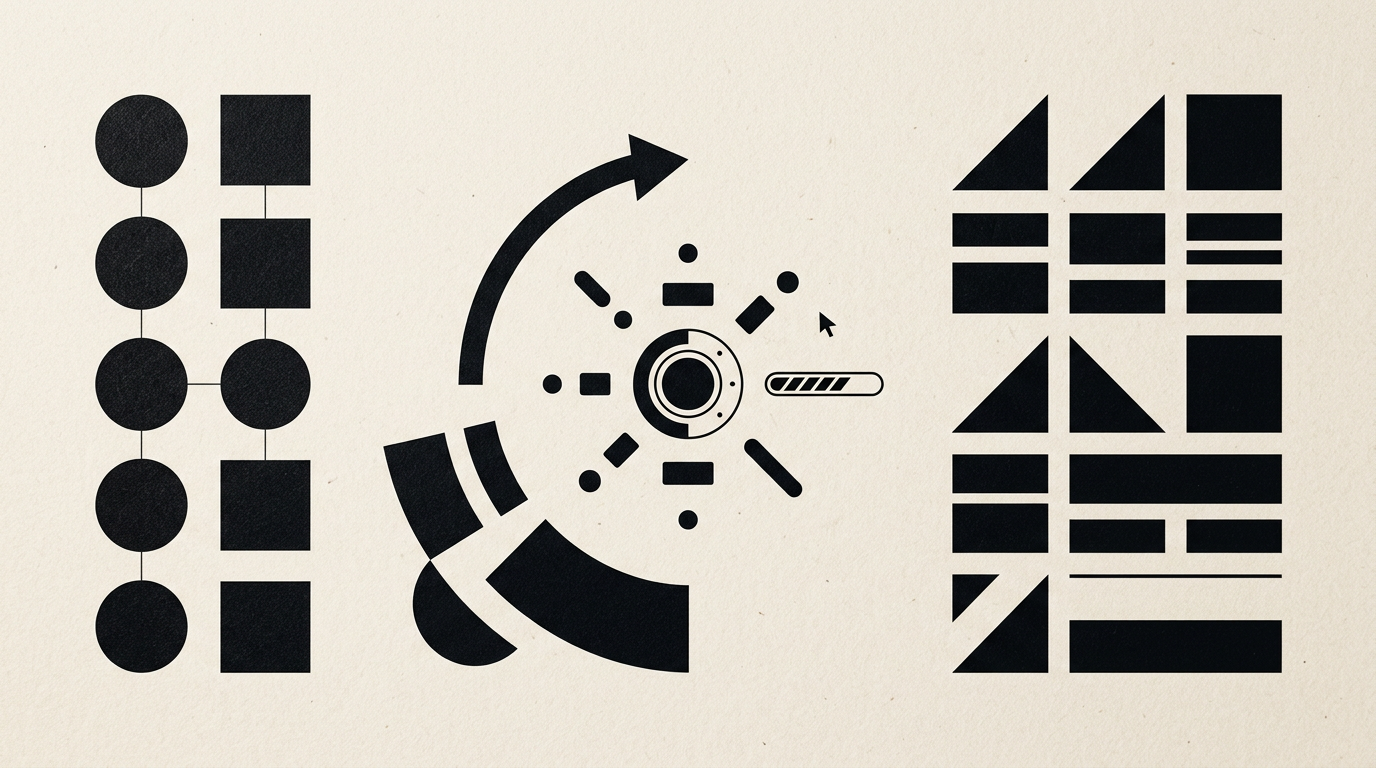
Microinteractions are subtle visual or tactile responses provided by an interface when a user performs an action. From a green checkmark upon submitting a form to a slight button hover effect, these details eliminate navigation uncertainty. A clean layout paired with instant feedback turns a simple visit into a predictable, high-converting experience.
What exactly are microinteractions and why do they matter on a website?
Microinteractions are functional UX elements designed to confirm a user action and deliver instant visual feedback. They do not serve a purely decorative purpose; instead, they solve a direct communication problem between the human user and the screen. When you click a button and it compresses slightly under the cursor, your brain receives physical confirmation that the command was registered. Without this detail, users tend to click repeatedly, leading to technical errors and frustration.
Key functions fulfilled by these technical details include:
- Confirming process status (for example, a loading button with a progress bar);
- Preventing form submission errors through real-time input validation;
- Directing user focus toward the main call-to-action on the page.
When providing design grafic services, I ensure every interface animation lasts between 200 and 400 milliseconds. Anything beyond this threshold feels like an annoying delay.
How do microinteractions improve conversion rates on a presentation site?
Microinteractions boost conversions by eliminating UX friction and guiding visitors logically toward the desired goal. On a site de prezentare, trust is established within the first three seconds, and a responsive interface conveys professionalism and meticulous care. For instance, a phone call button that subtly shifts state on hover or a dynamic price calculator reduces cognitive load instantly.
Analytics data shows that live validation on contact form fields increases completion rates by up to 22%. Users don't have to wait for a page reload to discover a typo in their email address. Immediate visual feedback keeps user focus intact and significantly drops abandonment rates during critical interaction moments.
What are the most useful examples of microinteractions in forms?
The most effective form microinteractions are those that prevent data input errors before submission. Instead of displaying a generic error message after submission, the interface should provide visual cues as the user types. Feedback must be immediate, direct, and unambiguous.
Here are four practical examples that transform form completion:
- Border color changing to green upon entering a valid email structure;
- A password strength meter updating dynamically as additional characters are typed;
- An automatic password reveal eye toggle to double-check input accuracy;
- Morphing a submit button into an animated checkmark to confirm data arrival.
These details reduce form completion time by roughly 30% and remove the annoyance of hunting for missed input fields.
How do microinteractions support overall branding and visual identity?
Microinteractions elevate a static identitate vizuală into a memorable, interactive brand experience. They extend the visual system beyond color palettes and typography, adding a behavioral layer to the website. How a menu opens, how images slide, or the subtle entrance animation of a creare logo reveals brand character — whether technical precision or playful creativity.
If your brand identity relies on minimalism and clarity, microinteractions must remain brief, linear, and discreet. For creative businesses, elastic animations and broader transitions work well. Consistency between print assets and digital interface behavior builds a unified sense of quality across all touchpoints.
How much do these animations impact overall site speed?
Well-optimized microinteractions built with lightweight CSS and SVG do not noticeably slow down page speed. Performance issues arise only when designers rely on heavy video files, redundant JavaScript libraries, or unoptimized animation assets. Animations built on CSS properties like transform and opacity execute directly on the GPU, requiring minimal system resources.
Performance depends strictly on codebase quality. An optimal microinteraction adds mere kilobytes to page weight and runs at 60 frames per second on mobile devices. To maintain high speed, I eliminate unnecessary third-party scripts and rely on native browser capabilities. You get a smooth UI without sacrificing Google PageSpeed scores or server response times.
How do microinteractions affect AI search visibility and SEO?
Microinteractions directly influence Core Web Vitals metrics and user engagement signals, both critical for modern search algorithms. Search engines and AI answer engines track indicators such as Interaction to Next Paint (INP) and Cumulative Layout Shift (CLS). If an animation shifts layout elements unexpectedly or delays click response, technical scores decline.
When implementing optimizare GEO / AEO / AIO strategies, your site must provide instantaneous technical responses. A responsive UI lowers bounce rates and increases average session duration. AI systems interpret these behavioral signals as indicators of content quality, ranking the site higher in automated answer generation.
Why do most businesses fail when implementing UI/UX animations?
The most frequent mistake is prioritizing visual flair over functional utility. Many companies add lengthy, elaborate animations just to impress, forgetting that users want fast access to information. When an animation takes over 500 milliseconds or loops relentlessly on scroll, it becomes a frustrating barrier.
Common flaws observed in unoptimized projects include:
- Generic loading spinners displayed without indicating actual progress status;
- Missing hover states on desktop or broken touch responses on mobile screens;
- Blocking animations that prevent user interaction until playback completes.
Microinteractions must remain invisible in intent and clear only through the functional clarity they provide.
How do you evaluate whether a microinteraction works or causes friction?
Effective evaluation relies on real user behavioral analytics and direct usability testing. Reviewing session recordings and heatmaps reveals where visitors hesitate or click repeatedly without result. If an animated button draws visual attention but fails to drive action, the animation is misleading or distracting.
In my portofoliu section, you can review live interface work featuring measurable microinteractions. A straightforward A/B test proves impact: compare a contact form using live validation against a static baseline. If completion rates rise and completion time drops, the microinteraction is validated from a UX perspective.
What is the cost difference when adding custom microinteractions?
The additional investment for custom microinteraction development depends on logical complexity and required assets. On average, adding a comprehensive microinteraction system increases a web design budget by 15% to 30%. This covers interactive prototyping, custom CSS/JS coding, and extensive cross-device testing.
This investment pays off through reduced customer support requests and higher conversion efficiency. A form that prevents user input mistakes generates higher-quality leads. For an exact evaluation of your website project, visit the contact page to outline your interface requirements.
What's Next?
If you want your website to deliver a seamless user experience that turns visitors into loyal customers, optimizing microinteractions is essential. Reach out today for an evaluation of your current UI or to plan a new website project from scratch. Together, we'll refine the visual and functional details that set your brand apart.