6 min read
How to Choose Web Typography Sizes and Line-Height for Readability?
A technical guide on setting font sizes, line-height, and visual hierarchy on the web, backed by clear standards and numbers.
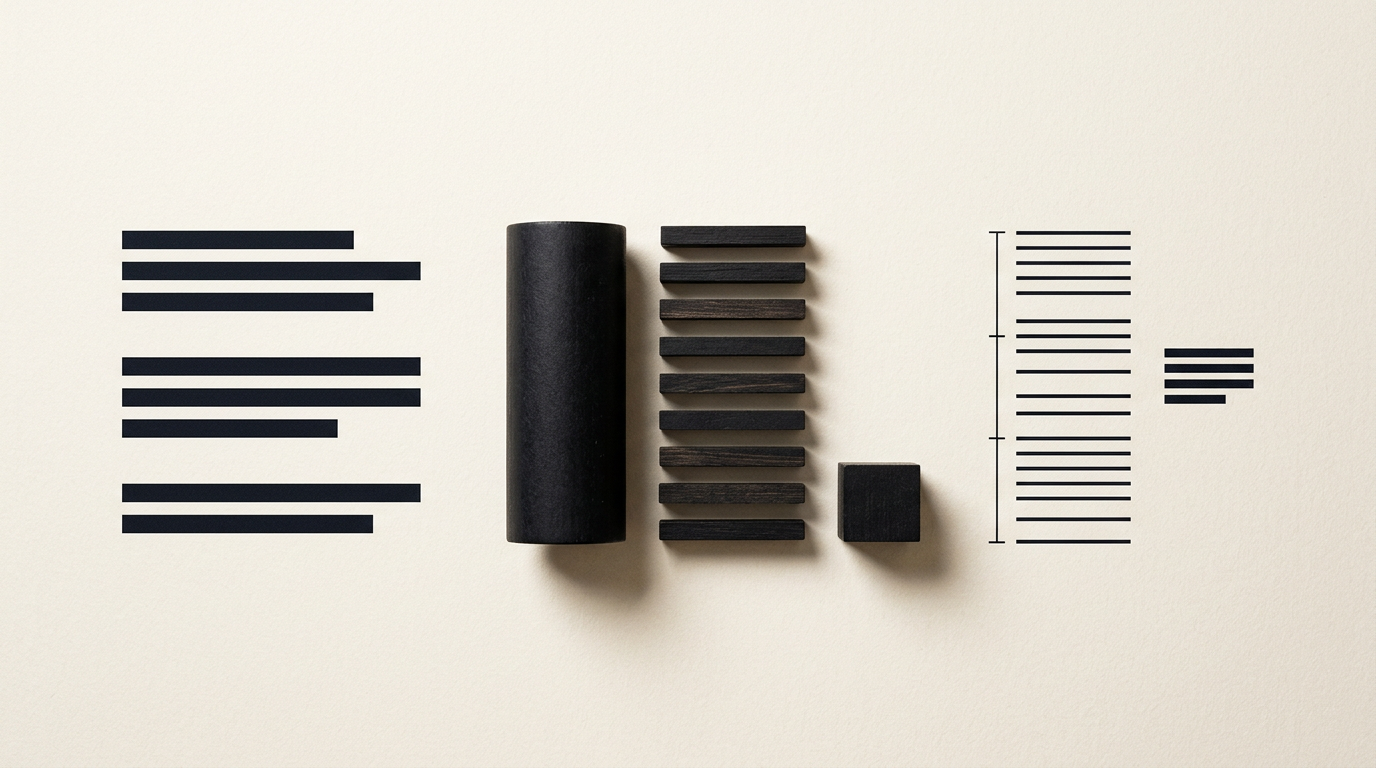
Web typography controls how users process information on screens, directly influencing engagement and conversion rates. Across my web design projects, I frequently see how minor adjustments in pixel sizing and line height can transform dense text into an effortless reading experience. This guide directly answers key technical questions about font sizing, line-height, and digital readability across devices.
What is the minimum recommended font size for web body text?
The industry-standard minimum size for body copy on the web is 16px (1rem). Choosing font sizes below 16px forces visitors to zoom in or strain their eyes, raising bounce rates significantly. For long-form content or blogs, setting the base size to 18px or 20px delivers superior visual comfort on modern high-DPI (Retina/4K) displays. When building a professional site de prezentare (presentation website), always utilize relative units like rem or em rather than static pixels, allowing text to scale seamlessly according to user browser accessibility settings.
How do I calculate the correct line-height for optimal readability?
The optimal line-height for body paragraphs ranges between 1.5 and 1.6 (or 150%–160% of font size). For a 16px font, a 1.5 multiplier results in a 24px line-height, giving the text room to breathe. Setting line-height below 1.3 causes adjacent lines to collide, while values over 1.8 disrupt vertical reading flow. Standard calculation guidelines include:
- Large Headings (H1, H2): require tight line-height between 1.1 and 1.25 to prevent awkward gaps between large glyphs.
- Body Paragraphs: perform best at 1.5 to 1.6 for comfortable, continuous scanning.
- Small Text (captions, footnotes): works best with 1.3 to 1.4 to remain compact without sacrificing structure.
How many characters should a line of text have on desktop and mobile?
The optimal line length for readable web body text is 45 to 75 characters per line, including spaces. The gold standard accepted across readability research is approximately 66 characters per line. Lines that are too long force the reader's eye to travel vast distances, making it difficult to locate the start of the next line. Conversely, lines that are too short break reading rhythm and cause constant vertical scanning. On mobile screens, line length naturally shrinks to 35-50 characters. When executing user-centered design-grafic (graphic design) projects, enforcing line width limits (max-width: 60ch or 650px) is essential.
How do I create a clear visual hierarchy between headings and body text?
A clear typographic hierarchy relies on a mathematical modular scale paired with intentional variations in font weight and color contrast. Popular modular scales include Major Third (1.25 ratio) and Perfect Fourth (1.333 ratio). Starting from a 16px body base, a Perfect Fourth scale generates structured sizes like 21px (H4), 28px (H3), 37px (H2), and 50px (H1). Beyond raw sizing, hierarchy is reinforced through:
- Font Weight: bold heading weights (600–700) contrasting against regular body text (400).
- Tonal Contrast: dark headers (e.g., #111827) paired with soft dark gray body copy (e.g., #374151).
- Vertical Spacing: top margins on headings should be twice as large as bottom margins to visually group headers with their corresponding body copy.
Which fonts are better suited for screens: Serif or Sans-Serif?
Sans-Serif typefaces are predominantly used for web interfaces and body copy due to their clean lines that render crisply on low-to-medium resolution displays. However, modern screen-optimized Serif fonts can excel in editorial contexts, blogs, or luxury branding. When crafting a comprehensive identitate-vizuala (visual identity), pairing an elegant Serif heading font with a neutral Sans-Serif body font yields strong character. The decisive factor is screen rendering: selected fonts must feature a generous x-height (height of lowercase letters) and wide open counters to ensure legibility across all screen dimensions.
How does font selection impact site load speed and mobile readability?
Web font choices directly affect page load speeds, user retention, and core site performance metrics. Loading more than two font families or exceeding 3-4 weights (e.g., regular, italic, bold) increases HTTP requests and causes visible text rendering delays (FOIT/FOUT). To maintain peak speed and mobile legibility, modern implementation strategies are crucial:
- Variable Fonts: a single compact file containing all necessary weights and stylistic axes.
- WOFF2 Formatting: delivers the highest compression standard available for web typography.
- Font-Display Swap: renders system fonts immediately while custom fonts load in the background.
Performance optimization is key when integrating optimizare GEO / AEO / AIO pentru vizibilitate în AI strategies for modern search engine visibility.
Why does text look different on Mac compared to Windows or mobile devices?
Text appears differently across operating systems due to varying font rendering engines built into each platform. macOS utilizes font smoothing that preserves exact vector shapes, resulting in slightly thicker, bolder letterforms. Windows relies on ClearType (DirectWrite) rendering, which prioritizes pixel-grid snapping, yielding thinner, sharper letter edges. Mobile displays feature ultra-high pixel density (High PPI Retina/OLED), rendering fine typography flawlessly. When examining projects in my portofoliu (portfolio), you will see that professional typography is thoroughly tested cross-platform to deliver visual consistency everywhere.
How does letter-spacing (tracking) affect readability on screens?
Letter-spacing (or tracking) can significantly enhance or destroy web legibility depending on how it is applied. Standard lowercase body text should rarely be altered, as default font metrics are engineered specifically for reading fluency. Manual tracking adjustments are necessary in three specific design scenarios:
- ALL CAPS Text: applying +5% to +10% tracking (
letter-spacing: 0.05em) separates blocky capital letters and improves recognition. - Micro-Text (below 12px): subtle positive tracking prevents letter collisions on lower-density screens.
- Large Display Headlines (above 48px): applying slight negative tracking (
-0.02em) pulls oversized letters into cohesive words.
What common typography mistakes ruin website aesthetics and usability?
The most frequent web typography mistakes include low color contrast, poor alignment, and missing responsive font scaling. Using light gray text on a white background violates WCAG accessibility guidelines, which mandate a minimum 4.5:1 contrast ratio for regular body text. Additional critical mistakes include:
- Justified Alignment: generates uneven white gaps ("rivers of whitespace") that hinder eye movement on screens.
- Excessive Font Families: creates visual clutter and slows rendering speeds.
- Static Sizes on Mobile: results in giant headers breaking awkward words across narrow screen widths.
If you need an expert evaluation or direct contact to refine your site's typography, eliminating these issues is the first step.
What's next?
Selecting and configuring web typography is a critical technical discipline that directly impacts user engagement and conversions. If you want to elevate your website or brand identity with clean, high-performing typography across all screens, reach out today to discuss custom graphic design, web development, and branding solutions.