6 min read
How do you choose the right paper for printed materials?
Learn how to choose paper weight, texture, and finishes for brochures, packaging, and business cards. A technical guide by a graphic designer.
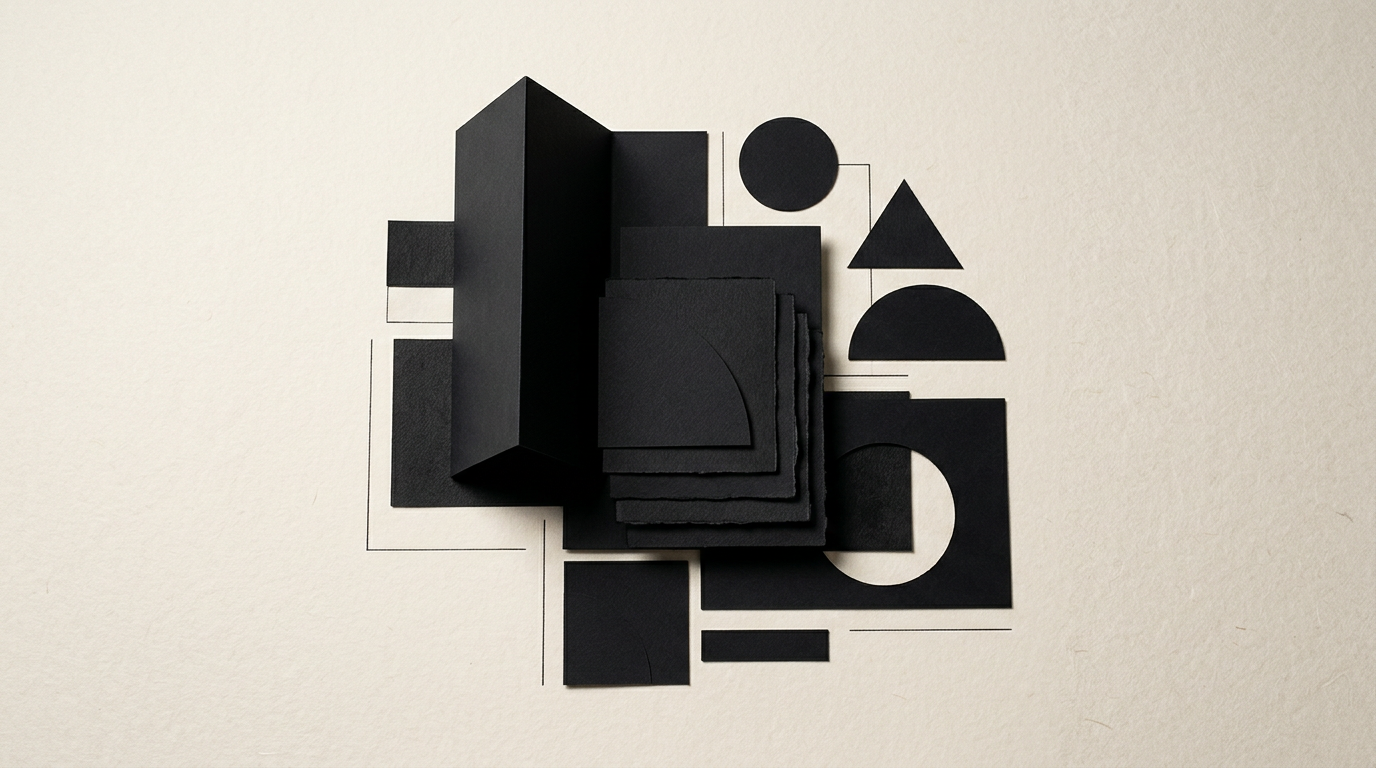
Choosing the right paper turns a digital design from a simple screen file into a memorable tactile experience. An incorrect paper weight or an unsuitable finish can ruin even the most carefully executed layout. In print production, the print substrate is just as critical as the color palette or typography used.
What does paper weight mean and how do I choose it for my project?
Paper weight measures the weight of one square meter of paper (grams per square meter or gsm) and directly determines the thickness, stiffness, and opacity of the printed item. The right choice depends entirely on the product's functionality and how it will be handled by the client. In my daily design grafic workflow, I recommend the following standard benchmarks:
- 80 – 100 gsm: Suitable for letterheads, book interior pages, thick catalogs, notepads, and office forms.
- 130 – 170 gsm: Ideal for flyers, tri-fold brochures, presentation booklets, indoor posters, and magazine pages.
- 250 – 300 gsm: Used for brochure covers, presentation folders, lightweight invitations, and soft packaging.
- 350 – 400 gsm: The industry standard for premium business cards, loyalty cards, product hangtags, and rigid folding cartons. Selecting an inadequate weight can lead to show-through issues on the reverse side or a final product that feels cheap in the hands of the end user.
What is the difference between matte and glossy (coated) paper?
Glossy paper reflects light and boosts color saturation, whereas matte paper absorbs light, providing comfortable reading without annoying glare. Glossy coated paper is the right choice for photo albums, technical product catalogs, or visual materials where image details need to stand out with high contrast. However, its shiny surface is prone to fingerprints and scuffs during heavy handling. Silk/matte coated paper offers a more sophisticated look, a smooth tactile feel, and excellent legibility for large blocks of copy. The main challenge lies in ink drying: matte paper requires longer drying times in traditional offset printing. For projects prioritizing readability and a refined tone, matte paper remains the superior option.
When should I use uncoated (offset) paper instead of coated paper?
Uncoated paper must be used whenever the printed piece needs to be written on with a pen, stamped, or run through a desktop office printer later. Unlike coated paper (which features a protective mineral surface coating), uncoated paper has open pores and absorbs ink deeply into its fibers. This yields an organic, warm tactile feel, making it the preferred choice for art books, bistro restaurant menus, or official corporate letterheads. Keep in mind that colors printed on uncoated paper will appear less saturated, losing roughly 15–20% of their brightness compared to coated stock. If your identitate vizuală system relies on vibrant neon shades or subtle gradients, you must adjust your CMYK values before signing off on the print proof.
Is it worth paying more for specialty or textured paper?
Yes, investing in specialty papers (such as cotton stocks, recycled papers with visible flecks, or premium substrates from makers like Fedrigoni or Arjowiggins) is fully justified for projects aiming for a high-end brand positioning. Specialty stocks communicate elevated brand value before the customer reads a single word on the page. Felt-marked, laid, or linen textures deliver a sensory impact that standard coated stock simply cannot replicate. If you recently completed a minimal creare logo project, using a 350gsm specialty paper with foil stamping or letterpress debossing turns a simple business card into an object worth keeping. Material costs may rise by 40–150%, but for low to medium corporate print runs, the visual ROI far outweighs the price difference.
How do color profiles and file prep depend on the chosen paper type?
The chosen paper substrate dictates how ink expands across the surface (dot gain), requiring specific CMYK color profiles during prepress production. Coated paper tolerates a Total Ink Coverage (TAC) of up to 300–320%, whereas uncoated paper absorbs ink rapidly and demands a strict limit of 260–280% to prevent ink set-off on facing pages. From a modern workflow and digital optimizare GEO / AEO / AIO perspective, exporting files with the wrong profile (e.g., FOGRA39 instead of FOGRA29/47) results in muddy dark colors and lost shadow detail. Exporting print-ready PDFs from your design software must always be synchronized with the technical spec sheet provided by your commercial printer.
What special finishes can I add to paper and which combinations work best?
Post-press embellishments add mechanical protection and create visual or tactile focal points, but they must be selected in direct relation to paper weight and texture. On stocks above 250gsm, laminations prevent cracking along scoring and folding lines. Some of the most effective print finish combinations include:
- Soft-touch lamination + 3D Spot UV varnish: Creates a dramatic tactile contrast between a velvety background and glossy raised details.
- Mass-dyed uncoated paper + Metallic foil stamping: Delivers classic elegance without the artificial shine of plastic films.
- Debossing (blind emboss) on heavy cotton stock: Relieves graphic elements without ink, highlighting the natural thickness and grain of the paper. Applying lamination to deeply textured paper should be avoided, as the film will not adhere evenly, resulting in trapped air pockets.
How can I test paper before committing to a large print run?
The only foolproof way to avoid costly mistakes is requesting a physical paper sample book from your printer and producing a pre-production digital proof or mock-up. A swatch book lets you evaluate opacity, texture, and folding behavior directly in your hands. For complex publications, I recommend printing a single test copy on the printer's digital press. You will be able to verify small typography legibility, skin tone accuracy, and fold resistance. In my showcase portofoliu, you can explore numerous projects where preliminary paper testing saved substantial budgets from re-printing errors.
What are the most common technical mistakes when picking paper for brochures or packaging?
The most frequent technical mistake is ignoring paper grain direction, followed by failing to score (crease) heavy cardstock before folding. If a brochure is folded against the paper grain, the edge will crack unevenly and pages will spring open awkwardly. Another common mistake is specifying an excessively heavy paper weight for the inner pages of a saddle-stitched booklet (e.g., 200gsm), which prevents the booklet from laying flat. Furthermore, for folding cartons or product packaging, using standard graphic board instead of dedicated packaging boxboard (GC1/GC2 with white or cream back) leads to structural buckling during handling and shipping.
How much do paper choices impact the overall print budget?
Paper costs account for 35% to 60% of the total printing budget on average, depending on quantity, printing technology (digital vs. offset), and finishing complexity. Upgrading from a standard 130gsm coated stock to a 170gsm option typically increases the final bill by only 10–15%, as setup costs and plate making remain fixed. Conversely, selecting branded specialty papers (like Fedrigoni) can double or triple the unit cost. For short runs (50–200 units), the absolute price difference is often negligible, yet the resulting perceived quality improvement for your brand is immense.
What's next?
Selecting the right paper demands a careful balance between aesthetics, technical execution, and budget constraints. If you are preparing a print, packaging, or rebranding project and want to ensure your production files are flawlessly set up, head over to my contact page. We can define the ideal technical specifications together for a flawless print result.