6 min read
How Do You Apply Mobile-First Design in Practice?
Designing for mobile first is essential when over 60% of web traffic comes from smartphones. Learn how mobile-first strategy works in real-world web projects.
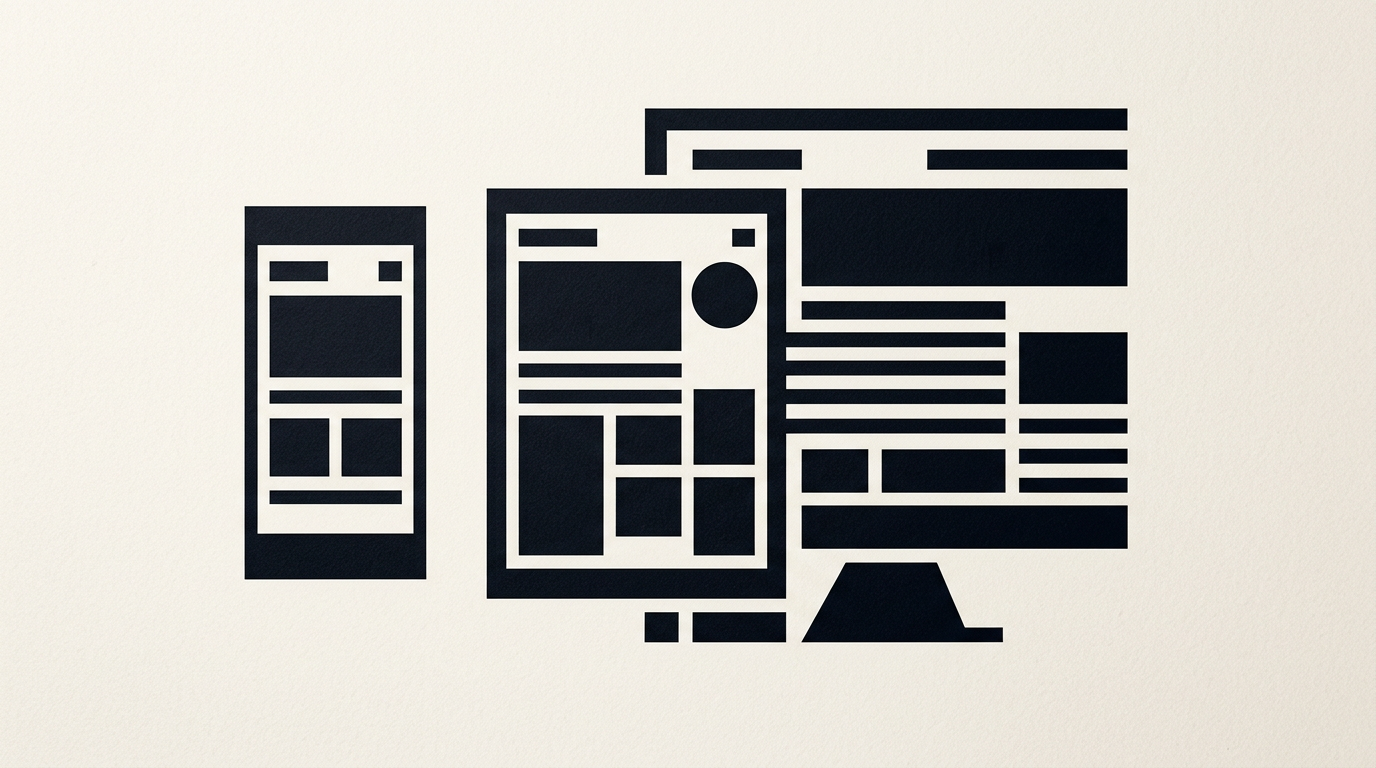
Mobile-first design is no longer an experimental framework—it is the baseline standard for any web project targeting real conversions. In daily practice, this approach means prioritizing content for small screens before expanding the visual layout for desktop monitors. Below, I have gathered direct answers to the most common client questions regarding this strategy.
What exactly is mobile-first design and how does it differ from responsiveness?
Mobile-first design is a design strategy where the smartphone layout is created first, and the interface is then progressively enhanced for larger displays. Unlike traditional responsive web design—where you start with a complex desktop structure and attempt to squeeze elements onto mobile—a mobile-first approach forces you to curate content right from the start. By using this technique, you strip away decorative fluff and keep only essential user actions. Technically, base CSS styles are written for mobile devices, while media queries add new layout rules as screen resolution increases. The result is cleaner code, a website that loads much faster over mobile data connections, and a frustration-free user experience.
Why should I start with the small screen if my B2B clients use desktop computers?
Even in rigid B2B sectors, over 45-50% of initial visits and brand discoveries happen on smartphones during commutes or short breaks. If the first impression on mobile is poor, the user will not return on desktop to submit an inquiry form. Designing a mobile-first structure ensures that your core business value is ultra-clear and direct. When I build a custom presentation website, I notice that mobile prioritization helps B2B companies distill their value proposition into the first 3 seconds of viewing. A 375px wide screen leaves no room for filler paragraphs; it demands concise headlines, exact numbers, and clear call-to-action buttons. Consequently, when the visitor later sits at their desktop desk, they are already sold on your services.
What are the main layout rules for a mobile screen?
The fundamental rules for an effective mobile layout revolve around the natural thumb zone, typographic legibility, and proper spacing between clickable targets. Unlike a precise mouse cursor, a human finger has a tap target area of at least 44x44 pixels.
Key mobile design guidelines include:
- Placing primary navigation and conversion buttons within the lower half of the screen.
- Setting a minimum body text size of 16px to prevent automatic zooming on iOS devices.
- Using generous vertical spacing (minimum 16-20px padding) between cards and sections.
- Implementing simplified hamburger menus or fixed bottom navigation bars.
All these details must align with a well-defined visual identity, ensuring graphic elements remain recognizable and uncluttered at any resolution.
How does mobile affect page speed and SEO optimization?
Google exclusively uses Mobile-First Indexing, meaning the search engine crawler evaluates and ranks your website strictly based on its mobile version. If your smartphone site takes longer than 2.5 seconds to load or experiences layout shifts, your search rankings will drop significantly. Mobile-first design reduces HTTP requests, optimizes image sizes, and prevents loading heavy desktop scripts. To stay competitive in modern search where AI bots pull direct answers, strict mobile optimization is the first step in a thorough GEO / AEO / AIO optimization strategy. When code delivers structured content directly tailored for mobile, search engines index your information far more efficiently.
Which desktop graphic elements should be removed or simplified on mobile?
On mobile screens, you must eliminate anything that slows down visual rendering or distracts the user within a constrained viewport. The smartphone experience requires strict interface hygiene.
Components that need drastic simplification include:
- Large video backgrounds and heavy parallax animations that drain battery and mobile data.
- Intrusive full-screen pop-ups that are frustrating to close on small displays.
- Massive multi-column data tables, which should be converted into stacked vertical cards.
- Mega-navigation menus displaying dozens of subcategories at once.
Every piece of graphic design used on mobile must serve a functional purpose rather than a purely decorative one. If an element does not aid readability or conversion, it should be removed from the mobile layout.
How do we approach the prototyping process when working mobile-first?
Mobile-first prototyping always starts with grayscale wireframes drafted for mobile resolutions of 375px width. The team establishes text hierarchy, image placement, and calls to action without distraction from final colors or fonts. Only after the mobile navigation flow is approved and tested on an actual device do we apply visual styles and scale the layout for tablets and large monitors. During the branding phase, when delivering services like logo design, I always ensure the graphic symbol remains clear even down to a 32x32px icon in the mobile navigation bar. Small-screen prototyping instantly exposes content bottlenecks and forces fast, pragmatic design decisions.
How much does a mobile-first site cost compared to a traditional one?
The initial cost for a mobile-first web project is comparable to traditional site development, often showing only a 10-15% difference in the early UX planning phase. However, over the medium to long term, a mobile-first strategy reduces total costs by over 30% by eliminating code refactoring and bug fixes across devices. In development, writing CSS styles starting from mobile requires fewer lines of code and fewer complex overrides. You can explore my portfolio to see real-world examples where mobile-first architecture produced higher conversion rates on phones, offering a fast return on investment through direct leads and sales.
What common mistakes do companies make when adapting an existing website?
The biggest real-world mistake is hiding heavy desktop elements using CSS rules that visually conceal them without stopping their download. Although elements vanish from the phone screen, the mobile browser still downloads them in the background, consuming bandwidth and slowing page load times. Another frequent error is using fixed pixel font sizes instead of relative units, causing text to overflow screens or become illegible. Furthermore, failing to test on lower-end devices with smaller displays or slower processors gives a false sense of performance. True mobile adaptation isn't about visual compression—it is about rebuilding your content architecture specifically for the touch interface.
What’s next?
If your current website is losing mobile visitors or loading slowly on smartphones, it is time for a strategic interface overhaul. A site built on mobile-first principles converts mobile traffic into a reliable client stream. Head over to the contact page to discuss your web design or branding project and get a practical assessment of your online presence.