6 min read
How Does Typography Differ for Print vs Digital?
Technical guide on the differences between screen and print typography: sizes, spacing, colors, and font licensing.
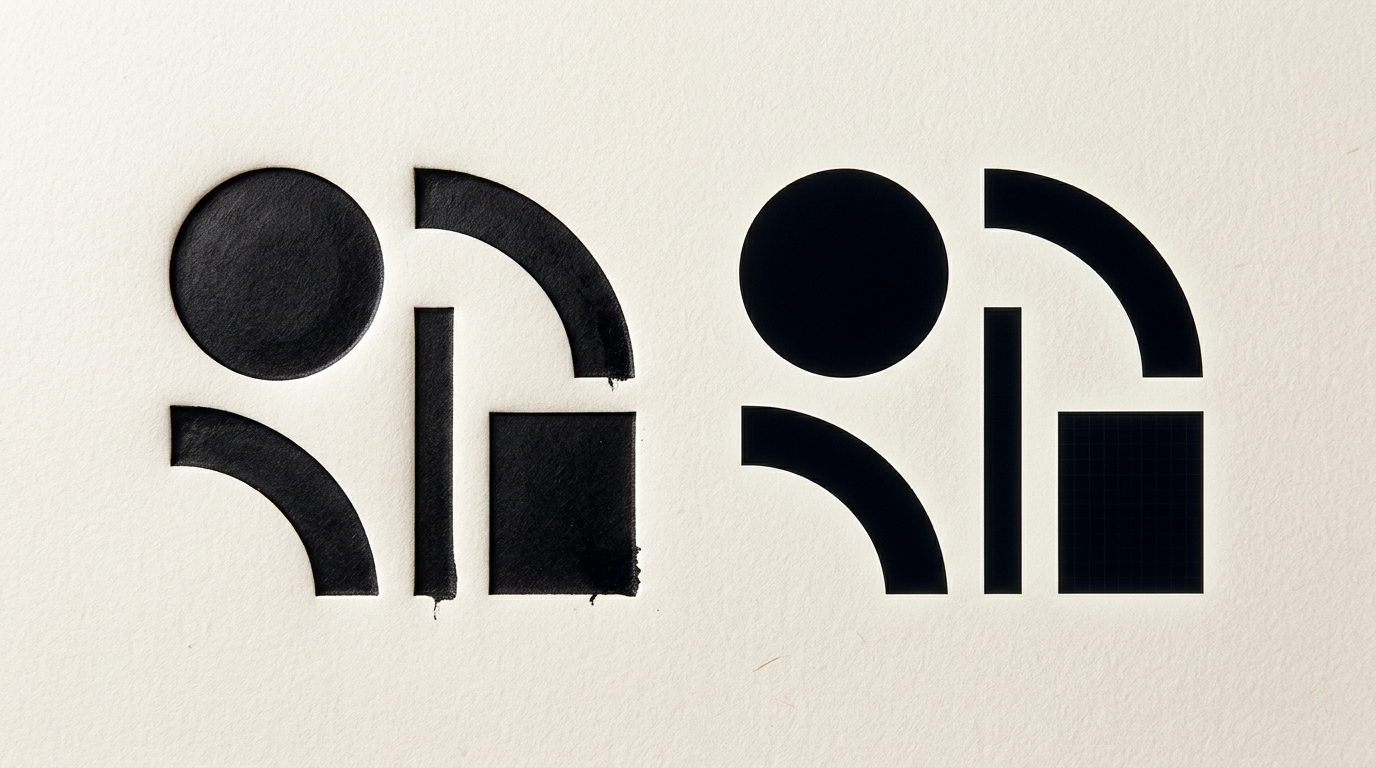
Choosing the right typeface depends heavily on the physical or digital medium where the text is displayed. Screen pixels operate under completely different brightness and resolution rules than ink absorbed by paper. Without technical adjustments to size, spacing, and color, a font legible on a monitor can become unreadable in a brochure or packaging.
Why does a font look different on a screen compared to a printed brochure?
The main difference lies in how devices and paper render graphic details. Screens display text using illuminated pixels (RGB) at an average resolution of 72–150 PPI, while printers use tiny ink dots (CMYK) at a standard resolution of 300 DPI. For comprehensive graphic design services, this technical contrast changes how the reader perceives line weight and contrast. A font with hairline serifs might look crisp on a 4K monitor thanks to anti-aliasing technology, but in print, those thin lines can disappear or break due to ink absorption. Furthermore, direct light emitted by screens boosts natural contrast, whereas paper legibility relies entirely on reflected ambient light.
What is the minimum font size for legible printed text?
The minimum safe font size for body copy and disclaimers in print is 6 points (pt), while main reading text should be kept between 9–11 pt. Unlike web design, where dimensions are measured in pixels (px) or rem and can be scaled in browsers, print dimensions are fixed and physical.
- Main body text (books, brochures): 9 pt – 11.5 pt, with a leading (line spacing) of 12–14 pt.
- Footnotes and legal terms: 6 pt – 8 pt (below 6 pt, text becomes unreadable without a magnifying glass).
- Headings and titles: 14 pt – 24 pt+ depending on visual hierarchy.
Selection also depends on the font's x-height; fonts with a larger x-height remain readable at smaller physical sizes.
Can I use the exact same website fonts on packaging or a catalog?
Technically it is possible, but legally and functionally you need different file formats and licenses. A font optimized for web comes in WOFF or WOFF2 formats containing screen rendering instructions (hinting). For print and packaging, you need OpenType (OTF) or TrueType (TTF) files installed locally on your operating system. If you built a presentation website using free Google Fonts, you can download desktop versions for print. However, with commercial typefaces from digital foundries, a web license based on pageviews does not cover mass print production rights. Always check the EULA before submitting print files.
How do kerning and tracking affect legibility on paper?
Letter spacing is far more visible in print than on screens because ink tends to expand slightly into paper fibers (ink gain). If tracking (overall letter spacing across a text block) is too tight, characters collide and create dark spots that tire the eye. In print, for small text sizes (under 8 pt) or ALL CAPS headings, increasing tracking by +10 to +20 units improves readability. Optical kerning should be manually adjusted in layout software for large titles, fixing problematic letter pairs like "VA", "Wa", or "To", where automatic algorithms leave uneven gaps that distract readers.
What is the difference between Serif and Sans-Serif fonts in print versus digital?
Traditional rules state that Serif fonts excel in print, while Sans-Serif fonts dominate digital interfaces, although modern high-density screens have blurred this line. Serifs (tiny strokes at letter ends) guide the eye along printed lines, creating a smooth reading flow for catalogs, magazines, and books.
- Serif fonts in print: Excellent for large blocks of printed text (e.g., Garamond, Georgia, Minion). Delicate serifs create an invisible baseline.
- Sans-Serif fonts in print: Ideal for headlines, labels, packaging, or signage (e.g., Helvetica, Inter), offering a clean and modern look.
- Fonts on screen: Sans-serif is preferred on lower-resolution screens to avoid pixel distortion, but Retina/4K displays render both types perfectly.
Why do text colors change when sending files to the print shop?
Color shifts occur during conversion between the RGB color space (used by monitors) and CMYK (used by printing presses). Black text set as RGB (0,0,0) converts automatically to a four-color blend (Rich Black: C:60 M:40 Y:40 K:100). When printing small text (under 12 pt), minor plate misalignments cause blurry edges or unwanted color halos. When building a complete visual identity, we explicitly set small body text to 100% K Black (C:0 M:0 Y:0 K:100) and enable Overprint, guaranteeing sharp edges without background registration errors.
How do I choose the right font when designing a logo for print and web?
The selected font must be versatile and clear, whether rendered at 16 pixels in a website header or printed 3 meters wide on storefront signage. When executing a logo design project, avoid overly complex micro-details, ultra-thin hairlines, or embedded gradient effects. An effective logo uses vector typography with solid shapes, clean contours, and generous counters (internal negative space). Furthermore, test logo typography in single-color black on textured paper to ensure ink does not bleed into narrow letter gaps.
How many different fonts should I use in an editorial project or catalog?
The golden rule in professional graphic design is to limit your layout to 2 or 3 font families per printed piece. You can review my portfolio to see how a single versatile type family (featuring Light, Regular, Medium, Bold, and Italic weights) can build a complete visual hierarchy. Using too many fonts creates visual chaos, degrades legibility, and makes print collateral look amateurish. The safest classic combination consists of a strong Sans-Serif font for titles and an elegant Serif font for body copy, maintaining consistent proportions across all pages.
What common typography mistakes can ruin a printed project?
The most severe mistake is rasterizing text (converting vector type into pixels) before sending files to print, which results in fuzzy, jagged edges. Another frequent error is omitting the 3 mm bleed area and placing text too close to the page edge (less than 5 mm), risking cut-off characters during trimming. Additionally, failing to convert text to outlines (curves) in your press-ready PDF can trigger automatic font substitution to system fonts like Arial or Courier if the printer lacks the specified font license.
What's next?
If you need professional design guidance for branding, print materials free of technical flaws, or typography tailored for both screen and print, I can help turn your vision into polished deliverables. To discuss your project's technical requirements and execution, send a message through the contact page.