5 min read
How to Extend a Packaging Design to a New Product Line?
Learn how to extend an existing packaging design to a new product line while maintaining visual identity and avoiding costly printing errors.
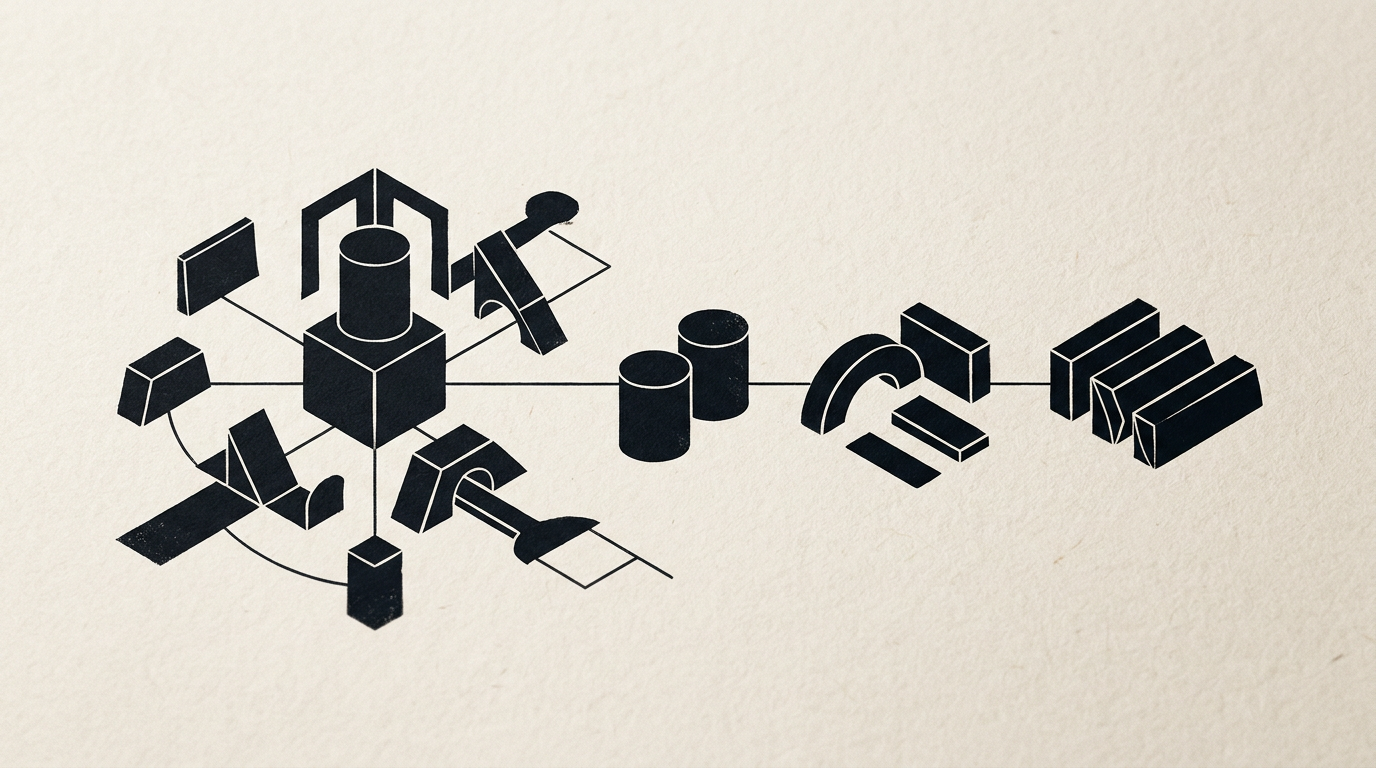
Extending an established packaging design to a new product line is a strategic decision that can boost sales, but it carries risks if executed without clear rules. A poorly extended design confuses customers at the shelf and dilutes your overall brand value. In this article, you will discover the exact technical steps, realistic timeframes, and visual architecture rules required for a flawless line extension.
How do I know if my current packaging design can be extended to a new product line?
Your current packaging design is ready for extension if it possesses a clear visual architecture based on a strict information hierarchy and a flexible structural grid. If the original version was created chaotically without a modular layout, extending it will look like a forced assembly of elements. A technical evaluation I routinely perform in my design grafic projects assesses brand recognition speed, font legibility at small scale, and background layout flexibility. If the core element — whether it is the logo, main illustration, or key geometric shape — maintains its visual identity across adjustments, your range can expand smoothly. Otherwise, the first step is stabilizing the core visual framework.
What are the fixed elements versus the variables when creating a product line?
Fixed elements guarantee immediate brand recognition on the shelf, while variable elements help buyers quickly identify specific product options. To maintain a cohesive lineup, we keep the main structural frame unchanged and modify only the differentiating details.
Here is how these components are divided:
- Fixed elements (invariants): Position and scale for a creare logo implementation, primary typography, grid structure, legal information layout, and general graphic style.
- Variable elements: Color coding (background or accents), product/flavor name, variant illustration, EAN barcode, and nutritional values.
This clear separation reduces graphic production time by up to 40% for future SKUs added to your portfolio.
How long does graphic adaptation take for a line of 5–10 new products?
Graphic adaptation for a range of 5 to 10 SKUs typically takes between 7 and 14 business days, assuming the master visual concept is approved and dielines are provided by the printer. The technical workflow is far more than changing background colors on the fly. Every single packaging unit requires re-calibrating legal copy, checking contrast, repositioning elements based on cutouts, and generating unique barcodes. In my project workflow shown in my portofoliu, I dedicate the first 2-3 days to building the master file ("hero product"), followed by individual adaptation and pre-press checks for each variant. 24-hour rush jobs frequently result in costly printing errors.
How do I handle differences in package size and shape within the same product line?
Handling hybrid shapes is achieved by defining a proportional visual safety zone rather than auto-scaling elements to 100%. When transitioning from a tall cardboard box to a stand-up pouch or a small glass jar, graphic components must be reordered according to the main face ratio. The logo retains its visual proportions relative to the package width, while remaining elements align to an adaptive grid. A proper identitate vizuala system establishes clear minimum and maximum scaling rules for typography and icons, ensuring a 250ml bottle and a 5-liter container look related on store shelves.
How do I differentiate flavors or variations without breaking visual unity?
Differentiating variants is best achieved using a logical color code and intuitive icons while keeping over 70% of the overall packaging layout identical. The most common error is changing every background color, which breaks the line into disconnected visual pieces.
Proven packaging differentiation methods include:
- Accent color coding: Keeping a unified base background (e.g., clean white or craft paper) and changing only secondary bands or graphic ribbons (red for raspberry, green for mint).
- Dedicated illustration systems: Swapping only the central visual element (the fruit, key ingredient, or object), maintaining the exact same illustration or 3D rendering style.
- Numbering or coding: Using bold numbers (01, 02, 03) for technical product lines, supplements, or specialty coffee.
What technical errors frequently occur during pre-press (DTP) for extended ranges?
The most expensive pre-press errors when scaling a line include CMYK/Pantone color profile mismatches across materials, missing overprint settings, and ignoring die-cut tolerances. Printing an entire range on different substrates (plastic films, adhesive labels, corrugated boxes) causes digital colors to print differently. An experienced DTP designer sets dedicated Pantone codes for brand assets and checks 3-5mm bleed margins for every file. Additionally, forgetting to convert text to outlines or skipping barcode scannability checks can halt production at the print shop.
How does packaging line extension benefit digital marketing and search optimization?
A visually structured packaging line generates cohesive digital assets for e-commerce stores, paid advertising, and social media channels. When products look unified on physical shelves, 3D renders and photos look clean on a site-prezentare or webshop, improving conversion rates. Furthermore, clear variant titles and structured text layouts simplify technical data processing for algorithms. Applying modern geo-aeo-aio optimization strategies helps search engines and AI engines understand your product architecture, recommending them to users searching for specific product variations.
What is a packaging brand guide and why do I need one before expanding?
A packaging brand guide is a technical document that defines mathematical rules for placing design elements on any future package in your lineup. Without this document, future line extensions completed by secondary vendors or internal teams will look inconsistent. The guide includes master vector files, grid alignment rules, exact CMYK/Pantone/RGB color specs, minimum typography sizes, and clear "Do's and Don'ts" examples. Investing in this manual eliminates guesswork and ensures a new product launched two years from now aligns seamlessly next to your current lineup.
What's next?
If you have an existing product and want to expand your packaging range without visual risks or printing errors, it's time to establish a solid system. Head over to the contact page to send me your project details. We will analyze your current packaging, define clear extension rules, and deliver print-ready files so your new product line commands the shelf from day one.