5 min read
How to Structure Packaging Information Hierarchy?
Learn how to structure packaging elements to catch shelf attention in under 3 seconds while meeting legal standards.
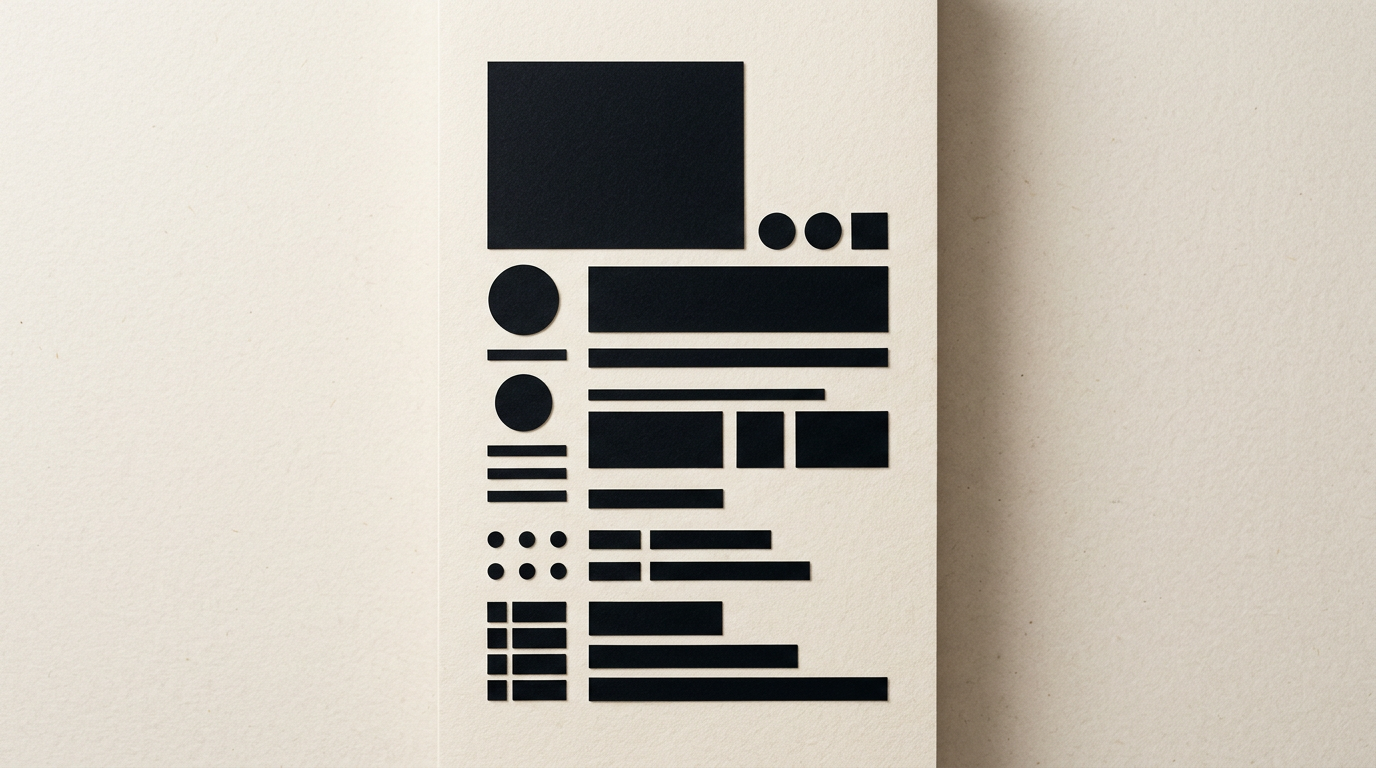
A well-designed package communicates its key message in under three seconds from the moment a customer glances at the shelf. If information is not logically structured, the shopper moves on, regardless of how good the product inside is. Here are answers to the most common questions about establishing visual hierarchy on product packaging.
What is packaging information hierarchy and why does it matter?
Packaging information hierarchy is the visual organization of text and graphic elements based on their importance to the buyer. It guides the customer's eyes from the brand and product name to key benefits, quantity, and ingredients. This structure directly impacts purchasing decisions because the human brain processes shapes and colors first, followed by large titles, and fine print last. When applying rigorous design grafic principles, you reduce the shopper's cognitive load. Market research indicates that over 70% of shelf decisions happen within 3 seconds. If your brand name blends into the product description or the main benefit is hidden on the side, conversion drops significantly. Clear hierarchy builds instant trust.
What is the first piece of information a buyer should see on the shelf?
The first piece of information a buyer should see is the brand name combined with the clear product category. Customers must understand in less than a second who you are and what the box contains. For example, on a coffee bag, the logo and category name must dominate the front panel. A strategic creare logo execution creates instant recognition and visual anchoring. After brand and category, the third most critical element is the unique value proposition or main differentiator. The recommended visual flow on the Principal Display Panel is:
- Brand name (logotype or primary symbol)
- Clear product name (what is inside the package)
- Main benefit or market differentiator
- Net quantity (weight or volume)
How do I organize legal and nutritional data without ruining the design?
Legal and nutritional data should be organized on secondary panels or the back of the package using strict typographic grids and highly legible sans-serif fonts. The first rule is separating marketing content from regulatory technical data. Using neutral color blocks, white backgrounds, or dedicated containers for nutrition facts and ingredient lists ensures a minimum contrast ratio of 4.5:1. Adhering to European regulations (such as EU Regulation 1169/2011) mandates a minimum font size of 1.2 mm for the x-height. Structuring the back of the packaging effectively includes:
- Ingredient list with bolded allergens
- Nutrition facts table per 100g or 100ml
- Manufacturer/distributor details and barcode
- Recycling icons and storage conditions
How many visual elements can I place on the main front panel?
The front panel of a package should contain no more than 3 to 4 distinct focal elements. Visual clutter overloads the eye and reduces purchase intent by up to 40%. The golden rule in packaging is simplification: a clean logo, the product name, a product illustration or 3D render, and a single benefit badge (e.g., "100% Organic" or "Gluten Free"). Negative space (white space) is just as essential a design tool as text. It provides breathing room and directs attention precisely where it matters. When building an identitate vizuala for an entire product line, keeping a consistent minimal structure creates a powerful shelf-block effect.
Why does packaging visual hierarchy differ from web design hierarchy?
Packaging hierarchy differs from web design due to the physical medium, viewing angles, and reduced interaction time. On a site prezentare, users scroll vertically, click navigation menus, and spend minutes reviewing details. At a physical retail shelf, packaging is viewed from 1 to 2 meters away, often at an angle, surrounded by dozens of competing products. Therefore, packaging requires much stronger size and color contrast. Secondary web information can be tucked into expandable tabs, whereas packaging requires compacting secondary data onto side or back panels while maintaining readability without distracting from the front.
How do printing techniques and materials affect readability?
Materials and printing technologies directly dictate how text hierarchy is perceived. For instance, on brown kraft paper or metallic foil, thin 6-point fonts or fine details blur due to ink absorption or light reflection. Special finishes like spot UV varnish, gold foil stamping, or embossing can be strategically applied to elevate the brand name or quality seal to the top of the visual order. However, overusing special finishes on small text destroys readability. An experienced designer always tailors typographic hierarchy to the printing method (flexography, offset, or digital) to guarantee crisp execution.
How do we optimize packaging information for smart search and AI vision?
Optimizing packaging for modern visual recognition systems and AI vision requires high-contrast, OCR-friendly (Optical Character Recognition) text formatting. Mobile shopping apps and retail scanning algorithms depend on standardized fonts and high contrast to identify products accurately. Furthermore, implementing modern geo-aeo-aio optimization strategies for web metadata allows search algorithms to match physical packaging text with digital product specifications. Barcodes, QR codes, and product names should be positioned on flat surfaces away from folds or seals so smartphones and robotic systems can scan them instantly.
What common mistakes ruin visual hierarchy on boxes and labels?
The single biggest mistake is making every element large and loud. When everything competes for attention—logo, headline, benefits, badge, graphics—nothing stands out. Another common error is using decorative or script fonts for critical product information. You can review real-world examples and structured layouts in my portofoliu where each project solves these hierarchy challenges. Major packaging mistakes include:
- Using more than two different font families on a single package
- Lack of color contrast between text and background images
- Placing barcodes or expiration dates too close to die-cut lines
- Unaligned text blocks without a structured grid framework
Ce urmează?
If you are preparing to launch a new product or redesign an existing line of packaging, structuring information correctly is crucial for retail success. Don't leave customers guessing what you sell. For dedicated consulting, packaging design concepts, and print-ready artwork, head over to the contact page and let's discuss your project.