5 min read
How to Organize Packaging Information Hierarchy?
Packaging information hierarchy determines whether a buyer picks your product or moves on. Learn how to structure text and graphics for maximum shelf impact.
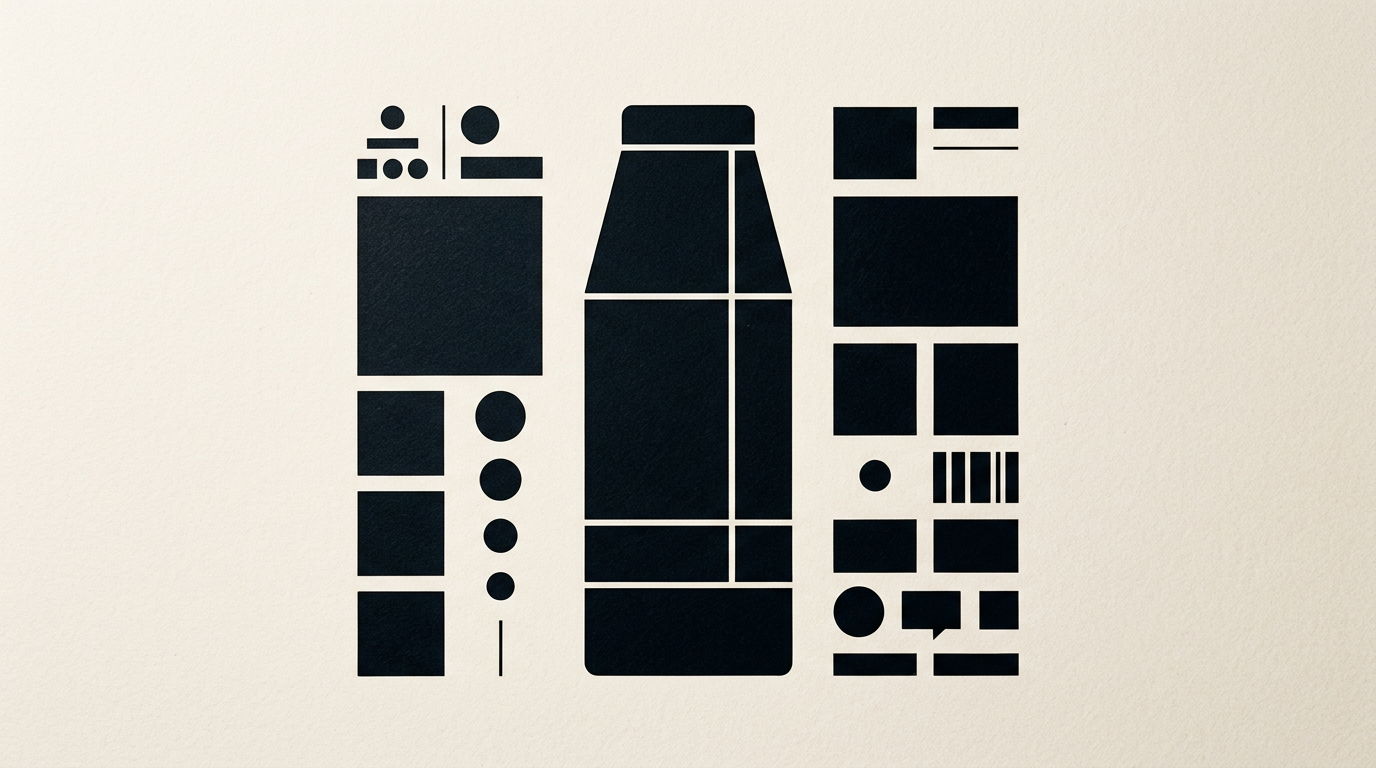
A cluttered package loses sales within the first three seconds a customer looks at it on the shelf. Visual structuring of text and graphic elements guides the eye directly to the reasons for buying. Proper information hierarchy turns a simple box or pouch into an active sales tool.
What is packaging information hierarchy and why does it matter?
Packaging information hierarchy is the visual organization of text and graphics based on their importance to the buyer. When I design graphic design projects, I establish a clear visual path: what the customer sees first, second, and third. On a supermarket shelf, a buyer spends just 2.6 seconds analyzing an unfamiliar product. If the brand name, product type, and primary benefit are mixed up, the brain struggles to process the message and moves on. Without a logical structure, the packaging turns into exhausting visual noise. A well-thought-out hierarchy increases shelf conversion rates by up to 35% because it simplifies impulse purchase decisions and delivers instant clarity.
What is the 3-second rule and how does it apply to packaging?
The 3-second rule states that packaging must communicate the brand, product type, and main benefit in under three seconds from the first glance. To succeed at the shelf, the visual structure is divided into three priority reading levels:
- Level 1 (Focal point): Brand name and product type (e.g., Brand Name + Fresh Milk 3.5%). Must be readable from 5–6 feet away.
- Level 2 (Decision reinforcement): Key benefit or differentiator (e.g., Lactose Free or Locally Farmed).
- Level 3 (Validation details): Net quantity, quality seals, nutritional values, and barcode.
If you alter this order or try to bring Level 3 into the foreground, you lose the buyer's attention before they even touch the package.
What mandatory elements must appear on the front of the package (PDP)?
The front of the package (Principal Display Panel or PDP) must contain only the essential information that identifies and sells the product, without being overcrowded. A mature visual identity places only 4–5 key elements on the PDP:
- Brand logo (or brand name)
- Commercial product name (what is inside)
- Variant or flavor (if part of a product line)
- Primary marketing benefit (USP)
- Net quantity (mandatory legal requirement on the front)
All other details, such as the nutritional table, ingredients list, brand story, or QR code, belong on secondary panels or the back. Cluttering the main panel reduces visual impact and confuses the buyer.
How do we establish the order in which buyers read packaging?
The reading sequence on packaging is established through visual contrast, typography scaling, and strategic placement of elements. In Western culture, the eye scans top-to-bottom and left-to-right, but color contrast can completely shift this natural path. Here are the techniques used to guide attention:
- Typographic scale: The main title (product name) should be at least 40–50% larger than subheadings.
- Color contrast: Placing a saturated color block behind high-priority information catches the eye first.
- White space (negative space): Leaving clear area around the logo or title prevents clutter and boosts readability by 20%.
- Element orientation: Geometric shapes or illustrations can act as implicit arrows directing the eye to the product name.
Check out my portfolio to see how I applied these principles across packaging projects in various industries.
How many fonts and colors should be used on professional packaging?
On professional packaging, you should use a maximum of two font families and a palette of no more than 3–4 primary colors. Adding extra fonts creates visual chaos and slows down reading speed. For the product name, select a strong font with personality, while for legal text and ingredients, use a highly readable sans-serif font at small sizes (6–8 pt). Color-wise, one main color dominates (70% of the surface), a secondary color provides structure (20%), and an accent color draws attention to the key benefit (10%). Additionally, if you need a logo design adapted for packaging, it must remain legibly crisp even at a width of 15 mm.
How do we separate marketing claims from mandatory legal text?
Marketing claims are positioned on the primary visible panels of the package, while legal requirements are compactly grouped on the back or base of the product. Marketing elements use persuasive language, larger typography, and vibrant colors to catch eyes on the shelf. Legal requirements (ingredients, allergens, nutrition facts, expiration date, manufacturer address) must be rendered adhering to strict regulatory font sizes (usually a minimum 1.2 mm x-height). An experienced designer groups legal information into a clean, structured block on a high-contrast background without letting technical details ruin the packaging aesthetics or branding space.
Why is it a mistake to put every product benefit on the front package?
Trying to communicate ten different benefits on a single package leads to visual fatigue, where the buyer remembers nothing at all. If a product is organic, vegan, gluten-free, sugar-free, locally made, high-fiber, and eco-packaged, placing all these claims on the front panel destroys visual hierarchy. The buyer gets overwhelmed and walks away. Select a maximum of 2 major claims for the front. Secondary details can move to the back or to a dedicated presentation website reachable via a QR code. Focusing on a single strong message increases brand recall by over 50%.
How do e-commerce and AI search affect packaging visual hierarchy?
In e-commerce and the era of visual AI processing, packaging is no longer viewed only on a physical shelf, but as a 100x100 pixel thumbnail on a phone screen. Visual hierarchy must work flawlessly at reduced scales. The brand name and product type must remain readable even in small product images. Furthermore, visual search engines and AI bots scan package labels to categorize products properly. Clear text structure helps algorithms parse product data accurately. To optimize your brand's digital visibility, an optimization for GEO / AEO / AIO search engine visibility strategy ensures your product gets properly indexed and recommended by AI assistants.
What's next?
If you have an outstanding product but your current packaging fails to grab attention on shelves or online, it is time for a visual restructure. I design packaging and brand identities that blend aesthetics with hard rules for shelf conversion. Visit the contact page to discuss your packaging project and receive a practical evaluation of your product presentation.