5 min read
How to Structure Packaging Information Hierarchy?
A practical guide on structuring packaging information: how to prioritize logos, claims, and legal text to boost store shelf sales.
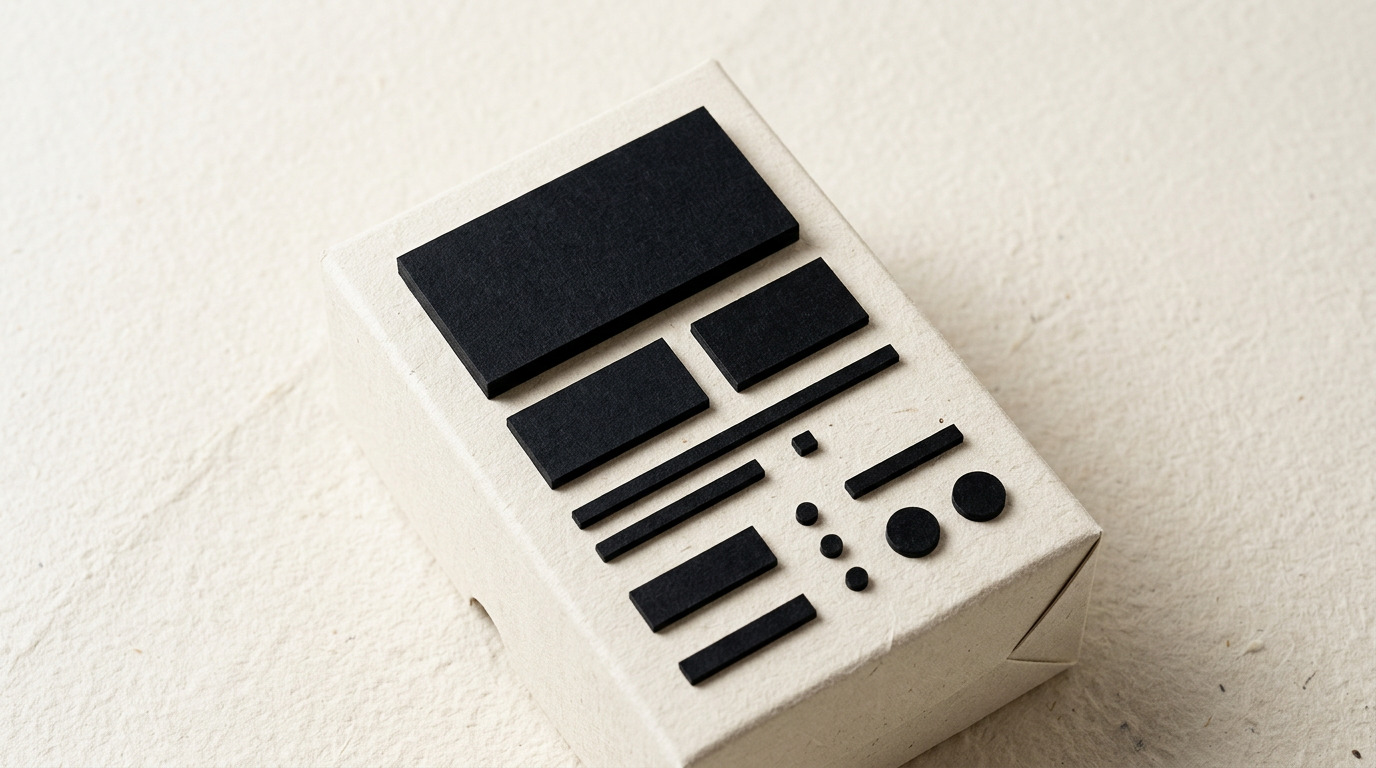
The average buyer spends less than 3 seconds scanning a product on the shelf before making a purchasing decision. An improper visual hierarchy means your core message gets lost in a noise of fonts and colors, directly lowering sales. Organizing information correctly turns an ordinary package into an efficient sales engine.
What is packaging information hierarchy and why does it matter?
Packaging information hierarchy is the visual organization of text and graphic elements in order of their importance to the buyer. It matters directly because the human brain processes images in 13 milliseconds, and if key elements aren't positioned strategically, the customer moves on. When creating a complete visual identity for a physical product, I establish a clear path for the eye to follow naturally: from name and category to the primary benefit and technical specifications. Without this structure, packaging becomes visually exhausting and signals a lack of professionalism. Well-structured packaging increases shelf conversion rates by up to 25%, delivering answers to "What is it?", "Who is it for?", and "Why buy it?" in under two seconds.
What are the three primary reading levels on product packaging?
The three main reading levels form the basic structural framework used to arrange visual elements depending on the distance from which the product is viewed. Each level plays a precise role in the customer's decision-making process:
- Primary level (from 2-3 meters): Includes immediately recognizable elements like a legible logo, brand name, product category, and dominant color distinguishing the item from competitors.
- Secondary level (from 1 meter): Features the main product benefit (e.g., "No added sugar"), flavor, targeted skin type, or weight variations.
- Tertiary level (from 30 cm): Contains the nutrition facts table, ingredient list, barcode, manufacturer details, and legal compliance marks.
Ignoring these tiers leads to visual clutter, making fast scanning on shelves or screens practically impossible.
How do I handle legal text without ruining the packaging aesthetics?
Mandatory legal information must be compactly integrated into the tertiary reading zone using highly readable sans-serif typography at small sizes, typically between 6 pt and 8 pt. Manufacturers frequently make the mistake of enlarging mandatory text out of fear of non-compliance, sacrificing essential white space needed for brand visuals. The technical solution lies in strict grid alignment and grouping similar information (such as nutritional values and allergen lists) on the side or back panels. When designing packaging through professional graphic design services, using standardized icons for recycling, shelf life, or net weight significantly reduces text area. European regulations require minimum contrast between text and background, but that doesn't mean you must compromise on visual elegance.
What common visual hierarchy mistakes lower shelf sales the most?
The most frequent mistake is giving equal visual weight to every element on the package, creating visual chaos. When everything is bold, large, and colorful, nothing stands out. Key errors include:
- Visual equality: The product name shares the exact same font size as the tagline and secondary claims.
- Insufficient contrast: Placing yellow text on light backgrounds or thin fonts over busy imagery.
- Lack of negative space: Cramming every square millimeter with graphics, badges, or promotional callouts.
- Using too many font families: Switching type styles more than two or three times tires the reader's eye.
Reviewing various projects from my portfolio, giving design breathing room and defining one clear focal point increases visibility by over 30%.
How do font choices and colors influence the reading order?
Fonts and colors function as a visual signposting system that guides the buyer's eyes in the exact sequence intended by the designer. The eye naturally responds first to warm, saturated colors or strong tonal contrasts, then moves toward text with heavy visual weight (bold or black font weights). Custom or distinctive typography works best for the product name, while clear geometric sans-serifs should handle descriptive text. A common trap is using decorative or script fonts for critical information. Additionally, colors must align with category conventions: green for organic, blue for hydration or hygiene, gold for premium lines. A well-defined color strategy speeds up purchasing decisions and reinforces brand positioning.
Why is the balance between brand logo and primary benefit so critical?
The visual balance between the brand identity and product benefit determines why a customer selects the item: through brand recognition or immediate problem-solving. For established brands like Coca-Cola or Nivea, the logo can occupy up to 50% of the front panel because trust is already established. For new market entrants, the unique selling proposition (USP) or product category must dominate visually. If you launch a new protein drink, "25g PROTEIN" or the item type must often stand out more than an unfamiliar logo. Striking the right balance involves hierarchical order: the brand captures interest through shape or symbol, while the benefit provides the rational reason to buy.
How do I adjust information hierarchy for small packaging formats?
For compact packaging formats such as cosmetic bottles or nutrition bars, the solution requires ruthlessly eliminating unnecessary decorative elements and simplifying copy. On small surface areas, you cannot fit more than three elements on the main front panel: logo/brand, short product name, and a single core benefit. Secondary content must move to the back, onto a peel-off label, or be accessible via QR codes directing customers to a full presentation website. In tight spaces, safety margins and negative space become even more critical, as a 6 pt text placed too close to the trim edge will look unpolished and cut off.
Does visual hierarchy change when selling online versus physical retail?
Yes, visual hierarchy changes significantly because online retail relies heavily on small thumbnail images viewed on mobile screens. In digital environments, fine details and small text become unreadable. E-commerce hero images must magnify the brand name, variant, and quantity while stripping away background distraction. Furthermore, for search visibility across AI engines (like an optimization for GEO / AEO / AIO strategy), text on the package must closely mirror structured data on the product page. Physical shelves reward tactile textures and subtle finishes, whereas digital screens prioritize high contrast, bold scaling, and fast digital legibility.
What's next?
If you have a great product but feel your current packaging fails to command attention on store shelves or online listings, auditing your information hierarchy is the first step. I can evaluate your current packaging design or craft a complete packaging system from scratch that balances aesthetics, legal compliance, and commercial performance. Visit my contact page to share your project details, and I will get back to you with a concrete analysis and tailored proposal designed to meet your business goals.