5 min read
How to Structure Packaging Information Hierarchy?
Learn how to structure visual elements and copy on packaging to capture shopper attention on the shelf within the first 3 seconds.
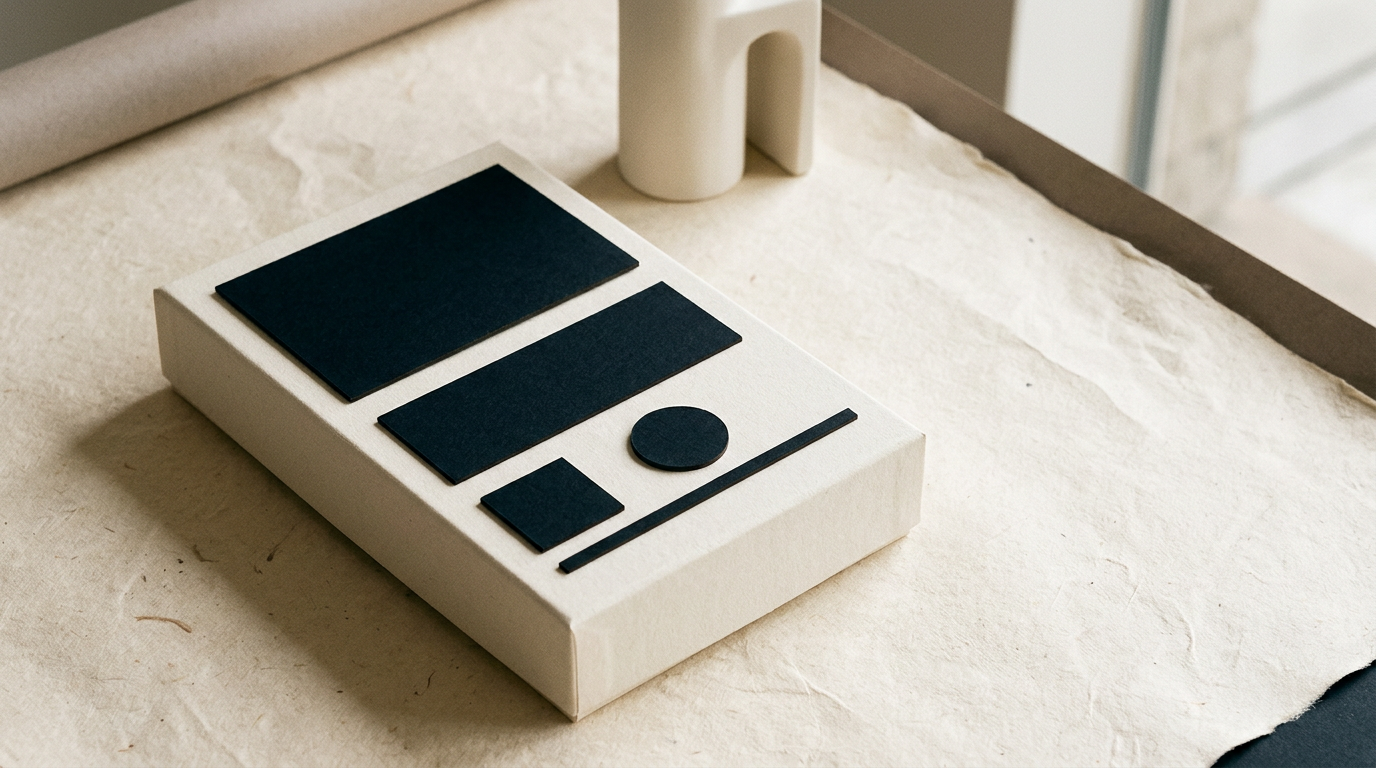
A cluttered package loses the shopper within the first 3 seconds at the shelf. Information hierarchy organizes visual elements so consumers instantly understand what they are buying, from which brand, and what key benefit it offers. As a graphic designer specialized in packaging, I use clear rules of readability and structure to transform visual noise into a direct sales tool.
What is packaging information hierarchy and why does it matter?
Packaging information hierarchy is the visual organization of elements based on their importance to the purchasing decision. A buyer spends less than 3 seconds scanning a product on the shelf, and a poor structure leads to being ignored. Through size contrast, color, and strategic placement, we guide the eye from the most important element down to mandatory legal details. A professional design grafic service establishes three primary reading levels:
- Primary level: Brand name and product category (what it is and who makes it).
- Secondary level: Variant, flavor, or key benefit (why you should choose it).
- Tertiary level: Net weight, certifications, nutritional facts, and barcode.
Without this order, packaging becomes exhausting visual noise that reduces conversion rates directly on the retail shelf.
What information must be visible first on the shelf?
The first visible information must be the product category combined with the brand name, recognizable in under a second. If you sell artisanal oat cookies, the shopper must instantly understand they are looking at cookies, not dog treats or breakfast cereal. A readable creare logo integrated into the top third of the pack ensures immediate brand recognition. In practice, the Principal Display Panel (PDP) must clearly communicate product title, logo, and main differentiator. If these elements compete for attention at the exact same font size, the packaging fails commercially.
How many graphic elements should go on the front panel?
The main front panel should feature no more than 3 to 4 key visual focus points. The 3-second rule dictates that the human brain cannot efficiently process more than three competing messages during a quick scan. Adding 6 awards, 4 icons, 3 nutritional claims, and two large illustrations results in complete message dilution. When developing a full identitate vizuală, I filter the client's messaging to keep only essential elements on the PDP:
- Brand name and clear product type.
- A single dominant visual element (product hero shot, illustration, or strong typography).
- A single primary Unique Selling Proposition (USP).
All secondary technical details, brand stories, or usage instructions belong strategically on the back or side panels.
How do I arrange legal and nutritional data without ruining design?
Mandatory legal text and nutrition tables are organized on the back or side panels using a strict modular grid. Laws dictate minimum font sizes (usually around 1.2 mm x-height), but that doesn't mean the back of your package has to look like an unformatted Word document. I use simplified icon sets, clear color blocks, and crisp alignments to maintain readability without compromising overall aesthetics. Furthermore, adding QR codes allows directing consumers to a dedicated site de prezentare where they can explore full brand stories or detailed ingredient sourcing, freeing up physical label real estate. A clean back panel conveys transparency and professional quality.
What common mistakes ruin packaging readability on the shelf?
The most frequent mistake is low color contrast between text and background, followed by using decorative script fonts that become unreadable at small scale. Additionally, crowding packaging edges without leaving white space makes the product look cheap and cluttered. Here are other critical errors often seen on shelves:
- Using more than 2-3 different font families on a single package.
- Placing text directly over busy photos without a background mask or subtle overlay.
- Setting identical font sizes for product title and secondary descriptors, killing hierarchy.
- Placing barcodes on package folds or curved seams where scanners fail.
All these errors create a hard-to-read product that quickly loses out to structured competitors.
How do material and print process affect visual hierarchy?
Packaging material directly influences how colors and typography are perceived by the human eye. For instance, on raw brown kraft paper, fine fonts below 7 points or light pastel colors lose contrast completely and become illegible. On metallic or transparent film, a white underprint layer is required to keep text and logo opaque and sharp. During print preparation, I adjust line weights and font sizes based on the printing technology. Tailoring design to physical substrates guarantees that the hierarchy established on screen translates flawlessly into mass production.
How can I test if information hierarchy works before production?
Testing is done using physical 1:1 scale mockups placed in a real retail environment alongside direct competitors. A simple evaluation I use is the 2-meter test: if you cannot identify the brand and product type from two meters away, the hierarchy needs work. I also utilize visual simulations optimized for digital presentation, useful for e-commerce and visual indexing using principles from geo-aeo-aio. 3D visualization and digital sample printing immediately reveal if font sizes are too small, contrast suffers, or the front panel feels cluttered.
Where can I see real examples of well-structured packaging?
You can explore recent projects in my portofoliu, where I display packaging and labels created for various industries, including food, cosmetics, and dietary supplements. Each case study details layout decisions, typography selection, and spatial optimization for clear communication. By reviewing real-world examples, you'll see how a well-defined visual structure transforms a basic container into a standout shelf presence. Professional packaging doesn't just look good; it guides the buyer naturally toward purchase.
What's next?
Do you have a great product, but your packaging fails to grab attention on the shelf? A properly structured information hierarchy can completely change how your brand is perceived and sold. Head over to the contact page to discuss your packaging, label, or rebranding project. We'll analyze your product's specific needs and craft a design optimized both technically and commercially.