5 min read
How to organize navigation on a service website?
Discover how to structure your service website menu and architecture to guide visitors straight to conversion. Practical tips and clear examples.
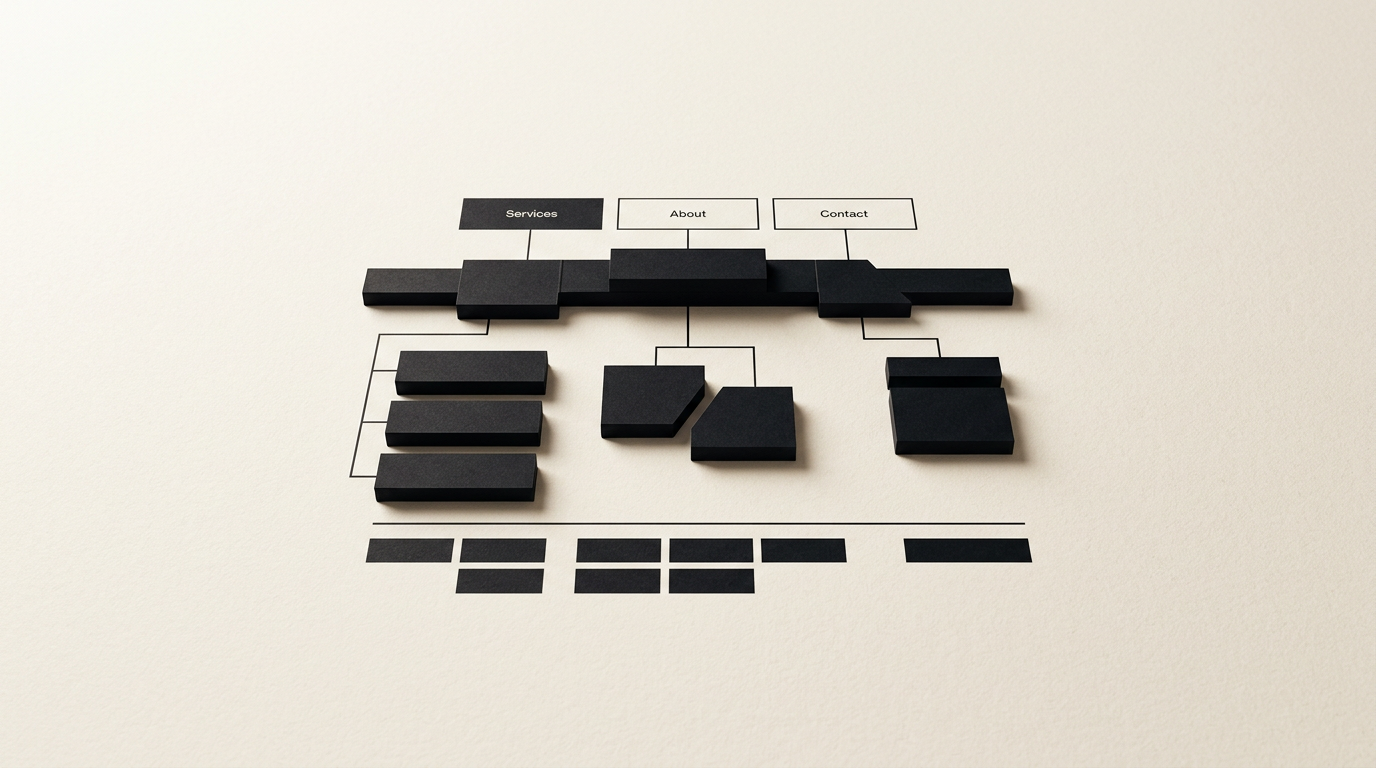
Website navigation for service businesses is the blueprint that transforms an anonymous visitor into a paying client. If a user cannot find what they need within 3 seconds, they will leave your page and head straight to a competitor. Here is how to organize your menu and architecture to maximize conversion rates.
How many items should I include in the main menu?
The main menu should contain between 5 and 7 anchor items to prevent cognitive overload for your visitors. Miller's psychological law (7 ± 2 items) applies perfectly to web design. If you add more than 7 options, users will process the information much slower and are far more likely to abandon navigation altogether.
The essential pages that a presentation website must include are:
- Services (with dropdowns if applicable)
- Portfolio / Work
- About / Team
- Blog / Resources
- Contact
A clean layout keeps the focus sharp on your core offerings. Every additional link you add dilutes visitor attention and can lower your conversion rate by up to 15%.
How should I label the menu items for maximum clarity?
Use descriptive, established terms and eliminate metaphorical or overly clever phrasing that confuses visitors. Instead of creative titles like "Our Magic" or "What We Do," stick to clear labels such as "Services," "Portfolio," or "Projects."
Clarity always beats originality when it comes to navigation. Clients look for fast solutions to their problems, not wordplay. When offering graphic design or print services, prospective clients must know instantly what lies behind a link without having to guess.
Additionally, keep label names short—ideally 1 to 2 words. Long names clutter screen real estate, look clumsy on mobile devices, and disrupt the visual balance of your header.
Should I use a mega-menu or a simple dropdown menu?
A simple dropdown menu is sufficient for websites with fewer than 20 services, whereas a mega-menu is only justified for massive portfolios or complex corporate structures. For most service providers, a standard dropdown with a single secondary level is the optimal choice.
When using dropdowns, ensure the hover trigger area is generous so the menu does not accidentally close when moving the cursor. A slight delay (200-300 milliseconds) on hide creates a significantly smoother user experience.
If a client is searching for a complete visual identity package, they want to see sub-options clearly categorized (e.g., branding, brand guidelines, stationery) without wading through dozens of irrelevant links.
Where should I place the main call-to-action (CTA) button?
Position your primary call-to-action button in the top right corner of the navigation menu, highlighted with a high-contrast accent color. This is the standardized spot users instinctively look for when they are ready to take the next step.
The final navigation button should feature direct, action-oriented text such as "Get a Quote," "Book a Call," or "Request Estimate." Avoid vague labels like "Submit" or "Click Here."
On your dedicated contact page, ensure contact details are just as straightforward as in the header. A clear, distinct CTA button in the main navigation bar can boost inquiry submissions by 20% to 30% compared to a plain text link buried in the menu.
How does a well-structured navigation aid AI search engines?
A logical navigation structure helps search algorithms and generative AI engines understand the exact hierarchy and relationships among your services. Search crawlers evaluate internal links to identify your core pillar pages and rank their authority.
Implementing GEO / AEO / AIO optimization strategies relies directly on a clean site architecture. AI models extract context directly from your site to answer user questions; if your navigation is chaotic, your services won't be recommended in AI-generated answers.
Using clear breadcrumbs and distinct service categories gives automated engines the semantic context needed to connect your brand with your specific niche.
What is the best way to showcase my previous work?
Your work section should be accessible in a single click directly from the main menu, as it serves as a primary driver of conversion. Service clients demand proof of competence before reading detailed technical specifications or pricing structures.
Organize your project showcase into clear categories if you offer diverse services. For instance, a client looking specifically for logo design does not want to wade through packaging or print design projects to find relevant samples.
Within your main portfolio page, implement smooth secondary filtering controls (e.g., Branding, Web Design, Print) allowing fast sorting without full page reloads. This significantly improves dwell time and user engagement.
What common mistakes should I avoid in the website footer?
The biggest mistake is treating the website footer as a digital dump for random links without any clear structure. The footer acts as a navigation safety net; users scroll down there when they haven't found what they were looking for in the main header.
Key footer mistakes to eliminate include:
- Missing company legal and identification details (Tax ID, Address, Terms)
- An identical, unorganized duplicate of the header menu without column grouping
- Social media links that open in the same tab, driving visitors away from your site
- The absence of a mini sitemap for essential utility pages (Privacy Policy, Terms)
Organize your footer into 3 to 4 distinct thematic columns: Services, Company, Legal, and Contact.
How do I adapt website navigation for mobile devices?
On mobile devices, condense your menu into a prominent "hamburger" icon with large, touch-friendly menu targets. With over 60% of service website traffic originating on mobile screens, mobile navigation cannot be treated as an afterthought.
Maintain a minimum touch target size of 48px between links in mobile view to prevent accidental clicks. Additionally, keep your primary CTA button sticky at the bottom of the screen or prominently visible in the mobile header.
Rigorous testing of opening speed and font legibility on mobile viewports is critical. If your menu loads slowly or takes over the entire screen without a clear close button, your bounce rate will spike dramatically.
What's next?
Organizing your navigation structure properly is the first step toward a website that generates consistent leads rather than passive visits. If you need help restructuring your site architecture, from strategic layout to visual execution, I'm here to help. Check out my work or reach out for a personalized project evaluation.