5 min read
How to Organize Navigation for a Service Website?
Practical guide on structuring a service website menu: clear rules, visual hierarchy, and optimization for fast conversions.
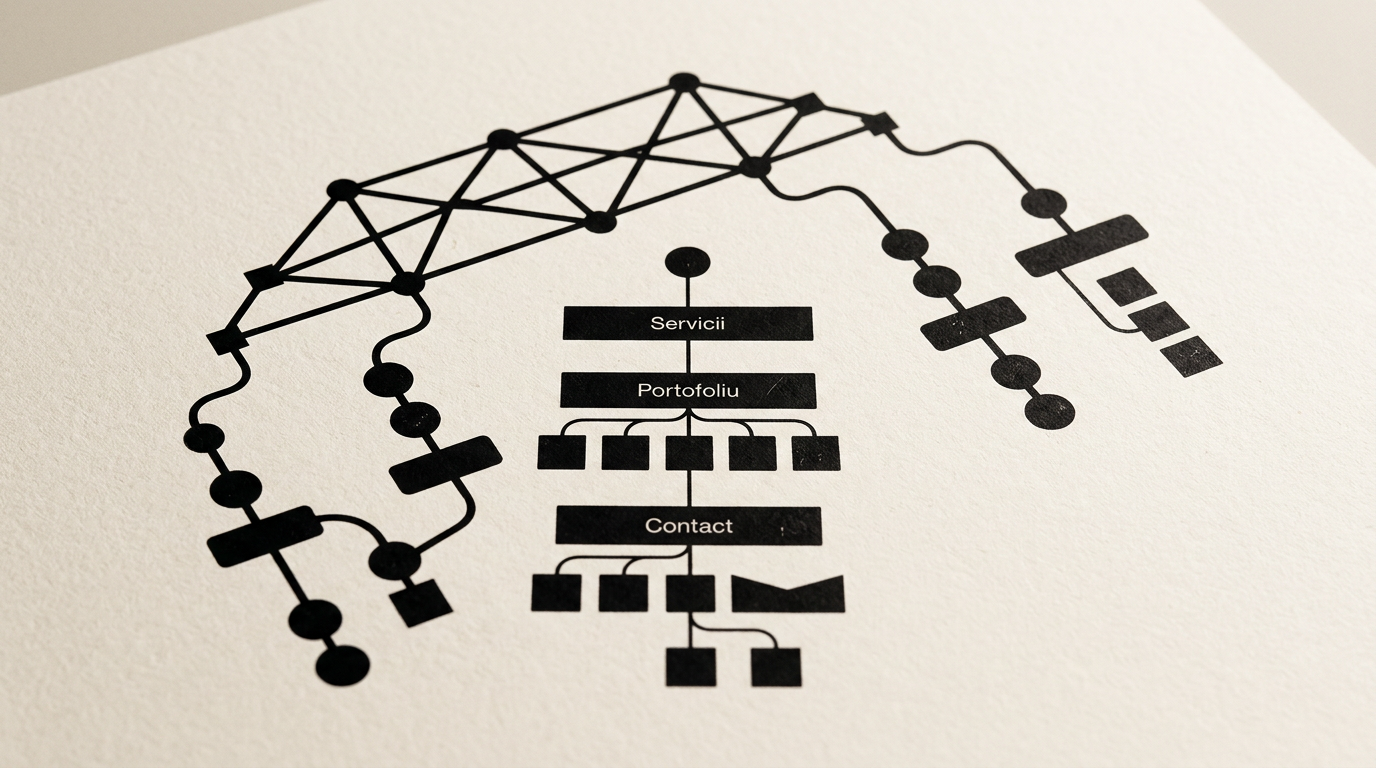
A service website's navigation must guide visitors to their desired information in no more than three clicks. When a potential client lands on your page, they are looking for quick answers to two core questions: what do you do and how can you help them? A chaotic or overcrowded menu architecture will increase your site's bounce rate by over 40% in the first ten seconds.
How many items should I have in the main menu?
The main menu should contain between 5 and 7 anchor items to avoid visitor choice paralysis. When you present too many options at first glance, attention disperses, and the user hesitates on where to click. The ideal structure for a service presentation website includes: Home, Services, Portfolio, About, Blog, and Contact.
If you have more than 7 key pages, group them under parent categories. For instance, instead of listing every single service individually in the top bar, gather them under a single drop-down menu named "Services". Usability studies show that user retention drops by 18% for every additional item added beyond the 7-item threshold in the primary navigation bar.
How do I organize the menu if I offer complex and varied services?
Group your services into logical categories and use a simple drop-down menu structured with a maximum depth of two levels. Visitors will not navigate through endless submenus that open accidentally upon mouse hover. Each main menu category should feature a parent hub page that summarizes the offering and routes users to specific landing pages.
Here is an efficient way to structure design services by clear categories:
- Branding: visual identity services, brand guidelines, and visual strategy.
- Graphic Design: logo design services, print collateral, and packaging.
- Web Design: presentation website development, e-commerce stores, and UI/UX optimization.
This approach allows prospective clients to identify the exact category they need in less than two seconds.
Should I display my prices directly in the main menu?
You do not need a dedicated pricing page in the main menu unless you sell standardized, packaged services. For custom services, it is far more effective to integrate pricing guidance directly into individual service pages. A standalone "Pricing" link in the menu often attracts bargain hunters before they fully grasp the value of your work.
If you choose to include a pricing page in your top bar, place it near the end of the menu, right before Contact. For complex graphic design projects, it is better to use a call-to-action button leading to a short project intake form.
How does navigation affect site visibility in AI search and SEO?
A clear, hierarchical navigation structure helps search engines and AI algorithms understand the semantic relationships between your services. If your site architecture is messy, index crawlers will struggle to assign topical authority. A clean menu layout forms the foundation for effective GEO / AEO / AIO optimization for AI visibility.
When you use explicit text labels in your menu (such as "Design Portfolio" instead of "Work") and pair them with a well-planned internal linking structure, AI models can easily extract and recommend your services in response to conversational user queries. Each core menu page becomes an authority pillar for your niche.
Where should I place the portfolio in the menu?
The link to your portfolio must be instantly visible, ideally placed in the second or third position in the main menu right after Services. In B2B services and design, visual proof of past work is the single biggest deciding factor for a prospective buyer.
Avoid hiding your work inside submenus or under an "About Us" section. Clients want to inspect real results before reading about your company history. If you handle projects across distinct categories, build filterable pages inside the portfolio itself (e.g., Logo, Web, Packaging), while keeping a single, clean entry point in the top navigation.
Which elements belong exclusively in the website footer?
All secondary information, administrative pages, and legal links should be placed exclusively in the footer to keep the primary navigation clutter-free. The footer acts as a safety net for visitors who have scrolled through an entire page without converting.
Here is the recommended column layout for a high-performing footer:
- Quick Links: Direct links to core services and key pages.
- Legal: Privacy Policy, Terms & Conditions, regulatory badges, Cookie Policy.
- Contact Details: Physical address, phone number, direct email, and working hours.
- Social Media: Discrete icons linking to professional profiles on Behance, LinkedIn, or Instagram.
This clear separation prevents visual overload at the top of your website.
How do I adapt website navigation for mobile screens?
Mobile navigation should use a clear "hamburger" icon and eliminate unnecessary visual distractions. On a small screen, the order of menu items should match your desktop layout, but tap targets must measure at least 48x48 pixels to prevent accidental clicks.
A critical element on mobile is keeping a fixed call-to-action button (sticky CTA) at the top or bottom of the viewport. No matter how far down a user scrolls, reaching out or requesting a quote should always be one tap away, linking straight to your contact page.
How do I add a Call-to-Action button to the menu without ruining the design?
Your main CTA button should always sit at the far right end of the navigation bar and feature a distinct visual style compared to standard text links. Instead of plain text, use a solid or outlined button style that naturally draws the eye.
The button copy must use a strong action verb: "Get a Quote", "Book a Call", or "Request Audit". Avoid generic labels like "Submit" or "Learn More". This single menu button generates, on average, between 20% and 35% of total primary conversions on a service website.
What's next?
Organizing your website navigation is not a matter of aesthetic taste; it is an information architecture exercise that directly impacts your revenue. If your current site has a confusing menu or a low conversion rate, now is the time for a structured review.
Ready to turn your website into a clear client generation engine? Head over to the contact page and let's discuss optimizing your navigation and redesigning your visual structure.