5 min read
How to Organize Navigation for a Service Website?
A practical guide on structuring the main menu, organizing service pages, and optimizing mobile navigation for a presentation website.
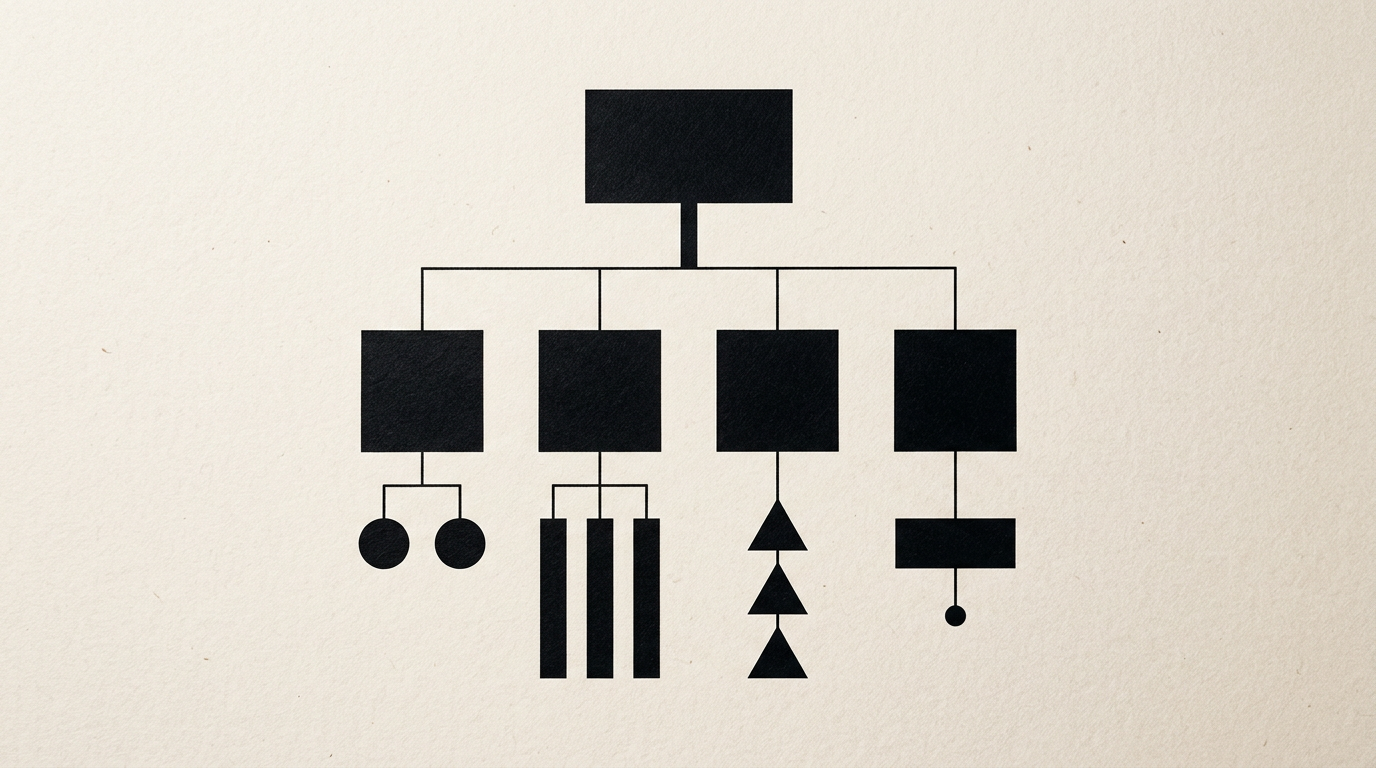
Website navigation for service-based businesses isn't a playground for excessive creativity, but a tool for quick orientation. When visitors land on your page, they need to understand what you offer and where to click in less than three seconds. Your menu structure directly determines your conversion rate and overall bounce rate on any presentation site.
How many items should I have in the main website menu?
Your main menu should contain between 5 and 7 core items to prevent cognitive decision fatigue for your visitors. Cognitive psychology shows that short-term memory efficiently processes a maximum of 7 options at once. If you pack 10 or 12 links into the top bar, visitors will ignore key options and leave the page. The ideal layout for a standard presentation website includes: Services, About, Portfolio, Blog, and Contact. Any secondary pages (like Privacy Policy, Careers, or FAQs) belong in the footer. Keep labels short and one-worded: "Services" instead of "Explore All Our Services".
Is it better to have a single services page or individual pages for each service?
You must create individual pages for each core service if you want to convert traffic and rank in search engine results. A general services page acts merely as an orientation hub, lacking space for case studies, testimonials, and technical details. For instance, rather than crowding everything onto one page, separate a logo design service from a complex brand consulting package. Each dedicated service page should contain:
- A clear headline focused on the client's specific problem;
- A step-by-step breakdown of your working process;
- Starting prices or realistic estimated timelines;
- A specific Call to Action (CTA) at the end of each section.
This structure boosts conversion rates by over 30% compared to cluttered single pages that mix all offers together.
Where should I place the contact button and what text should I use on it?
The contact button should always be placed in the top right corner of the main menu, visible on every page. It must look like an actual button (with a solid, contrasting background color), rather than plain menu text. Regarding copy, avoid generic labels like "Submit" or "Send". Use action-oriented verbs specific to the result your client wants. Effective options include "Get a Quote", "Book a Call", or "Request an Audit". If your business relies on consulting, a CTA like "Schedule a 15-Minute Call" reduces friction and increases incoming requests from qualified prospects.
What should I do if I offer more than 10 different services?
If you offer more than 10 services, you need to group them into a maximum of 3 or 4 main categories within a dropdown menu. A massive dropdown list with 15 unorganized items scares users away and is virtually impossible to navigate on mobile screens. If you work in graphic design, you can group services like this:
- Branding & Visual Identity (logos, brand guidelines, rebranding);
- Digital Design (websites, interfaces, banners);
- Print Materials (packaging, catalogs, brochures).
When users hover over "Services", they only see these 3 high-level categories. Clicking a category leads to a dedicated landing page explaining the secondary offerings, keeping navigation clean and intuitive.
How should I organize footer navigation?
The page footer acts as a safety net for users who scroll all the way down without clicking anything in the top menu. Here, you should repeat your main links while adding administrative and secondary details. A well-organized footer is divided into 4 clear columns:
- Column 1: Business details, physical address, phone number, and tax ID;
- Column 2: Quick menu links to core services and a direct link to the portfolio;
- Column 3: Legal pages (GDPR, Terms & Conditions, consumer protection links);
- Column 4: Social media links and a concise newsletter signup form.
This layout builds instant trust and prevents visitors from leaving your site without taking action.
Is a sticky menu (fixed header) useful on a service website?
Yes, a sticky menu is extremely useful because it reduces navigation time by up to 22% on long service pages. When a client reads a detailed 1500-word presentation page, they shouldn't have to scroll all the way back up to find the contact button. However, the fixed header must remain compact (maximum height of 60-70 pixels) so it doesn't obstruct visual content. A great UX technique is "smart sticky": the menu hides when scrolling down to give reading room and reappears instantly when scrolling up slightly, offering immediate access to primary links.
How should mobile navigation be structured?
On mobile, navigation must be drastically simplified and anchored within the natural thumb zone. The hamburger menu (three parallel lines) remains the industry standard recognized by over 95% of users. However, your top two critical actions—such as a direct phone call link and a quote request button—should never be hidden inside the hamburger menu drawer. They should be pinned to a sticky bottom navigation bar visible on screen. Ensure all tap targets are at least 48x48 pixels to avoid accidental misclicks and mobile user frustration.
How does menu structure affect SEO and AI search visibility?
Your menu structure signals to search engines and AI algorithms which pages hold the highest priority in your site architecture. Main menu links receive the largest share of internal link equity. By using clear labeling and a logical hierarchy, you help web crawlers understand your business semantics. A clean structure facilitates GEO / AEO / AIO optimization, allowing AI language models to accurately extract your services when users ask complex queries. Avoid metaphorical menu names like "Magic" instead of "Branding Services" because they block proper indexing.
What's Next?
Clear navigation turns casual visitors into leads who submit quote requests. If you need help restructuring your website architecture or building a fresh visual identity aligned with your business goals, let's talk. You can reach out directly via the contact page, and we will analyze the right structure for your services.