5 min read
How to structure and paginate a printed brochure or catalog?
Practical guide on structure, page count rules, technical print specifications, and pagination for commercial brochures and catalogs.
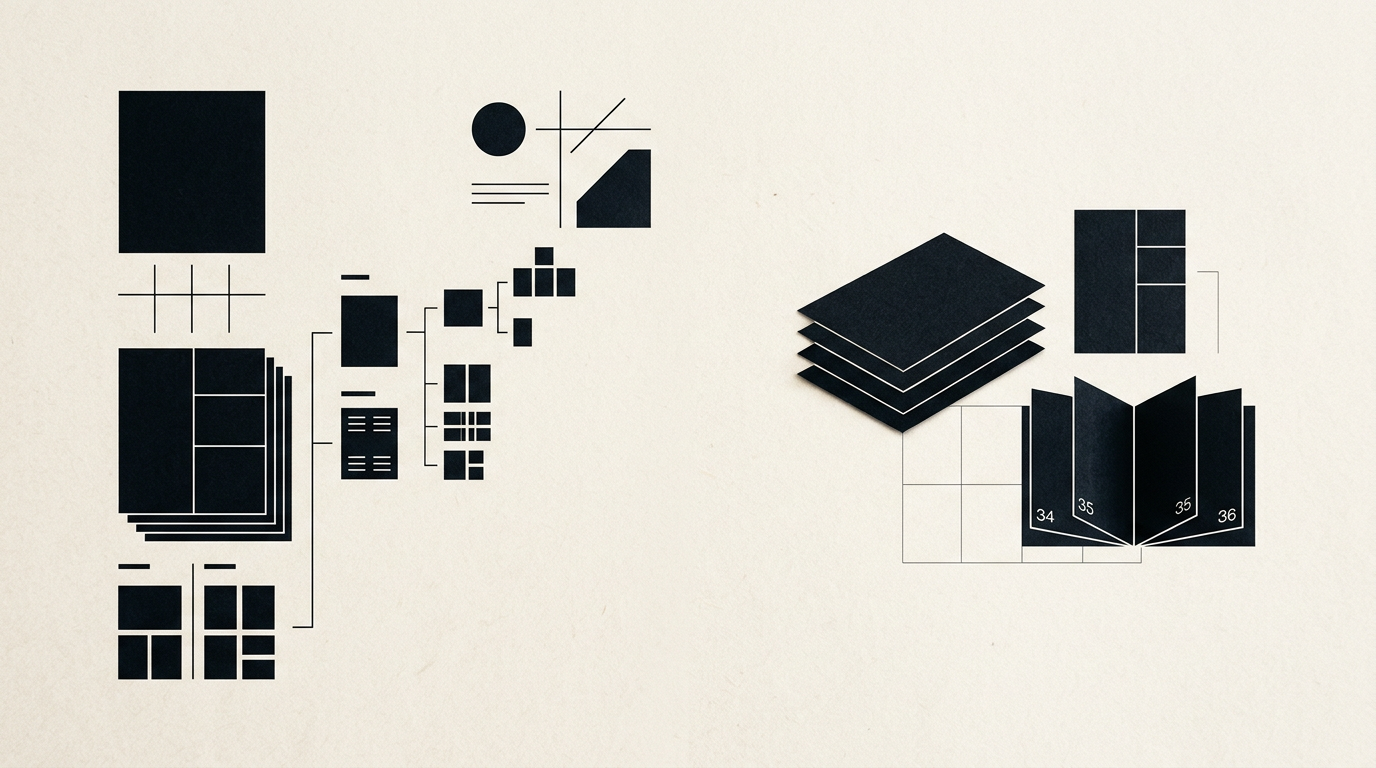
Proper structure and pagination for a brochure or product catalog can make the difference between an effective sales tool and a discarded piece of paper. Whether you are building a 16-page service brochure or a complex 64-page product catalog, technical prepress rules remain identical. In this guide, I answer the most frequent questions regarding layout design and print preparation.
How do I determine the correct number of pages for a brochure?
The total number of pages in a printed brochure or catalog must always be a multiple of 4 (e.g., 8, 12, 16, 24, 32, 48 pages). This technical requirement stems from the printing process, where sheets of paper are printed in large signatures and folded in half, with each folded sheet producing 4 distinct pages. If your layout content only covers 13 pages, the printer will either leave 3 blank pages at the end or require you to adjust spatial distribution.
For larger catalog projects, I recommend organizing content into clear structural blocks:
- Outer cover (front and back cover)
- Inner cover (page 2 and second-to-last page)
- Table of contents or introduction page (page 3)
- Main service or product display spreads
- Contact details and closing call to action
What page size and format should I choose?
The ideal format depends directly on the amount of content, photo orientation, and distribution method. The standard A4 portrait size (210x297 mm) is the benchmark for industrial technical catalogs because it leaves ample space for complex spec sheets and tables. The A5 size (148x210 mm) works best for compact promotional booklets or direct mail brochures due to lower paper consumption and mailing costs.
Square formats (210x210 mm or 150x150 mm) are popular choices within a custom identitate vizuală (visual identity) framework for premium brands, giving a distinct modern look. Keep reader usability in mind: landscape formats (such as 297x210 mm) need wider desk space and can be cumbersome if readers flip pages while standing at trade shows.
How should I organize content before starting graphic layout?
Before handing over copy and assets for professional design grafic (graphic design), organize your text into a modular document structured by chapters and subsections. Every spread needs a visual hierarchy: a main title (H1), short subheadings (H2), compact body text paragraphs, and callout boxes for pricing or technical specs.
Recommended file preparation steps include:
- Final proofread copy with clear indicators for desired page positioning
- High-resolution images (at least 300 DPI) properly named (e.g., product-01.jpg)
- Vector branding assets (logos in EPS or AI formats)
- Structured product codes and technical specification tables in Excel format
What technical specifications are mandatory for print prepress?
Exporting correct print files prevents expensive trim errors and color shifts at the print house. First, the exported file must be PDF/X-1a or PDF/X-4 with all color channels converted to CMYK (not RGB). Second, you must include a 3-5 mm bleed area on all outer margins, extending background colors or artwork beyond the actual trim line.
Maintain a safe margin of at least 5-10 mm inside the trim box so text and logos are not cut off during binding. All fonts must be embedded or converted to vector outlines, and images must be set strictly at 300 DPI resolution. Furthermore, when embedding a custom logo, check that hairline vectors have a minimum stroke width of 0.25 pt to remain clear in print.
What is the difference between saddle stitching and perfect binding?
The chosen binding method dictates how spine thickness is calculated and how pagination is prepared. Saddle stitching uses metal staples along the spine fold and is suitable for thinner publications between 8 and 48-64 pages depending on paper weight. This method allows pages to lay almost completely flat when opened.
Perfect binding is suited for thick catalogs exceeding 48-60 pages. Single leaves are trimmed, stacked, and glued to a wrap-around cover using PUR adhesive. For perfect bound catalogs, the designer must calculate the exact spine width based on page count and paper GSM (for instance, 100 pages of 130 GSM coated paper creates a spine width of around 5-6 mm).
How can I optimize the PDF catalog for online distribution?
The digital PDF version of your catalog should not be an oversized 200 MB print-ready file, but a lightweight edition optimized for quick downloads and search indexation. Print PDF files contain trim marks, bleeds, and 300 DPI CMYK images that distort online colors and slow down performance on your site de prezentare (presentation website).
For digital web use, export an interactive PDF in the sRGB color space at 150 DPI resolution without bleeds or printer marks. Add document metadata (title, author, tags) and ensure text remains selectable vector text. This enables search engines and optimizare GEO / AEO / AIO tools to extract product details when users query AI search engines.
How long does it take to design a 32-page catalog layout?
Designing and paginating a 32-page catalog takes approximately 7 to 14 business days, provided all copy, spreadsheet data, and high-resolution images are ready at kick-off. The initial 2-3 days are spent establishing grid systems, typography scale, and securing approval for 4-6 sample master pages (cover, category divider, product spread).
Once the design direction is confirmed, laying out the remaining 26 pages takes roughly 4-6 days, followed by text revisions and visual adjustments. The final phase involves generating print-ready files (BT - bun de tipar) and performing preflight checks, taking 1-2 working days.
Ce urmează?
If you need a professionally paginated brochure or catalog tailored to print requirements and aligned with your brand identity, explore my work in the portofoliu (portfolio) section. For design inquiries, full design grafic services, or file preparation assistance, send me your project details via the contact page.