5 min read
How to Properly Structure and Layout a Print Catalog?
Proper catalog and brochure layout prevents costly printing errors and improves readability. Get clear answers to common questions about layout, bleed, and binding.
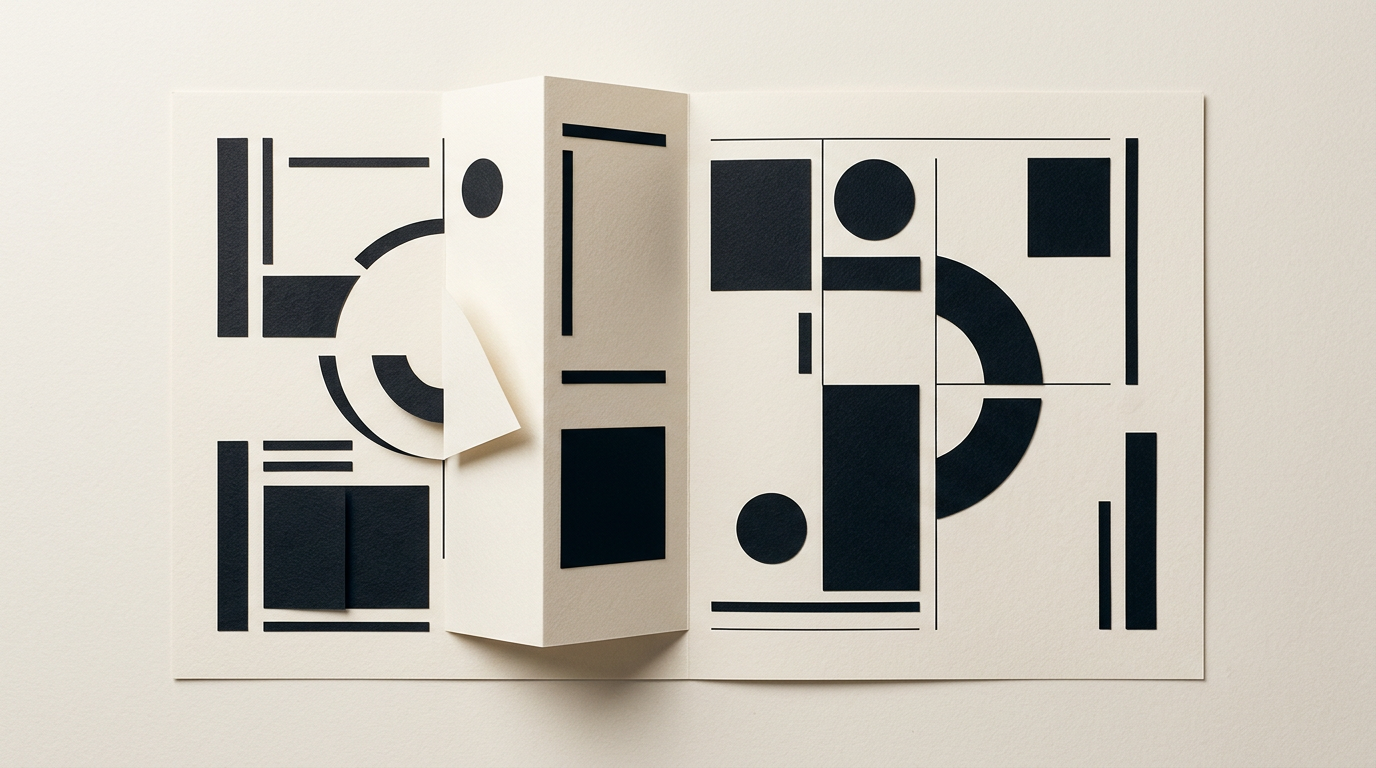
Catalog and brochure layout serves as the bridge between visual brand identity and a high-converting sales tool. Without a clear layout structure and strict compliance with pre-press print rules, you risk costly misprints and poor readability. This practical guide answers the most frequent client questions regarding pagination, bleed setup, and prepress organization.
Why Must a Brochure's Page Count Always Be a Multiple of 4?
A bound or folded brochure's total page count must always be a multiple of 4 due to how sheets of paper are printed and folded during production. In standard offset and digital printing, print houses produce materials on large press sheets containing 4 pages (two on the front, two on the back). Each folded sheet creates a signature of 4 pages. If your document has 10, 14, or 22 pages, the print shop must either add blank pages at the end or charge extra for custom manual cutting and gluing. Standard brochure page counts are 8, 12, 16, 24, or 32 pages. If your content falls short, we can use the remaining pages for notes, contact forms, or secondary product promotions.
What Is the Difference Between a Brochure and a Product Catalog?
The main difference lies in information volume, structural complexity, and the core commercial objective of the printed piece. A brochure is a focused promotional document (ranging from 4 to 16 or 24 pages) designed to present a company, specific service, or marketing campaign. In contrast, a catalog is a multi-page publication (from 32 up to hundreds of pages) built as a structured direct sales tool.
- Brochure: Generous narrative space, conceptual imagery, straightforward layout, and a prominent call to action.
- Catalog: Rigid grid layout, hundreds of SKUs, technical specifications, pricing tables, and index references.
My custom design grafic services adapt the grid structure to your exact content assets, preventing visual clutter.
What Bleed Size and Safety Margins Should Be Used for Print?
For most saddle-stitched or perfect-bound materials, the industry standard bleed is 3 mm (0.125 in) per edge, with a safety margin of at least 5 mm. Bleed refers to extending background colors and edge imagery beyond the final page trim area. This extra margin gets trimmed off when the print shop cuts the paper down to final size (e.g., A4 or A5). Without this 3 mm bleed, tiny cutting shifts can leave ugly white paper edges along the margins. The inner safety margin of 5–10 mm keeps crucial text and logos well away from trim lines and spine bindings. All print files are exported at 300 DPI resolution in CMYK color space using specific printer ICC profiles.
How Do I Arrange Products on a Page to Increase Readability and Sales?
Product page layout must follow the natural scanning habits of human eyes using a structured visual hierarchy. Readers scan printed pages in an F or Z pattern, focusing first on the top-left corner and then moving toward the center of the right-hand page. High-margin hero products or special offers should occupy these focal hotspots with larger product photos.
- Clear Hierarchy: Category headers, product codes, and prices must use contrasting typographic weights and sizes.
- Generous Whitespace: Avoid cluttering every square inch; clean layout breathing room elevates brand perception.
A well-structured catalog layout integrates seamlessly with your identitate vizuala, maintaining official brand colors and typography consistently across every page.
Which Binding Type Should I Choose: Saddle-Stitching, Spiral, or Perfect Binding?
Choosing the right binding method depends directly on your catalog's total page count and paper stock weight. Saddle-stitching (two metal staples along the spine) is the most cost-effective option, ideal for smaller brochures between 8 and 48 pages. Once a publication exceeds 48-60 pages, saddle-stitching becomes impractical due to spine bulk; perfect binding (glued flat spine) becomes necessary. Perfect binding gives a sleek, book-like appearance suitable for thick product catalogs. Spiral or wire-o binding is recommended for technical manuals, cookery books, or heavy-use sales catalogs that need to lay completely flat on a desk. Each binding method requires specific gutter margin adjustments during layout design.
How Should I Prepare Text and Image Files Before Sending Them to the Designer?
Proper file preparation speeds up design turnarounds by up to 50% and prevents costly proofreading revisions later on. To start your catalog layout efficiently, provide finalized copy in an editable document (Word or Google Docs), organized clearly by sections and pages. High-resolution product photos should be sent separately at 300 DPI, sorted in folders named after product SKU numbers. Essential brand assets like a creare logo vector file should be provided in EPS, AI, PDF, or SVG formats. Avoid embedding images directly inside Word documents, as this compresses image quality and degrades color fidelity.
Should I Also Create a Digital PDF or Interactive Online Catalog?
Yes, an optimized digital version complements your printed material perfectly and expands your market reach without additional print costs. Print-ready layouts can easily be exported as interactive PDFs containing clickable links directly to your online store checkout. If you already run a site prezentare, your digital catalog can be made downloadable or viewable in-browser. Furthermore, structuring text and metadata within digital files improves search indexability. To ensure your brand is easily discovered across conversational AI queries, we apply advanced geo-aeo-aio optimization strategies to your digital publications, bridging print media with online visibility.
How Long Does the Design and Layout Process Take for a Complete Catalog?
The average timeline for catalog layout design ranges between 2 to 4 weeks, depending on page volume and structural complexity. The workflow begins with developing 2-3 cover concepts and master page interior grids for client approval. Once the design direction is locked, the intensive layout phase takes place, populating pages with text, images, and tabular data. A simple 16-page brochure typically takes 5–7 business days. A comprehensive 64–128 page catalog featuring thousands of items takes roughly 3 to 4 weeks. You can inspect similar layout executions in my portofoliu section.
What's Next?
If you are preparing a product catalog or promotional brochure and want to avoid printing mistakes, it is time to map out your technical specifications. Send me your outline, estimated page count, and target print format. I will review your assets, design an optimal grid, and provide a clear quote and timeline. Visit the contact page to start a conversation about your print design project.