6 min read
How to Properly Layout and Paginate a Printed Brochure or Catalog?
Complete guide to layout, pagination, and prepress setup for printed brochures and product catalogs, explained step-by-step by a graphic designer.
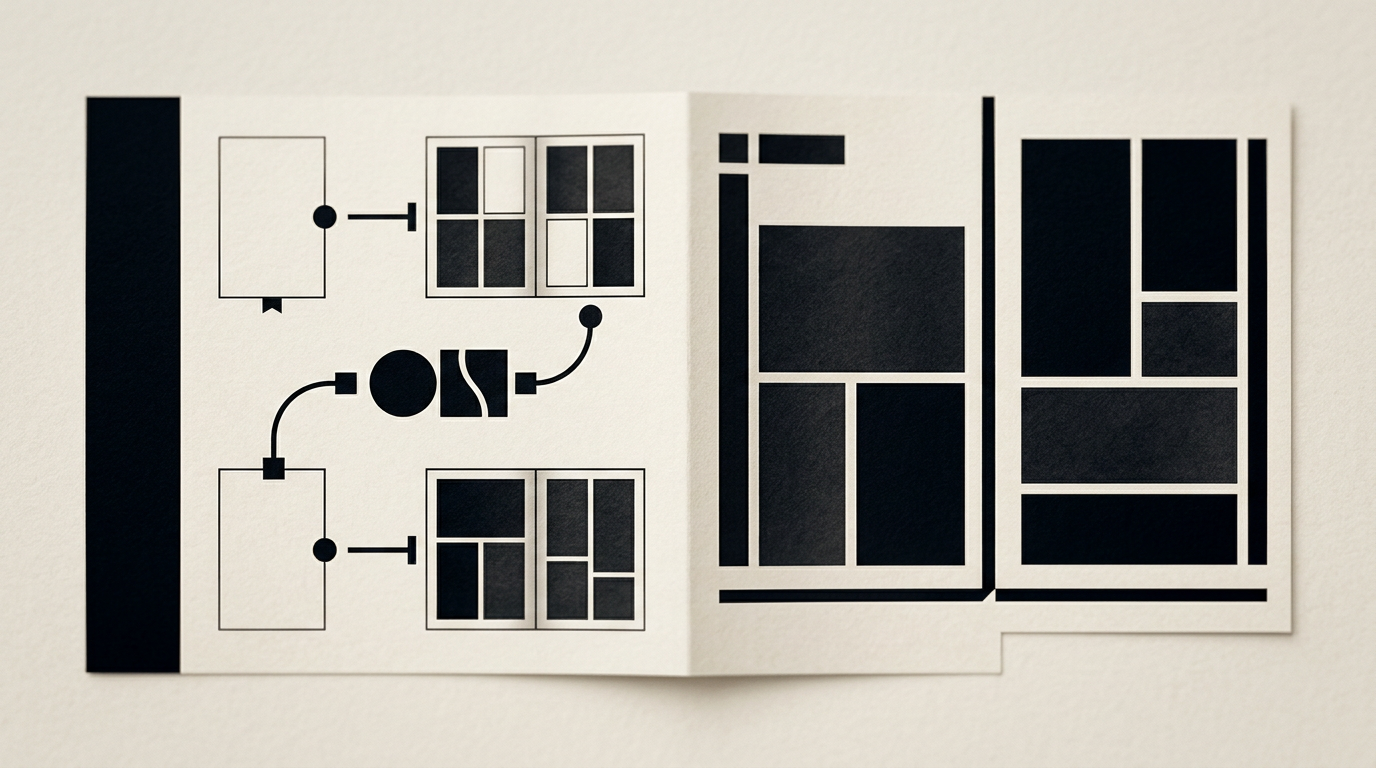
A well-structured printed catalog directly influences purchase decisions in offline environments. Proper pagination planning, paper choice, and adherence to technical prepress guidelines prevent costly printing errors. Below are clear, practical answers to the most common layout and pagination questions.
How many pages should a brochure or catalog have for proper printing?
The total page count of a saddle-stitched or bound brochure must always be a multiple of 4. This technical requirement comes from the printing process, where large press sheets are folded in half to create 4-page signatures (front and back). If your content naturally spans 11 pages, you will need to either edit it down to 8 pages or expand it to 12 pages by adding key section dividers or notes pages. For thinner booklets up to 48–64 pages, saddle-stitching with metal staples is standard. For thicker catalogs ranging from 64 to hundreds of pages, perfect binding (pur glue) or wire-o binding is required. In perfect binding, page counts can technically be multiples of 2, though multiples of 4 remain optimal for print sheet efficiency.
What is the main difference between a product catalog and a brochure?
The core difference lies in the objective, information density, and interior layout structure. A brochure is a short promotional document (typically 8 to 32 pages) focused on telling a brand story, explaining a service, or showcasing a limited product lineup. In contrast, a catalog is a comprehensive multi-page publication (from 32 up to hundreds of pages) acting as a structured index of products with specs, SKUs, and pricing. My professional design grafic services cover both formats, ensuring visual balance across all pages. While brochures emphasize storytelling and large imagery, catalogs prioritize clear structural hierarchy, readable table layouts, and logical category separation so buyers can quickly find ordering details.
What technical press requirements (bleed, margins, resolution) are mandatory?
Final print-ready files must strictly comply with prepress specifications to prevent misaligned trimming and blurry graphics. Proper file setup guarantees a clean finished product without unwanted white edges.
Here are the critical technical parameters to configure in InDesign or Illustrator:
- Bleed: Add at least 3 mm (0.125 inches) of bleed on all sides for background elements extending off the page edge.
- Safety Margins: Keep live text and critical logos at least 5–10 mm inside the final cut line.
- Image Resolution: Ensure all raster assets are set to 300 DPI at 100% placement scale.
- Color Mode: Convert all artwork and photography to CMYK profiles (such as FOGRA39 or FOGRA51).
- PDF Export: Output to PDF/X-1a or PDF/X-4 standards with all fonts converted to outlines or embedded.
How should the cover and introductory pages of a catalog be structured?
The cover and initial pages set the tone and facilitate effortless navigation throughout the catalog. Cover 1 (front cover) must feature a clear main title, edition year, and a strategically placed creare logo. Cover 2 (inside front cover) works best for a message from management, brand values, or high-impact lifestyle imagery. Page 3 should be dedicated to the Table of Contents (Index), while pages 4–5 can feature a quick buyer's guide or category overview. Avoid cluttering the opening pages with dense technical tables. Give readers an open visual entry point that guides them smoothly into product sections. Cover 4 (back cover) is always reserved for full company contact information, address details, and QR codes.
Which paper stocks and special finishes are best for premium catalogs?
Paper selection depends on the total page volume and your brand's market positioning. For interior pages, the industry standard is 115–150 gsm coated paper (matte or gloss), which delivers crisp details and true color reproduction. For covers, a sturdy 250–350 gsm cardstock is essential to protect the interior pages. If you want a luxury finish, consider adding premium cover enhancements: a soft-touch lamination feel, spot UV varnish highlighting your identitate vizuală elements, or metallic foil stamping for headers. For eco-conscious brands, uncoated or recycled paper offers an organic tactile feel, though colors will appear slightly softer due to higher ink absorption.
How can I align the print catalog layout with my digital visual identity?
Consistency between print and digital touchpoints builds brand trust and instant recognition. Print colors (CMYK or Pantone references) must match the RGB and HEX color codes used on your site-prezentare. Typography must remain unified by using the exact same font families (or carefully selected print-ready pairings). Decorative graphic elements, icon sets, and art direction should feel like a natural physical extension of your online presence. Additionally, embedding QR codes on product pages allows readers to jump directly to online product pages or live inventory, seamlessly bridging the physical reading experience with your digital store.
Why is a well-defined layout grid system essential in catalog design?
A layout grid is the invisible framework that brings structure, rhythm, and clarity to multi-page publication design. Without a rigid column and row grid, catalog pages look disorganized and tire the reader's eyes quickly. A professional grid system allows designers to organize hundreds of images, specifications, and text blocks cleanly.
Here is why an underlying grid layout is non-negotiable for large catalog projects:
- Visual Consistency: Maintains aligned margins, headers, and body text positions across all pages.
- Design Efficiency: Accelerates asset placement and content flow during long production phases.
- Layout Versatility: Supports flexible 2, 3, or 4-column variations without breaking overall harmony.
- Improved Readability: Helps buyers scan prices, codes, and attributes effortlessly.
To see grid-based editorial layouts in action, take a look at my past projects in the portofoliu section.
How long does the design and pagination process take for a full catalog?
Turnaround time depends heavily on total page count and the client's content readiness. A simple 12-to-16-page brochure typically takes about 5 to 10 business days to complete. A complex 100-page catalog with thousands of product codes and image retouching needs can take anywhere from 3 to 6 weeks. This timeline includes master page template design, layout pagination, proofreading revisions, and prepress export. To prevent production delays, all copy must be fully proofed and final, while product photography should be named and organized into clear section folders before pagination begins.
What are the most common pagination mistakes to avoid in catalog design?
The most frequent mistake is overcrowding pages to minimize printing costs, which destroys negative space and lowers conversion rates. Another critical error is using low-resolution web images (72 DPI) that result in pixelated, blurry prints. Placing body copy too close to the spine—especially in thick perfect-bound catalogs—makes text impossible to read without cracking the binding. Finally, neglecting CMYK color conversion can lead to dramatic color shifts on press, turning a bright digital blue into a muted purple on paper.
What's Next?
If you plan to launch a new product catalog or redesign your current company brochure, the best next step is organizing your product data and defining your approximate page budget. Thorough preparation saves significant time and costs during editorial layout design.
Additionally, if you want your brand to be easily discoverable online by modern AI engines alongside your print efforts, adopting geo-aeo-aio strategies provides a massive competitive advantage. Send me a message via the contact page to discuss your print project specs and get a detailed timeline estimate.