6 min read
How to Design and Prepare a Brochure or Catalog for Print?
A practical guide on structuring, paginating, and prepping brochures and product catalogs for print, explained step by step.
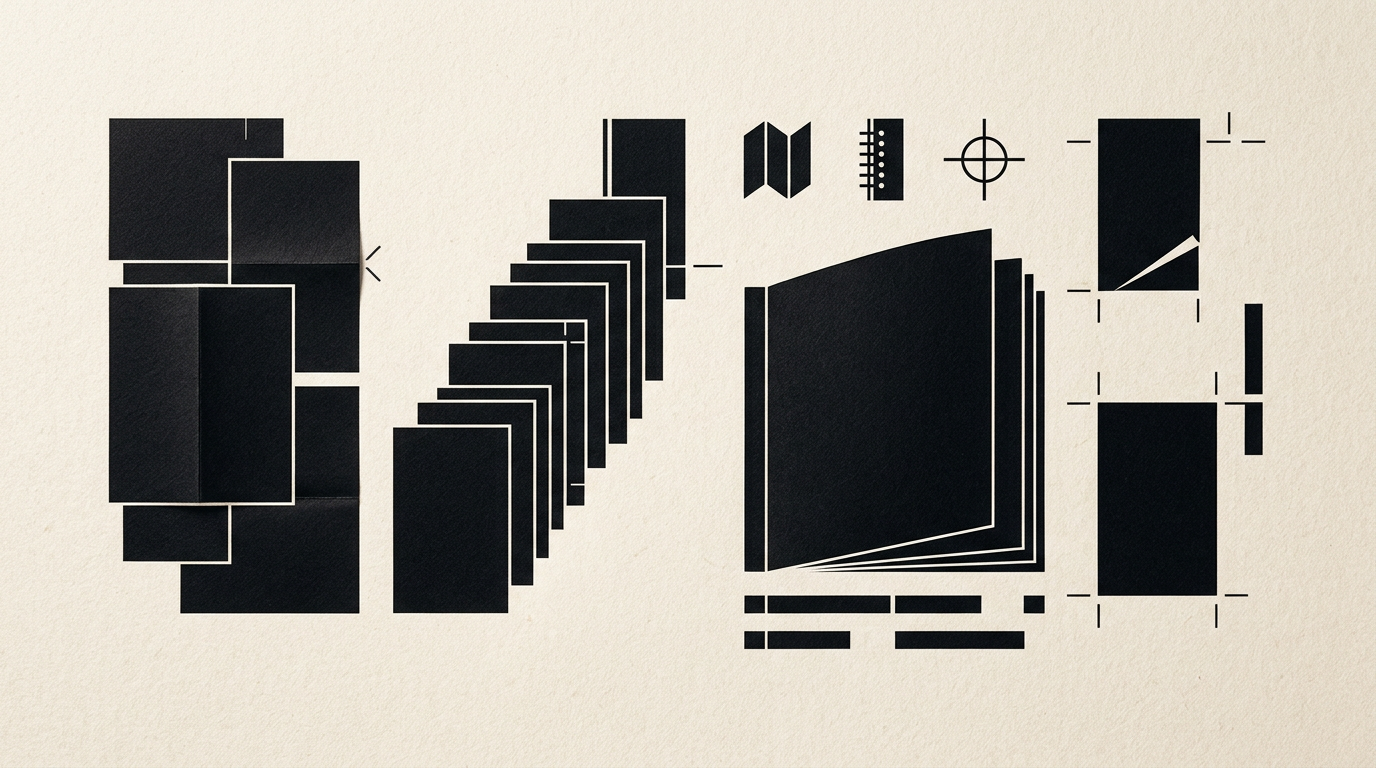
Proper structuring and pagination of printed materials make the difference between a catalog that drives sales and a brochure that ends up directly in the trash. In my work as a graphic designer, I frequently receive technical questions regarding page counts, bleed margins, paper weights, or font legibility. Below, I have compiled the most important practical answers to help you prepare your print project without costly errors.
How many pages must a brochure or catalog strictly have?
The total number of pages in a saddle-stitched brochure (stapled) must always be a multiple of 4. This technical constraint stems from the printing and folding process: a single sheet of paper folded in half creates exactly 4 pages (front cover, inside left, inside right, back cover). If your content fits 10 pages, you will need to add two additional pages for notes or visuals, bringing the total to 12. For thinner brochures, stick to 8, 12, 16, 24, or 32 pages. If the project exceeds 48–52 pages, it is best to switch to perfect binding (glue or thread bound), where page counts must be multiples of 2, although multiples of 4 remain optimal for paper yield efficiency in print shops.
What is the difference between a presentation brochure and a product catalog?
A brochure focuses on synthetically presenting a company, a specific service, or a brand value, whereas a product catalog is a structured commercial tool for detailed presentation of a product inventory. A brochure typically ranges from 8 to 16 pages, relying on persuasive copywriting, large imagery, and spacious visual layouts. A product catalog can span from 24 to several hundred pages, organized into categories, SKU numbers, technical specifications, and price tables. When providing design grafic services, I establish content architecture early: a brochure must persuade emotionally and quickly, while a catalog provides clear visual navigation to facilitate direct buying decisions.
Which paper size and format should I choose for my project?
Choosing the right format depends on how the material will be distributed and the volume of information displayed. The most popular standard formats are A4 (210 x 297 mm), A5 (148 x 210 mm), and square (210 x 210 mm).
Here are my practical recommendations for each format:
- A4 Portrait (210 x 297 mm): Ideal for technical, industrial, or multi-spec catalogs because it offers generous room for image grids and data tables.
- A5 Landscape / Portrait (148 x 210 mm): Perfect for corporate brochures, menus, or short company profiles, being easy to carry and distribute at trade shows.
- Square (200x200 mm or 210x210 mm): Great choice for architecture, interior design, or fashion brands, offering a modern, unconventional aesthetic.
- DL (105 x 210 mm): Primarily used for tri-fold leaflets or quick promotional mailers sent via direct mail.
How should I structure the covers and the first inside page?
The cover is the customer's first visual contact with your brand and must clearly communicate visual identity. Cover 1 (front) features the title, logo, and a compelling hero image. Cover 2 (inside front) is ideal for a CEO message, a brief brand story, or the table of contents. Cover 3 (inside back) can house a call-to-action, warranty info, or certifications, while Cover 4 (back cover) is dedicated to contact details, QR codes, and legal disclosures. It is crucial that typography, color schemes, and graphic elements adhere strictly to a cohesive identitate vizuală. Page 1 inside (half-title page) should echo the title and smoothly open the reading experience without clutter.
What technical pagination errors should I avoid before sending to print?
The most common pre-press errors cause production delays and expensive re-printing costs.
Avoid these 5 critical technical mistakes:
- Missing bleed: Always include a minimum 3mm bleed on all sides to prevent white borders after trimming.
- Ignoring safe zones: Keep text and logos at least 5-10mm away from trim lines and spine gutters.
- Using RGB or low-DPI images: Convert all images to CMYK color mode at 300 DPI resolution for accurate colors and crisp details.
- Rich black text: Use 100% K for small body text rather than a multi-channel CMYK mix to prevent registration blur.
- Uncalculated spine width: For perfect-bound catalogs, calculate precise spine thickness based on page count and paper stock weight.
Which paper weights and finishes are best for a premium feel?
For the interior pages of a brochure or catalog, I recommend double-coated paper (matte or gloss) with a weight of 130–170 gsm. This weight provides solid opacity, preventing ink show-through without making the pages too stiff to flip through. The cover should always be printed on heavier stock, between 250–350 gsm, to protect the publication. For a premium finish, apply a soft-touch lamination on the cover combined with spot UV varnish on the logo or key titles. If you also need a fresh symbol for a new project, professional creare logo vector files are essential to enable special print techniques like gold or silver hot foil stamping.
How do I connect a printed catalog with my online presence?
A physical catalog should not exist in isolation; it ought to serve as a direct bridge to your digital platforms. Integrate dynamic QR codes next to key products or section ends, directing readers straight to product pages, video demos, or order forms. Ensure the print design and structure mirror the user experience found on your site-prezentare or e-commerce shop. You can also incorporate short URLs or custom NFC tags. This convergence seamlessly drives offline readers into your digital funnel, where conversion tracking and analytics are far superior.
How long does it take to create a brochure from concept to print file?
The average timeframe to design a brochure or catalog ranges from 2 to 5 weeks, depending on complexity and content readiness. The initial phase involves defining the structure, grid layout, and visual direction, taking about 3–5 business days. Next, actual pagination and layout execution—including typography and image retouching—takes around 1–2 weeks for 16–32 pages. Following client revisions and final print approval, files are sent to the printer, where physical production takes 3 to 7 business days. You can explore similar projects and complex layouts in my portofoliu to better understand the workflow.
How can I optimize the digital PDF version of my catalog for AI and search engines?
The digital PDF version of your catalog (saved as accessible text, not scanned images) can drive valuable search traffic if properly optimized. Ensure the PDF contains selectable text, complete metadata (title, author, keywords), and structured heading tags (H1–H3). Applying principles of geo-aeo-aio optimization helps AI search engines (like Perplexity, ChatGPT, or Google Search Generative) crawl, comprehend, and extract your product specs directly into answer engines, dramatically boosting your brand's digital visibility.
Ce urmează?
Designing and prepping a brochure or catalog for print requires rigorous attention to technical details and visual consistency. If you need professional assistance for your next print or branding project, visit the contact page and let's discuss how we can transform your ideas into flawless printed collateral.