6 min read
How to Test Packaging Before Production? Practical Guide
Learn how to physically and visually validate packaging before sending a full print run, avoiding costly production mistakes.
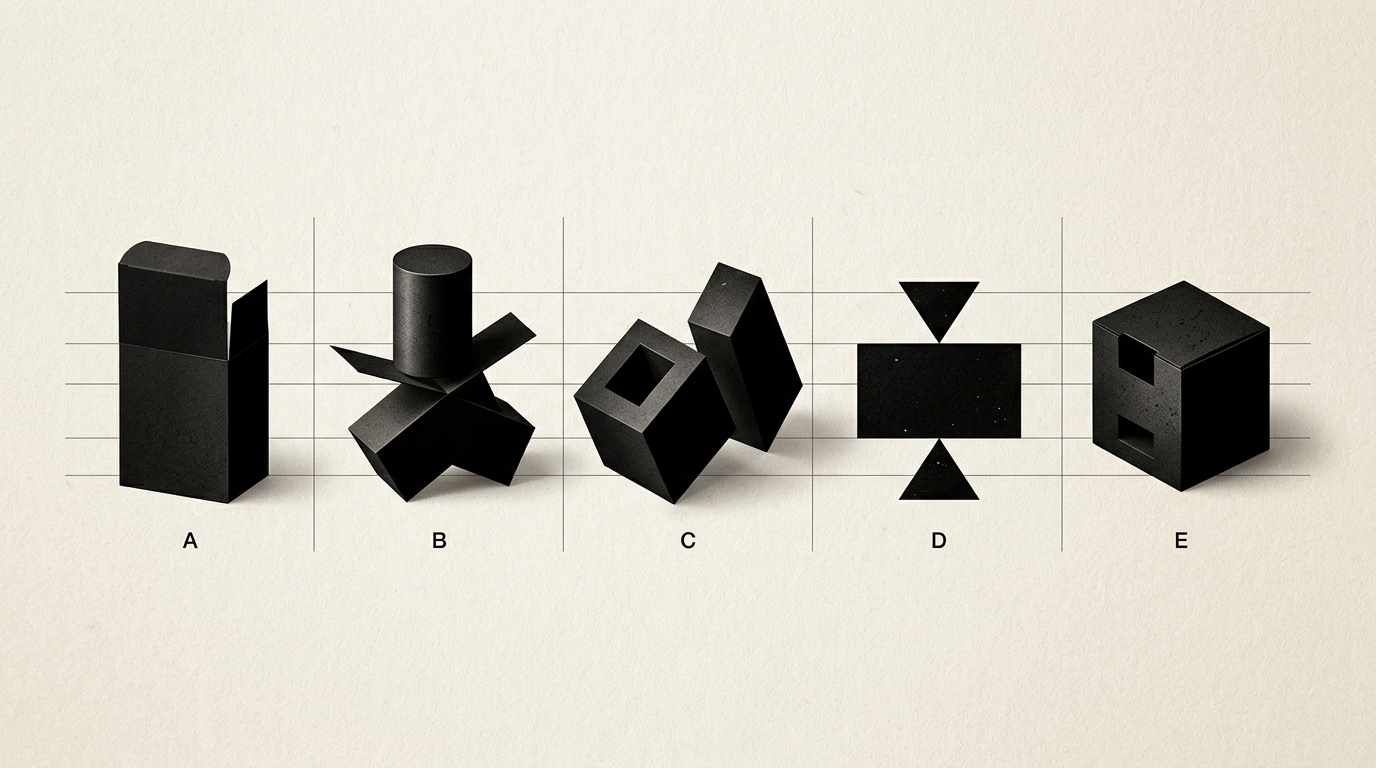
Launching a product without prior packaging testing is a guaranteed recipe for financial loss. A prepress error, a dimensions miscalculated by just 2 millimeters, or an overly thin paperboard can ruin an entire production run of 10,000 units. Rigorous testing before mass production ensures that your packaging protects the product, complies with legal requirements, and looks flawless on the shelf.
Why is it mandatory to test packaging before the final print run?
Testing packaging is mandatory to eliminate structural, graphic, and functional errors before investing thousands of euros in mass production. A digital file looks perfect on a calibrated monitor, but physical raw materials behave differently during folding, gluing, and pressing. A simple 1 mm misalignment on a closing flap can make a box impossible to assemble automatically on a packaging line. Furthermore, using professional graphic design services helps prevent misregistration errors or illegible mandatory legal copy. Testing provides total confidence that your packaging withstands transit, protects the content, and delivers a premium unboxing experience. Correcting a mistake at the prototype stage costs around 50–100 euros, whereas reprinting a failed run can easily exceed 5,000 euros.
What is a 3D digital mockup and when is it sufficient?
A 3D digital mockup is a hyper-realistic three-dimensional rendering of the packaging created directly from the vector dieline file. It is sufficient only during the initial phases of a project for validating the visual concept, placing brand elements, and creating preliminary commercial presentations. With a 3D render, you can verify how graphics wrap around edges, whether elements from a visual branding system are balanced, and how the box appears from different angles. However, screen simulations cannot replace physical testing. A 3D render will never show you the real paperboard texture, ink absorption rate, structural rigidity, or how special finishes (like foil stamping or spot UV) react to natural light. Use 3D renders for design approval, but never send files to production without a physical prototype.
How do you obtain and inspect a structural white prototype?
A structural white prototype (or "dummy") is produced by cutting and creasing the selected material on a digital CAD plotter using the exact technical dieline. This is the first critical step for testing dimensions and structural integrity. Once you receive the white dummy, place the actual product inside and go through a strict checklist:
- The product fits smoothly without forcing the paperboard or leaving excessive empty space.
- Closure mechanisms (flaps, tuck-ins) operate repeatedly without tearing or opening unexpectedly.
- Cardboard thickness (e.g., E-flute corrugated 1.5mm vs. 350gsm SBS board) provides proper rigidity under handling.
- Fold lines are clean, without cracking fibers along the creasing lines.
If the product moves around inside, you need a custom-fitted inner tray.
What is a print proof (Chromalin) and how do you verify colors?
A print proof, often called a Chromalin or ISO-calibrated digital proof, is a high-precision print sample used to validate the color accuracy of the print-ready file. It serves as the official technical reference that the printing house must match during mass production. On a print proof, verify whether CMYK values match the Pantone Guide specified for your brand, especially if you already have a logo design with strict color standards. Inks look markedly different on uncoated stock (which absorbs ink) compared to coated glossy paperboard. Additionally, inspect small text legibility (ingredients, usage instructions), ensuring font sizes do not drop below 6pt and fine lines remain crisp without register shift.
What physical endurance tests should you run on the test box?
Physical endurance testing guarantees that your product arrives undamaged to the end consumer, regardless of courier handling or warehousing conditions. An attractive package is useless if it crushes at the first point of transit. To ensure structural quality, subject your prototype packed with the actual product to the following practical tests:
- Drop Test: Drop the box from a height of 80–100 cm onto various corners and faces to check if the internal product survives intact.
- Stacking Test: Place a weight 5–10 times heavier on top of the box for 24 hours to simulate warehouse or pallet stacking pressure.
- Rub Test: Firmly rub the printed surface to ensure the ink does not rub off or the lamination (matte/gloss) does not peel.
- Humidity Test: For refrigerated products (e.g., food, cosmetics), place the packaging in that environment to ensure the board doesn't lose stiffness.
How do you test barcode scanability and legal text?
Barcode scanability is tested by printing the barcode at actual scale (100% or minimum 80% standard EAN-13 size) using a 300+ DPI printer, then checking it with a commercial hand scanner or mobile application. An unscannable barcode at checkout can result in retail chains rejecting your entire shipment. Ensure maximum contrast between the bars (preferably 100% Solid Black) and the background (pure white). Never place barcodes over transparent, red, or metallic surfaces. For mandatory legal copy, use a measuring gauge to confirm that x-height meets regulatory minimums (typically 1.2 mm for food or cosmetic labeling).
How do you simulate shelf impact before product launch?
A shelf impact test measures your packaging's ability to grab consumer attention within the critical first 3 seconds in a crowded retail setting. Perform this test by placing your printed physical prototype on an actual retail shelf alongside 3–4 main competitor products. Step back 1.5 meters and assess: Are the product title, primary benefit, and graphic hierarchy immediately readable? If your primary sales channel is e-commerce, upload packaging renders to a test presentation website and run a quick A/B survey with a small focus group. The packaging must instantly convey its product category and communicate perceived value.
What major technical errors can a dieline test reveal?
A dieline test exposes geometric and prepress errors that are impossible to catch in 2D layout views. Common issues uncovered during this stage include:
- Missing Bleed: Graphics stop exactly at the cut line instead of extending 3–5 mm past it, causing ugly white edges after trimming.
- Incorrect Crease Placement: Fold lines cut directly across essential copy or key graphic assets.
- Inverted Panel Orientation: Side or back text prints upside down once the box is folded and assembled.
- Varnished Glue Flaps: Adhesive areas were accidentally covered with varnish or lamination, preventing glue from adhering.
Catching these errors early saves days of production downtime and costly material waste.
How much does packaging prototyping cost and how long does it take?
Physical packaging prototyping typically costs between 50 and 200 EUR per structure, depending on dieline complexity and raw materials (folding boxboard, corrugated, specialty papers). The average lead time for an unprinted structural sample is 2–4 business days, while a calibrated print proof (Chromalin) takes 3–5 days. Although it introduces a minor upfront cost and a one-week timeline addition, this phase prevents thousands of euros in ruined production runs. Furthermore, if you enhance search visibility using modern GEO / AEO / AIO optimization techniques, your physical product must deliver on the premium promise made online.
What's next?
Need prepress-ready packaging design that looks stunning on screen and holds up flawlessly on store shelves? Explore completed client projects in my portfolio to review standard execution quality. If you have an active project or want to build a powerful physical brand presence from scratch, visit the contact page and let's discuss your technical requirements.