5 min read
Dark Mode: When Is It Worth It in Web Design?
Discover when to implement dark mode on your website, the costs involved, and how it impacts readability, battery life, and overall user experience.
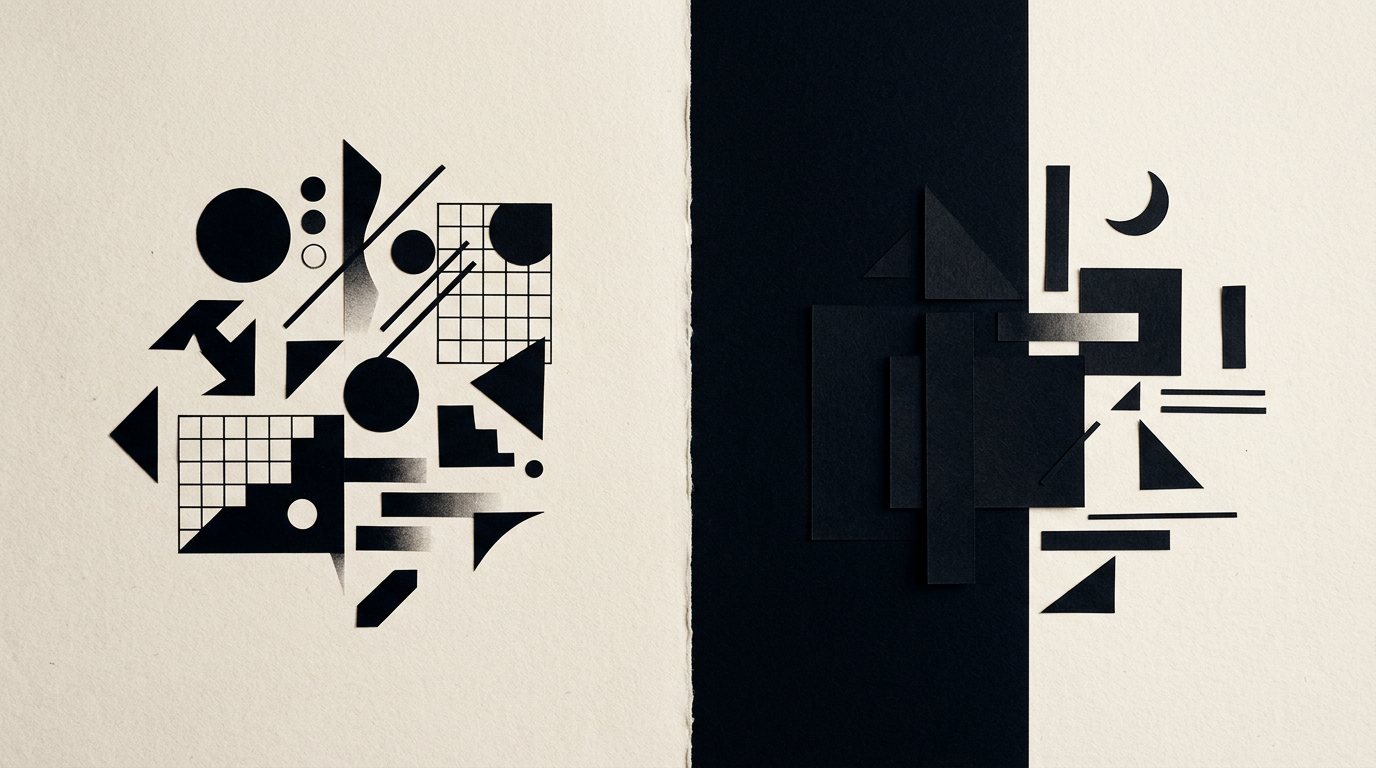
Dark mode has evolved from a niche option for developers to a mainstream visual standard that users expect. Choosing between a dark and a light interface is not just an aesthetic preference, but a decision rooted in functionality and visual ergonomics. In this guide, I answer the most common questions about when it pays off to invest in a dark version and when it is better to stick to a light background.
Is it worth implementing dark mode on a presentation site?
It is not always worth the extra investment for a simple presentation website. If your site has under 5 pages and content is consumed quickly during daytime, a well-structured light layout is more effective. However, there are clear scenarios where a dark interface adds measurable value:
- Platforms or web applications where users spend over 20-30 consecutive minutes.
- Websites in niches like gaming, night entertainment, photography, or architecture where high contrast makes images pop.
- Tech or IT brands aiming to convey a modern, cutting-edge image.
For a local service business or consulting firm, a clean light design remains the safer and more cost-effective choice.
How much does it cost and how long does it take to add dark mode?
Adding a dark mode version to an existing site typically increases the development budget by 25% to 40% of the initial project cost. This increase is justified by the need to craft a secondary color palette, test all visual UI components, and ensure smooth transitions. If built from scratch, integrating CSS variables for both themes adds roughly 6 to 10 hours of work. When updating your entire brand identity, defining color rules for both display modes directly in the brand guidelines prevents expensive refactoring later.
Does a dark interface actually save battery life?
Yes, dark mode saves energy, but only on OLED and AMOLED screens. On these displays, black pixels are completely turned off, reducing screen power consumption by 15% up to 60% at peak brightness, according to Google studies. On older LCD screens, the backlight remains fully active regardless of the displayed colors, resulting in zero power savings. If your audience primarily browses on modern mobile devices, offering dark mode directly improves their battery longevity.
Why is long text harder to read on a black background?
Reading long blocks of text on a pure black background causes eye strain due to the visual halation effect. As the pupil dilates to admit more light in dark settings, white text can appear to bleed or blur slightly around the edges. To avoid this issue in graphic design projects, we follow strict guidelines:
- Never use pure black (#000000) for the background; opt for deep grays (#121212 or #1E1E1E).
- Avoid pure white (#FFFFFF) for body text; use off-white (#E0E0E0) at 85-90% opacity.
- Increase line height by 5-10% compared to light mode.
- Steer clear of ultra-thin font weights that vanish against dark surfaces.
How does dark mode affect your logo and brand assets?
A logo designed exclusively for a white background will lose contrast or visibility on a dark interface. A professional logo design process always includes providing alternate versions: positive (for light backgrounds), negative (for dark backgrounds), and monochrome. Secondary graphical assets like icons, shadows, and borders must also be recalibrated. In dark mode, traditional drop shadows disappear; depth is achieved by using lighter gray surface layers for elevated elements.
When is dark mode strictly discouraged?
Dark mode is discouraged on text-heavy editorial websites, news portals, or e-commerce stores featuring products with white background imagery. Ergonomic research indicates that reading speed drops by 10-15% on dark backgrounds for extended reading. Furthermore, if product photos in an online store have uncropped white backgrounds, they will look like jarring white boxes on a dark theme, hurting overall presentation quality.
How should accent colors be adjusted for dark mode?
Saturated primary colors that look great on white backgrounds become harsh and cause visual vibration on dark backgrounds. A brand color like vivid blue or bright red should be desaturated by 20-30% for dark themes. This ensures compliance with WCAG accessibility standards, maintaining a contrast ratio of at least 4.5:1 for standard text. Instead of using high-intensity accents, select a lighter, softer shade from your brand palette.
How does dark mode impact SEO and AI-driven search?
Dark mode does not directly affect Google rankings, but it heavily impacts retention metrics and UX signals that search algorithms monitor. If users quickly bounce due to poor contrast or unreadable text, rankings can suffer. When executing GEO / AEO / AIO optimization strategies, search engines and AI assistants evaluate code accessibility and DOM structure. Poor technical execution—such as hiding text using incorrect CSS contrast—can cause indexing errors.
Should you detect system theme automatically or provide a manual toggle?
The best approach is a hybrid one: automatically detect user system preferences while providing a manual toggle switch. Over 70% of users prefer websites to mirror their operating system settings. However, giving them a visible toggle in the navigation header provides full control. Make sure to save their selection in localStorage to prevent page flickering when navigating between pages.
What common errors should be avoided in dark mode UI design?
The biggest mistake is automatically inverting colors via global CSS filters without manual adjustments. This converts images into film negatives and destroys visual hierarchy. Another frequent error is ignoring contrast requirements for form inputs and placeholder text. Finally, neglecting to adjust border colors leaves harsh white lines across dark backgrounds, creating an unrefined UI.
What's next?
Explore my portfolio to see real-world examples of websites and branding projects designed for seamless visual experiences. If you want to integrate dark mode into your site or need a complete redesign, reach out through the contact page.