6 min read
Dark Mode in Web Design: When Is It Worth It and When to Avoid It?
Practical guide on the pros and cons of dark mode interfaces in web design. Learn when to implement a dark theme and how to protect your brand identity.
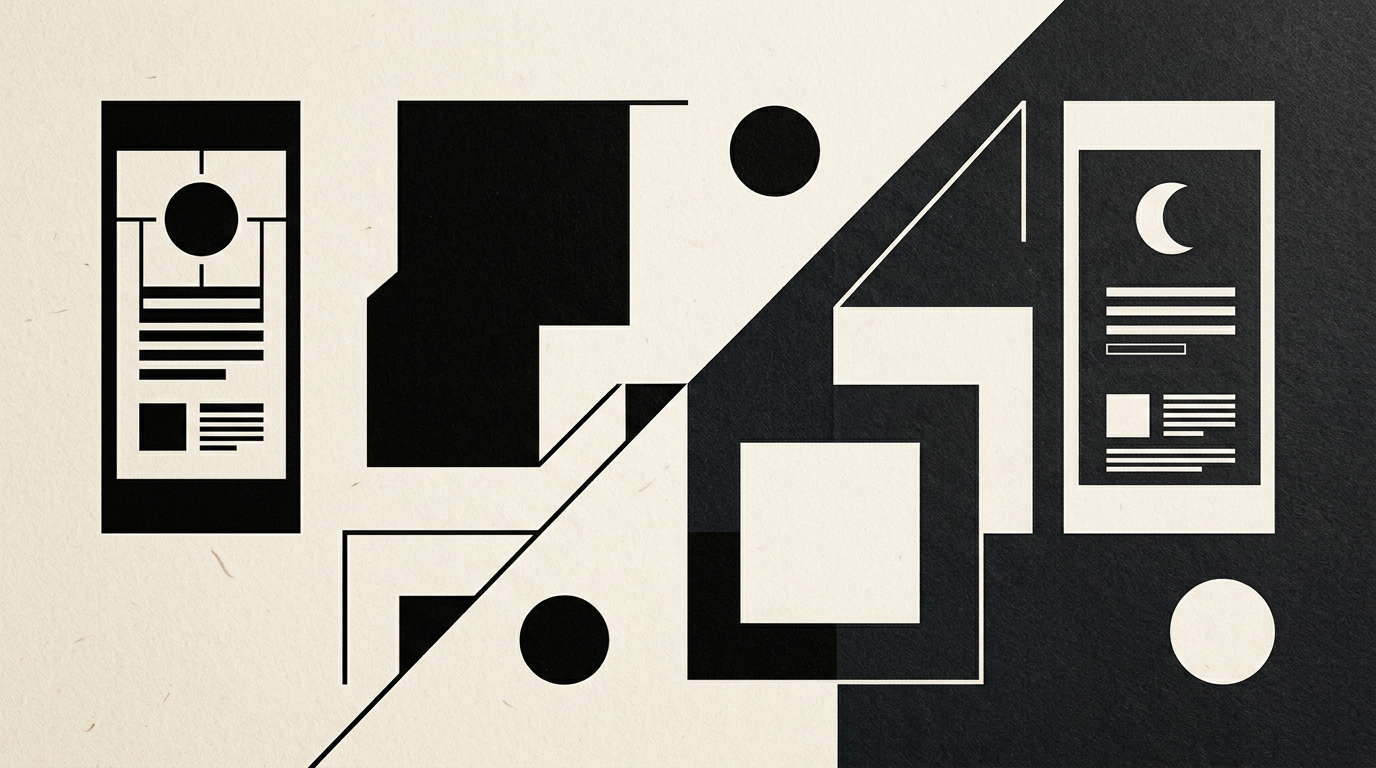
Dark interfaces have become an extremely popular request in web design briefs, praised for their modern aesthetic and visual comfort in low-light environments. However, implementing a dark mode option without a prior strategic analysis can severely impact content readability and your brand's perception. Before making a technical decision, it is essential to evaluate your content type, target audience behavior, and available development resources.
Why do users demand dark mode on presentation websites?
Users request dark mode primarily for nighttime eye comfort and reduced battery consumption on modern screens. A presentation website that offers the ability to toggle the visual theme immediately demonstrates attention to user experience and a high level of technical refinement. OLED and AMOLED display technologies completely power off black pixels, resulting in real battery savings ranging from 15% to 60%, depending on the configured brightness level. Furthermore, in dimly lit environments, a bright white screen is harsh on the retina and causes rapid eye fatigue. However, users do not ask for dark mode purely for technical reasons, but out of daily habits formed in mobile applications. If your audience accesses your platform late at night or works in dark office environments, providing a dark mode option extends session duration and lowers bounce rates.
When is dark mode strongly discouraged for a project?
Dark mode is strongly discouraged for text-heavy platforms, e-commerce stores with products photographed on white backgrounds, and brands using warm or pastel color palettes. When a visitor's primary goal is reading long-form articles, dark backgrounds cause long-term visual stress due to how the human eye processes light refraction. Additionally, in e-commerce, product images supplied by vendors on pure white backgrounds will look like awkward, isolated boxes on a dark screen.
Clear situations where you should avoid a dark theme include:
- Blogs, news portals, and editorial sites where continuous reading exceeds 5 minutes.
- E-commerce stores lacking resources to cut out transparent product photography.
- Projects where an established visual identity relies strictly on bright, pastel, or sunny tones.
- Applications used outdoors in direct sunlight, where dark screens become nearly unreadable due to reflections.
How does dark mode impact readability and eye fatigue?
Dark mode makes reading long texts harder because it forces the pupil to dilate, emphasizing the natural optical imperfections of the human eye. Approximately 30-50% of the population suffers from a mild form of astigmatism, where white text projected on a black background creates a blurry glowing halo effect called halation. The human eye evolved to process dark details on a bright background, a reflex utilized since the invention of printed paper. When crafting a graphic design project for the web, I always prioritize reading ergonomics over fleeting visual trends. If your site features technical documentation, detailed reports, or long case studies, a classic light background offers superior legibility and effectively prevents eye strain throughout the day.
What technical color rules guarantee a successful dark mode design?
The foundational rule for a successful dark mode is avoiding pure black (#000000) and pure white (#FFFFFF) to eliminate harsh contrast that pains the eyes. It is recommended to use deep dark gray tones, such as #121212 or #1E1E1E, for the canvas background and an off-white or light gray (#E1E1E1) for primary body text. Dark gray backgrounds absorb interface layers better and deliver a richer sense of visual depth.
Key color rules I apply include:
- Ensuring a minimum contrast ratio of 4.5:1 following WCAG AA international accessibility standards.
- Desaturating primary brand colors to prevent uncomfortable chromatic vibration against dark backgrounds.
- Using gray surfaces with varying opacities to express UI element hierarchy and elevation (cards, modals).
- Replacing traditional drop shadows with subtle borders or delicate surface lighting on interactive elements.
How should logos and visual identity adapt to dark mode?
Adapting a logo for dark mode requires dedicated vector assets built intentionally, not a simple automatic color inversion via code. During the logo design process, I always design specific variants for light and dark backgrounds, ensuring legibility and brand value preservation. Automatic CSS filter inversion can turn warm brand tones into muddy, strange colors, ruining visual recognition. Secondary graphic elements like icons, charts, and vector illustrations must be manually adjusted into the dark color palette. If your logo features dark typography, it must be switched to white or a contrasting shade from your secondary palette. A well-adapted visual identity maintains brand consistency regardless of the display theme chosen by the user.
Does dark mode influence SEO rankings or technical performance?
Dark mode does not directly affect search engine rankings, but it can negatively impact Core Web Vitals performance if implemented incorrectly. Bloated code loading separate CSS files or heavy JavaScript libraries for theme switching will slow down page rendering time. Furthermore, a flash of unstyled content (FOUC) on load can annoy visitors and increase bounce rates. For deeper insights into proper technical structuring, read about my GEO / AEO / AIO optimization services. A modern implementation uses native CSS variables and minimal HTML data attributes, guaranteeing a millisecond-fast transition without overloading server resources or penalizing mobile loading speeds.
Should you automatically detect system themes or provide a manual toggle?
The most effective approach is combining both methods: detecting the system preference automatically while offering an intuitive manual toggle switch. By using the CSS media query prefers-color-scheme, the website instantly inherits the user's OS preference on their phone or laptop. However, a clearly visible toggle button should always remain in the menu, allowing users to override the theme at any moment. The manually selected preference must be saved immediately to browser localStorage to persist across future visits. This hybrid approach gives full control to the user, ensuring maximum satisfaction and usability.
How difficult is it technically to retrofit dark mode onto an existing site?
The technical difficulty directly depends on the existing code structure and how original color styles were declared. If the website was built using modern CSS variables and a modular architecture, adding a dark mode option takes only a few hours of development. Conversely, if styles are written rigidly with hardcoded hex colors across thousands of lines, the process requires a complete visual refactoring. Furthermore, all transparent graphic assets, icons, and logos must be audited manually for dark canvas compatibility. In my portfolio section, you can review projects where flexible design systems were integrated, ready for any display option without bloating code complexity.
What's next?
Do you need a professional audit for your website, or do you want to integrate a visually and technically flawless dark mode option? Send me a direct message through the contact page, and we will define the best web design and branding strategy tailored to your business goals.