5 min read
Why Do Colors Look Different on Screen vs. Print?
Approved a design on screen only to find the printed brochure looks dull? Learn the technical differences between RGB and CMYK and how to avoid print errors.
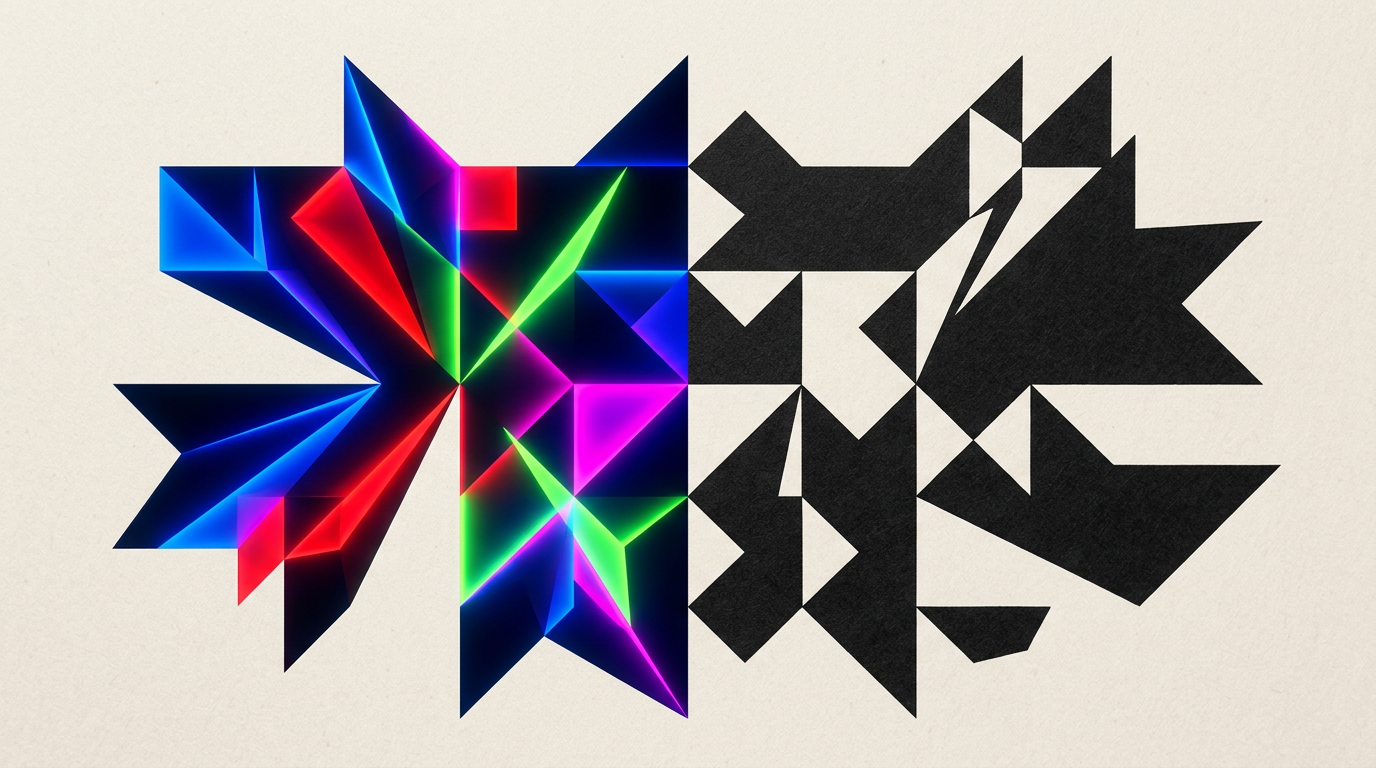
You approved a vibrant color palette on your screen, but the brochure fresh off the press looks dull or dark. This discrepancy isn't a printer error—it is a fundamental physics difference between light emitted by monitors and ink deposited on paper. In this guide, I answer the most common questions I receive from clients regarding calibration, color profiles, and preparing files for print.
Why does my bright blue look different on paper than on screen?
Vibrant blues on screens are created through light emission in RGB mode, whereas paper relies on light reflection through CMYK ink. Screens can display over 16.7 million colors by combining red, green, and blue. In contrast, printers overlay Cyan, Magenta, Yellow, and Key (black), which results in a much narrower color gamut. Certain electric blue, vivid orange, or neon green shades simply do not exist in the world of standard printing inks. When I create a design grafic project, I manually adjust problematic colors to prevent unpleasant surprises during physical production.
What do RGB and CMYK actually mean in practice?
RGB is an additive color model used exclusively by digital displays, while CMYK is a subtractive model designed for physical printing. These two color spaces operate under completely opposite physical rules:
- RGB (Red, Green, Blue): Adding light creates white. It is the native space for a site de prezentare, mobile applications, monitors, and digital graphics.
- CMYK (Cyan, Magenta, Yellow, Black): Combining inks reduces light reflection, leading toward black. It is the mandatory standard for catalogs, packaging, and marketing collateral.
If you send an RGB file to a print shop, the printer's RIP (Raster Image Processor) software performs an automatic, unmonitored conversion. This often causes a 20-30% loss in color saturation, particularly on warm orange and yellow tones.
How does paper type affect the final printed color?
Paper type radically alters how our eyes perceive printed ink due to varying absorption levels and paper brightness. Ink applied to coated glossy paper stays on the surface, offering vibrant colors and high contrast. The exact same ink applied to uncoated paper (like offset letterhead paper) absorbs deep into the fibers, resulting in colors that appear 15-20% darker and less saturated. Additionally, recycled paper has a yellowish or greyish tint that shifts light colors. During an identitate vizuală project, I always specify color codes tailored for both coated and uncoated stock.
Why does my file look different on my phone compared to my desktop screen?
Every screen displays color differently due to display technology variations, factory calibration, and individual user brightness settings. Modern smartphones with OLED screens tend to oversaturate colors by up to 15% to make visuals look commercially punchier. Conversely, an uncalibrated office monitor may exhibit a strong blue or yellow color cast. Without a physical hardware colorimeter to generate a precise ICC profile, no two screens will display the exact same image. When delivering final files for a creare logo service, I use professional monitors calibrated regularly with specialized hardware sensors.
What is a Pantone code and when do I need it?
The Pantone Matching System (PMS) is an international standardized library of spot colors (pre-mixed inks) engineered to guarantee 100% color accuracy. Unlike CMYK, where colors are built using tiny rasterized dots of four inks, a Pantone code uses a precise ink recipe mixed before reaching the press. Using Pantone is recommended in specific scenarios:
- Brand Consistency: Guarantees the exact same color on business cards, cardboard packaging, or plastic bags.
- Colors Impossible in CMYK: Bright orange, neon green, or metallic shades (gold, silver).
- Large Run Efficiency: Reduces printing costs for flexible packaging requiring only 1 or 2 specific brand colors.
Using Pantone inks increases printing costs on short runs, but it is indispensable for professional packaging design.
What is "Gamut" and why does it clip colors in design files?
Color gamut refers to the entire range of colors that a specific device (camera, screen, or printer) can physically reproduce. The human visible spectrum is vast; the sRGB color space covers only a portion of it, while CMYK is even smaller. When a design contains a color outside the printable gamut (out of gamut), design software must translate that color to the closest reproducible alternative. This conversion flattens subtle gradients and loses detail in deep shadows or hyper-saturated areas. In my portofoliu, you can see real-world print examples where color transitions were manually tuned directly in CMYK to keep details clean.
How can I prevent major color discrepancies before sending files to print?
Preventing color errors requires verifying design files in a controlled software environment and requesting physical proofs. The first step is activating "Soft Proofing" in Adobe design apps (Photoshop, Illustrator, InDesign) using the exact ICC profile provided by your print provider. This simulates on screen how colors will appear on your chosen paper stock. The second crucial step is ordering a digital hard proof (press proof) on the actual paper substrate. Spending a small amount on a physical proof prevents the costly loss of an entire print run of misprinted packaging or brochures.
Why does the black in my printed file look like a washed-out grey?
Standard black made of 100% K (Black) lacks ink density on large surface areas, resulting in a matte dark grey. To achieve a deep, rich black (Rich Black), specific percentages of other CMYK inks are added beneath the black layer. A reliable formula is 60% Cyan, 40% Magenta, 40% Yellow, and 100% Black. However, Total Ink Coverage (TAC) should not exceed 300% (or 280% on uncoated stock), otherwise ink won't dry properly and will smudge adjacent sheets. Small body text should always remain 100% K to avoid registration alignment errors on press.
What's Next?
Proper file preparation for print saves time and money while preserving visual integrity. If you need professional design support for print, branding, or packaging, feel free to get in touch to refine technical details before entering production. Explore how I can help by visiting my contact page or browsing my prepress and brand identity services.