6 min read
Why Doesn't Your Logo Work on Dark Backgrounds?
Discover the technical and optical reasons why your logo loses readability on dark backgrounds and how to fix it without a total rebrand.
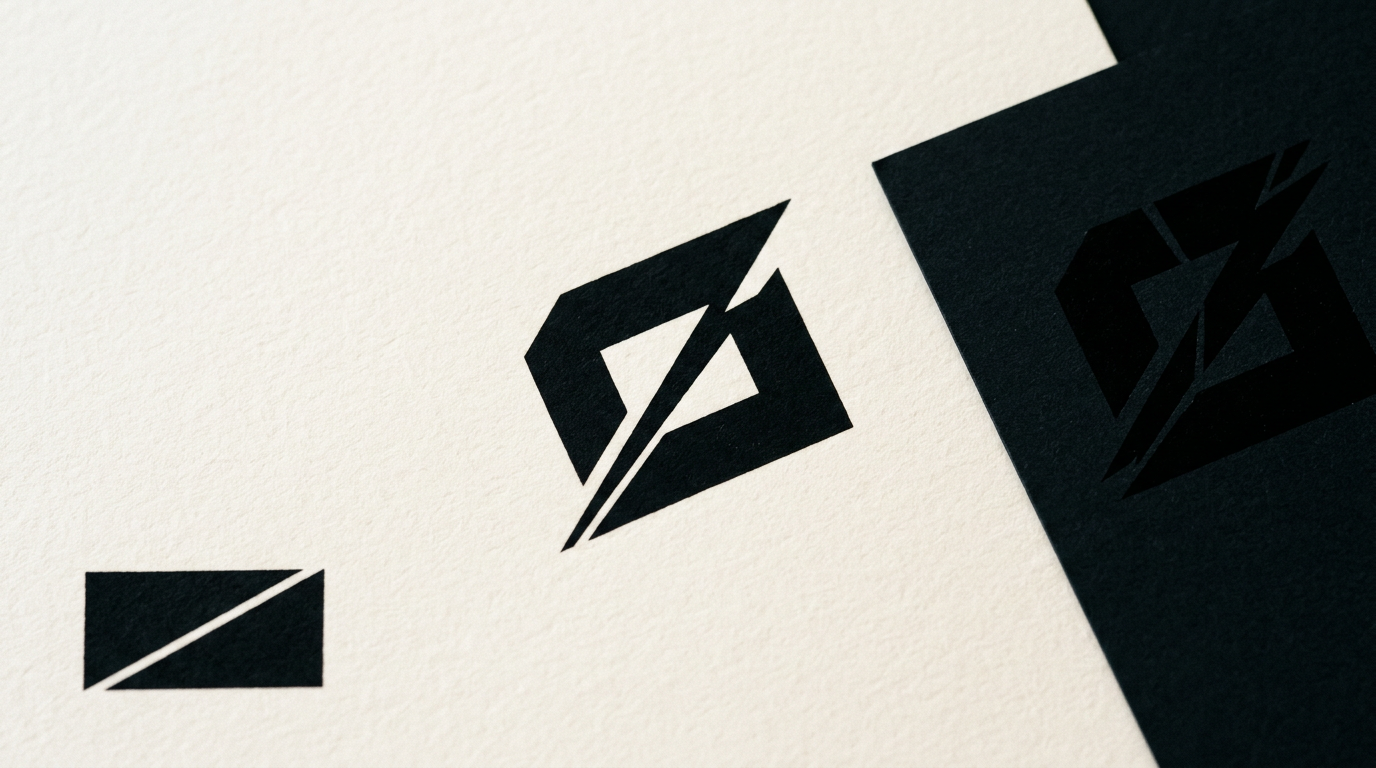
A logo that looks great on a white letterhead can become completely invisible or unreadable on a black t-shirt, a technical sheet, or your app's dark mode. This issue arises when a visual identity is built without secondary contrast variations and clear usage rules. In this article, I explain the technical causes and practical solutions to make your logo work seamlessly on any dark background.
Why does my logo become unreadable when placed on a black or dark background?
Your logo becomes unreadable due to a lack of adequate color contrast and insufficient luminance difference between the graphic elements and the background. When you apply graphics designed for a light background onto a dark surface, medium-saturation colors or dark tones lose definition and blend into the canvas. To ensure optimal visibility on screens or print, an optical contrast ratio of at least 4.5:1 is required between the logo and its background. Without a version specifically designed for dark backgrounds, fine elements such as secondary typography or 1-2 pixel vector details disappear entirely. When delivering professional creare logo services, I always craft dedicated versions for light, dark, and colored backgrounds to prevent readability loss. The fix isn't putting a white rectangular box behind your logo, but adapting its vector colors for a proper negative version.
What happens technically if my logo was designed only for a white background?
If your logo was only saved in a light-background variation, you lack correctly structured vector files for the negative version (light elements on dark). Technically, black or dark elements become invisible on matching surfaces, rendering text or icons completely unreadable. Automated color inversion tools fail because they flip skin tones, brand gradients, or the core visual meaning of your brand.
Here are the common technical issues that occur when using an unadapted file:
- Black or dark grey text vanishes entirely on a dark background (#000000).
- Thin outline strokes create an unpleasant optical glowing effect.
- Non-transparent PNG files display an ugly white box around the mark.
- Drop shadows create a dirty grey stain instead of realistic depth.
To avoid these mistakes, a complete design grafic service delivers structured file packages containing SVG, EPS, and transparent PNG formats prepared for every background condition.
How does this issue affect my website in Dark Mode?
Dark Mode dynamically changes your site's background from white (#FFFFFF) to dark grey shades (#121212 or #1E1E1E), causing an unadapted logo to disappear from the header or display a harsh white square box. Over 65% of mobile users prefer dark mode, meaning poor logo graphics directly harm the first impression of your business. On a modern site de prezentare, we implement CSS code that automatically switches the SVG logo based on the user's system preferences. If your logo is just a flat JPEG or a PNG with fixed black text, your site header looks unprofessional and unpolished. Adapting your logo for digital environments requires extracting every graphic element and assigning alternate colors from your official brand palette.
What is the difference between automatic color inversion and a proper negative version?
Automatic inversion applies a mathematical filter (100% Invert) to your colors, turning yellow to blue and red to teal, destroying your brand identity. A proper negative version is manually adjusted by a designer, preserving core brand colors while recoloring neutral elements (such as changing text from black to white or light grey).
Manual adaptation of a negative logo version involves these precise steps:
- Preserving icon brand colors or adjusting saturation for optimal dark contrast.
- Changing typography from black shades (#000000) to pure white (#FFFFFF) or light grey (#F4F4F4).
- Adjusting line weights to compensate for the optical illusion of light shapes expanding on dark surfaces.
- Testing contrast across at least 5 different dark backgrounds (black, navy, charcoal, dark green, deep brown).
A mature identitate vizuală includes clear guidelines outlining which logo variations must be used on specific background colors.
Why does the logo text look thicker or thinner when changing the background?
This is a well-documented optical illusion in visual perception known as the irradiation or halation effect. White or bright objects on a dark background appear larger and thicker than they actually are because light perceived by the human eye bleeds into the surrounding dark space. Because of this, if you use the exact same vector file and only change the color from black to white, the text will look visually heavy and unbalanced. Professional designers adjust letter spacing (kerning) by 5-10% and reduce font stroke weight slightly in the negative version. Through this optical compensation, the dark background version appears to have the exact same elegant proportions as the light background original.
How do incorrect logo versions impact AI tools and search engines evaluating my brand?
Modern visual search engines and AI recognition tools scan images by analyzing contrast, edges, and extracted typography from web pages or brand documents. If your logo has weak contrast or the text merges into a dark background, visual recognition algorithms fail to parse your business name correctly. For effective geo-aeo-aio optimization, visual assets must be clearly structured in semantic SVG format with correct alt tags and high contrast for OCR engines. When AI models scan social media graphics or PDF brand assets, a low-contrast logo on a dark background lowers your digital brand readability score. A fully optimized file ensures your identity is read correctly across automated platforms.
How can I fix this issue without completely rebranding my business?
The solution is creating a secondary set of asset variations derived from your existing logo without changing its core shape, typography, or concept. We take your original vector brand file, clean up layer structures, and adapt color values specifically for high-contrast usage. In my portofoliu, you can see how I have adapted established brand assets for various applications without diluting their existing equity.
This technical optimization step includes:
- Creating a pure monochrome white (#FFFFFF) version for dark background applications.
- Crafting duotone variations for charcoal or navy background environments.
- Generating file packages exported in SVG, PDF, EPS, and 300 DPI transparent PNG formats.
- Writing a concise brand guideline sheet indicating approved background uses.
How long does it take to optimize a logo for dark backgrounds, and what do I receive?
The optimization and adaptation process usually takes between 2 and 4 business days, depending on vector complexity and existing file conditions. If you own the original vector files (.AI or .EPS), the work focuses on color rebalancing, optical line corrections, and exporting necessary production files. At project completion, you receive a full asset bundle clearly categorized into dedicated web and print folders. Delivered assets include web-optimized SVGs, high-res PNGs (1080p, 4K) with transparent backgrounds, and professional vector files ready for print or embroidery. This ensures your internal team and external vendors have the exact files needed for any marketing application.
What's next?
If your current logo is difficult to read on dark backgrounds, in dark mode, or on dark print materials, it's time to optimize it technically. Visit the contact page, send over your current files, and I will evaluate your existing versions for free while providing a fast, clear adaptation solution.