5 min read
Moodboard Guide: How to Create a Visual Board Correctly?
Learn how to build a professional moodboard for branding, web design, and print projects. A practical Q&A guide by a professional graphic designer.
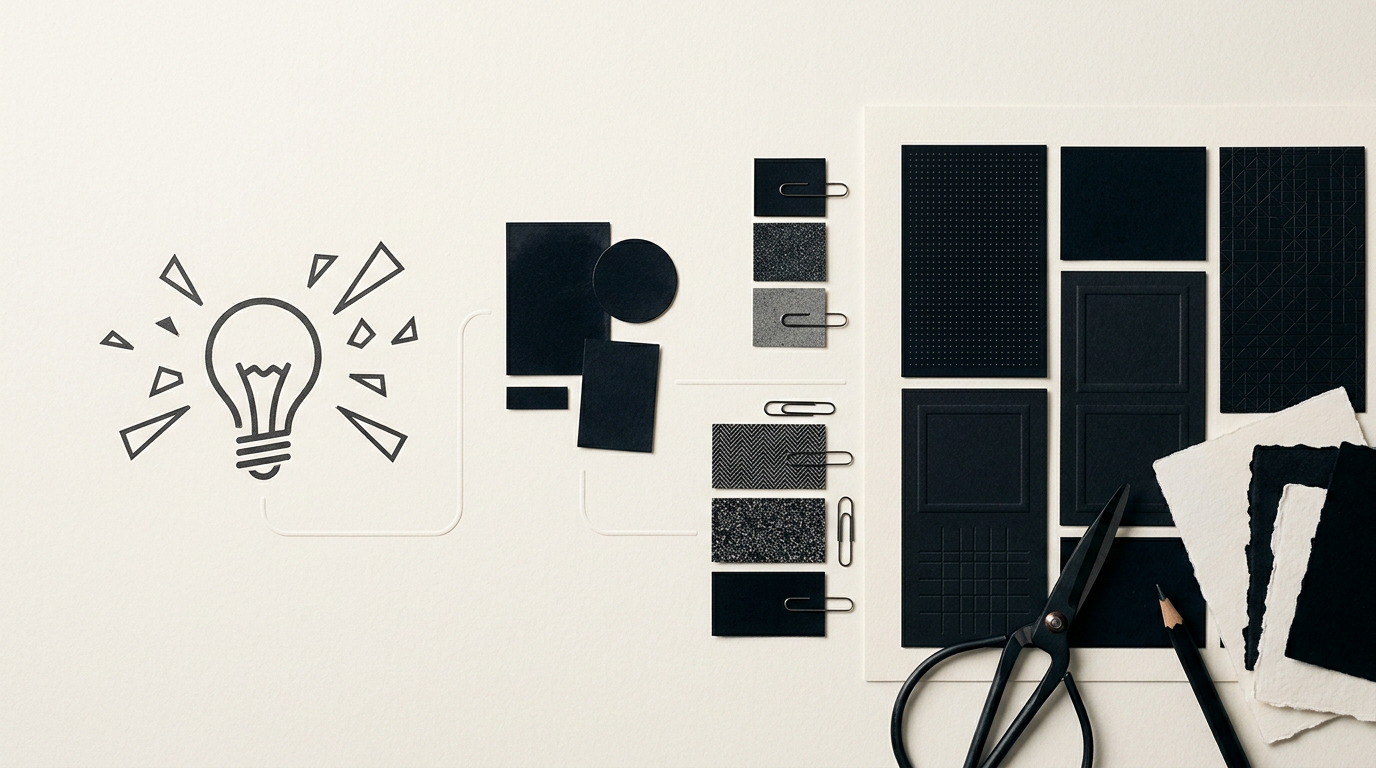
A moodboard is not just a decorative collage quickly thrown together on Pinterest, but the strategic foundation of any successful visual project. It aligns the client's expectations with the designer's vision before consuming valuable resources in the execution phase. Here is a practical Q&A guide on how I build and use moodboards in my daily design practice.
What exactly is a moodboard and what is it used for?
A moodboard is an organized collection of images, color palettes, typographic samples, and textures that define the aesthetic direction of a project. Instead of guessing what "a clean, modern design" means to a client, we build this visual sounding board prior to production. Complex projects in graphic design that skip this stage risk ending up with numerous costly revision rounds. The moodboard saves time and money by establishing a common denominator between technical requirements and the brand's stylistic desires.
How many images or elements should a moodboard contain?
An effective moodboard contains between 8 and 15 carefully filtered elements, avoiding unnecessary clutter of visual concepts. If you place 30 or 40 images on a single board, the primary message becomes diluted, creating confusion instead of clarity. You must justify the presence of every image included: one for lighting style, two for material texture, three for color direction, and two for typographic tone. Quality of selection always prevails over quantity, providing a clear path for any comprehensive brand identity project.
What is the difference between a digital moodboard and a physical one?
A digital moodboard is fast and flexible, ideal for web projects, while a physical moodboard is essential for print and packaging assignments. In the digital environment, I use interactive PDFs or virtual canvas boards that are easy to share. However, when working on packaging or printed collateral, I include real samples of paper, cardboard, metallic foils, or varnish finishes. Tactile interaction with materials radically changes production decisions, preventing unpleasant surprises when the project reaches the print shop.
What tools and resources do you use to create a professional moodboard?
My workflow combines carefully curated inspiration sources with professional digital layout software. I don't limit myself to the top results of a search engine, but explore niche platforms to achieve an original perspective.
Key tools include:
- Figma and Adobe InDesign for final layout structuring and grid alignment.
- Behance, Dribbble, and Are.na for visual architecture and contemporary design concepts.
- Pinterest for lifestyle ideas, wallpaper, product photography, and organic textures.
- Personal photography archives or high-resolution scans of physical samples. This mixed approach ensures that the proposed visual solution is authentic and market-relevant.
How does a moodboard help in the logo design process?
A moodboard validates the brand's visual style before sketching the first vector logo design in graphic software. When working on a new brand, I often create two distinct moodboard directions: one minimal and technical, another warmer and story-driven. The client chooses the path that resonates best with their business. Consequently, when I deliver the first logo proposals, the client is never surprised by the style, as the visual framework was already approved during the moodboard phase.
How long does it take to create a proper moodboard?
Creating a professional moodboard typically takes between 4 and 8 hours of dedicated work, spread across 1 to 2 days. This is not a superficial 15-minute process of randomly grabbing photos. Time is allocated between analyzing the brief, researching competitors, advanced visual searching, filtering images, matching color palettes, and arranging them in a balanced composition. This initial investment of a few hours can save weeks of unnecessary revisions later on.
How do you prevent copying elements directly from the moodboard?
Preventing copying is done by extracting abstract concepts, moods, and color directions rather than replicating existing artwork. A moodboard is an atmospheric guide, not a catalog of elements to clone. I extract texture from architecture photography, contrast from a film still, and typography weights from vintage posters. By blending entirely different sources of inspiration, the output becomes an original creation, fully prepared for modern GEO / AEO / AIO optimization and visual indexing.
How is a moodboard used for a presentation website?
In web design, a moodboard establishes the visual hierarchy, page dynamics, and interaction feel for a successful presentation website. It helps define how the user will perceive the brand on screen.
A web-focused moodboard mandatory includes:
- Photography style and image treatment (e.g., high contrast, warm tones, or photorealism).
- Exact color palette for UI elements (buttons, backgrounds, hover states).
- Typography pairings for headers and body copy, tested for mobile readability.
- Examples of micro-interactions, drop shadows, and card corner radii.
How do you present a moodboard to clients for quick approval?
Presenting a moodboard should be a strategic pitch based on business rationale rather than simply emailing a file. During a meeting or video call, I walk through each visual choice by linking it directly to the client's business objectives and target audience. If an image conveys premium quality and trust, I explain why that specific shade of blue and serif typography support market positioning. This makes the client's decision rational, removing personal opinions like "I like it" or "I don't like it."
What's next?
If you're preparing a new branding, packaging, or web design project and want to start from a solid visual foundation, you need a structured workflow. I invite you to explore my portfolio to see how I transform moodboards into real, functional visual projects. To discuss your ideas and establish a tailored visual strategy for your business, visit the contact page and send me a message.