6 min read
Offset vs Digital Printing: Which Should You Choose?
Learn the technical and financial differences between offset and digital printing. A complete guide on print volumes, Pantone colors, paper stocks, and lead times.
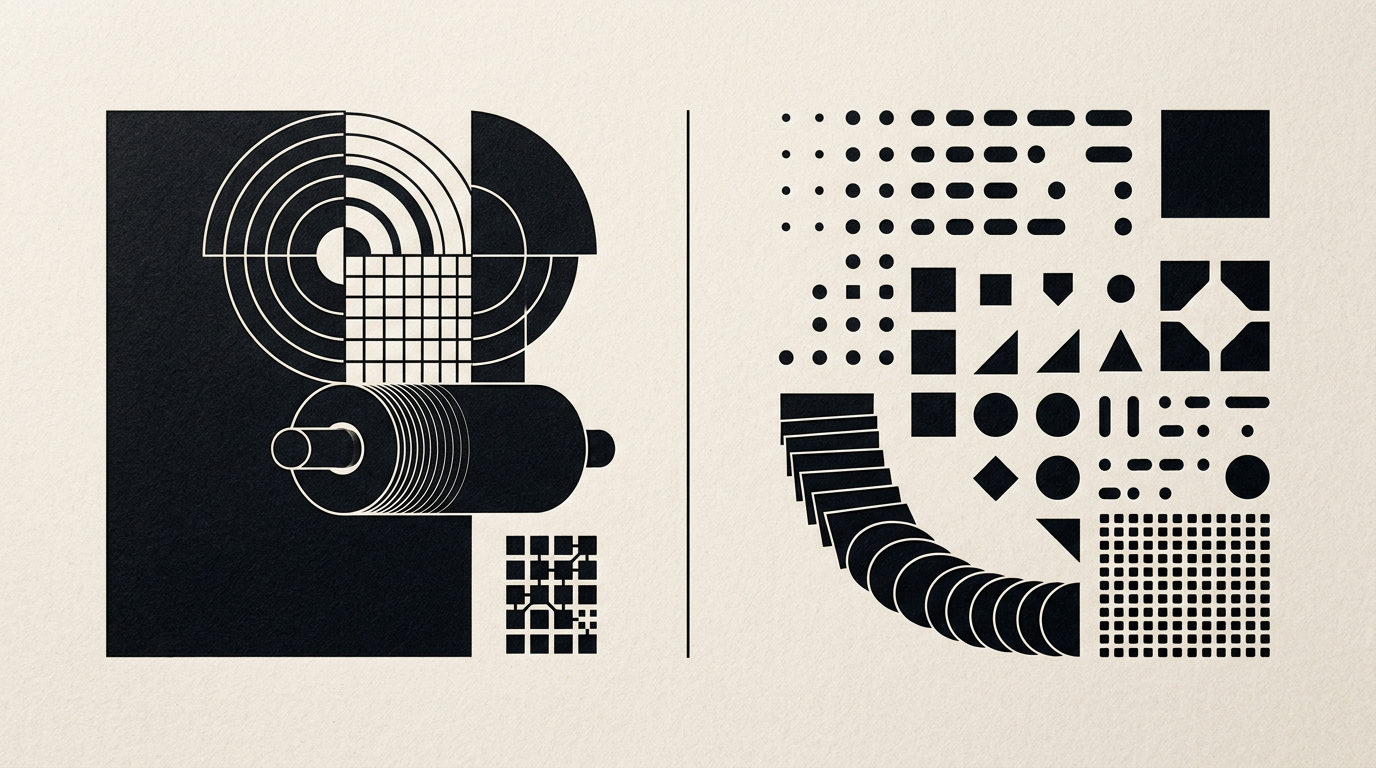
Choosing between digital and offset printing directly dictates your production budget, delivery timeline, and visual quality. This guide breaks down the core technical differences, cost thresholds, and paper limitations so you can make an informed decision for your brand collateral. Whether you need 50 custom packaging boxes or 10,000 catalogs, the right print technology depends on specific project parameters.
What is the fundamental technological difference between digital and offset printing?
Digital printing transfers images directly from a digital file onto paper using toner or liquid inkjet, whereas offset printing relies on aluminum plates and a rubber blanket to transfer liquid ink. In digital workflows, the press reads a file created in design grafic software and applies pigment instantly using heat or lasers. Offset printing requires creating individual aluminum plates for each CMYK process color or custom spot color, mixing inks, and calibrating mechanical rollers. This initial technical prepress setup takes 1 to 2 hours for offset, compared to digital printing which can start running within 2 minutes. Furthermore, offset inks soak deeper into paper fibers for a smooth matte feel, while digital toner sits on top of the sheet creating a slight surface sheen.
At what print run size does offset printing become cheaper than digital?
The financial tipping point where offset printing becomes cheaper than digital is typically around 500 copies for catalogs or brochures, and 1,000 copies for flyers or business cards. Digital printing carries a fixed cost per printed sheet with zero setup fees, making it optimal for short runs of 10 to 300 pieces. Offset printing requires high upfront costs for plates and press calibration, but the marginal cost per printed piece drops drastically as volume increases.
Cost progression based on print volume:
- 50–200 A5 flyers: Digital is 60–80% cheaper than offset printing.
- 500 A5 flyers: Costs reach approximate parity between both technologies.
- 2,000–10,000 A5 flyers: Offset becomes 50–70% cheaper per individual unit.
- Over 20,000 packaging boxes: Offset reduces unit costs to mere pennies per piece.
How does technology choice affect brand colors and Pantone codes?
If your branding project demands an exact match for custom spot colors specified in your identitate vizuală brand guidelines, offset printing is the only technology that guarantees 100% color accuracy. Offset presses utilize physical inks pre-mixed according to exact Pantone formulas (Spot Colors) and applied directly to the substrate. Digital presses simulate Pantone shades by mixing four standard process colors (CMYK). While modern production digital presses deliver impressive color accuracy, they can exhibit 5–10% color shifts between different production batches or stock types. Critical brand hues like vibrant orange, reflex green, or metallic foils can only be perfectly reproduced on offset presses equipped with dedicated color units.
Can I produce a physical press proof cheaply on digital versus offset?
Producing a physical sample (press proof) is fast and inexpensive on digital equipment, but it is costly and labor-intensive on offset presses. On a digital press, printing a single sample sheet takes under 5 minutes and costs minimal funds because no plate setup is required. On an offset press, outputting a single real press proof requires burning plates, mounting ink rollers, and wasting 50 to 100 setup sheets to calibrate ink density. For this reason, offset projects rely on certified digital contract proofs for color approval, or move straight to production based on final artwork files verified by your graphic designer.
What paper options and special finishes work better on each technology?
Offset printing offers far greater flexibility regarding paper stocks and specialty embellishments, easily handling heavy cardstocks over 400 gsm and deeply textured specialty papers. High fuser temperatures inside digital printers can warp light paper weights or melt incompatible synthetic substrates.
Comparison of media and finishing capabilities:
- Textured papers: Offset forces liquid ink deep into paper grooves; digital toner can leave small gaps in deep textures.
- Heavy cardstock: Offset handles 400–600 gsm substrates smoothly, whereas digital is usually limited to 350–400 gsm.
- Spot UV and foil stamping: Foil or spot varnish can struggle to adhere to digital toner due to wax additives, requiring specialized primers.
- Specialty coatings: Offset allows inline application of aqueous or protective varnishes directly on press.
How does turnaround time influence the choice between digital and offset?
If you need printed materials delivered within 24 to 48 hours, digital printing is your only viable solution, whereas offset runs usually require 3 to 7 business days. Digital output requires no drying time; printed sheets exit the machine instantly ready for cutting, folding, or binding. In contrast, oil-based offset inks require a natural drying period of 12 to 24 hours before sheets can be safely handled without smudging or setting off onto adjacent pages. On top of drying time, offset workflows require additional prepress steps including Computer-to-Plate (CTP) imaging and press mounting.
Which option should I choose for variable data printing and personalization?
Digital printing is the only technology capable of printing variable data (VDP), allowing every single printed piece to feature unique content within a single continuous run. With digital machinery, you can print 1,000 event invitations or catalogs where each copy displays a different recipient name, unique barcode, personalized mailing address, or custom graphic asset sourced directly from a database. Offset printing is completely static once the metal plate is etched, meaning all 10,000 copies off the press will be 100% identical. Attempting individual customization on offset would require burning separate plates for every sheet, creating prohibitive costs.
How do I ensure my graphic files are correctly prepared for printing?
Preparing print-ready files requires setting your color space to CMYK, including a minimum 3 mm bleed margin around edges, and converting all typography to vector outlines. If you are submitting vector assets, such as artwork created during a creare logo project, export them at 300 DPI native resolution without aggressive compression. In my portofoliu, you can examine examples of assets meticulously structured for commercial printing. For offset printing, large black background areas must be set as Rich Black (e.g., C:40 M:30 Y:30 K:100) to prevent a washed-out look, whereas 100% K is usually adequate for digital. Finally, export print files using PDF/X-1a or PDF/X-4 standards.
What's next?
Selecting between digital and offset printing depends entirely on your project's volume, budget, color accuracy needs, and paper preferences. If you need professional assistance preparing your production files, choosing paper stocks, or developing a complete brand suite including a site prezentare with modern geo aeo aio visibility strategies, reach out via the contact page. I will evaluate your requirements and guide you toward the most cost-effective print production workflow.