5 min read
Offset vs. Digital Printing: Which Technology to Choose?
A practical Q&A guide comparing offset and digital printing, covering costs, run sizes, print quality, and pre-press file preparation.
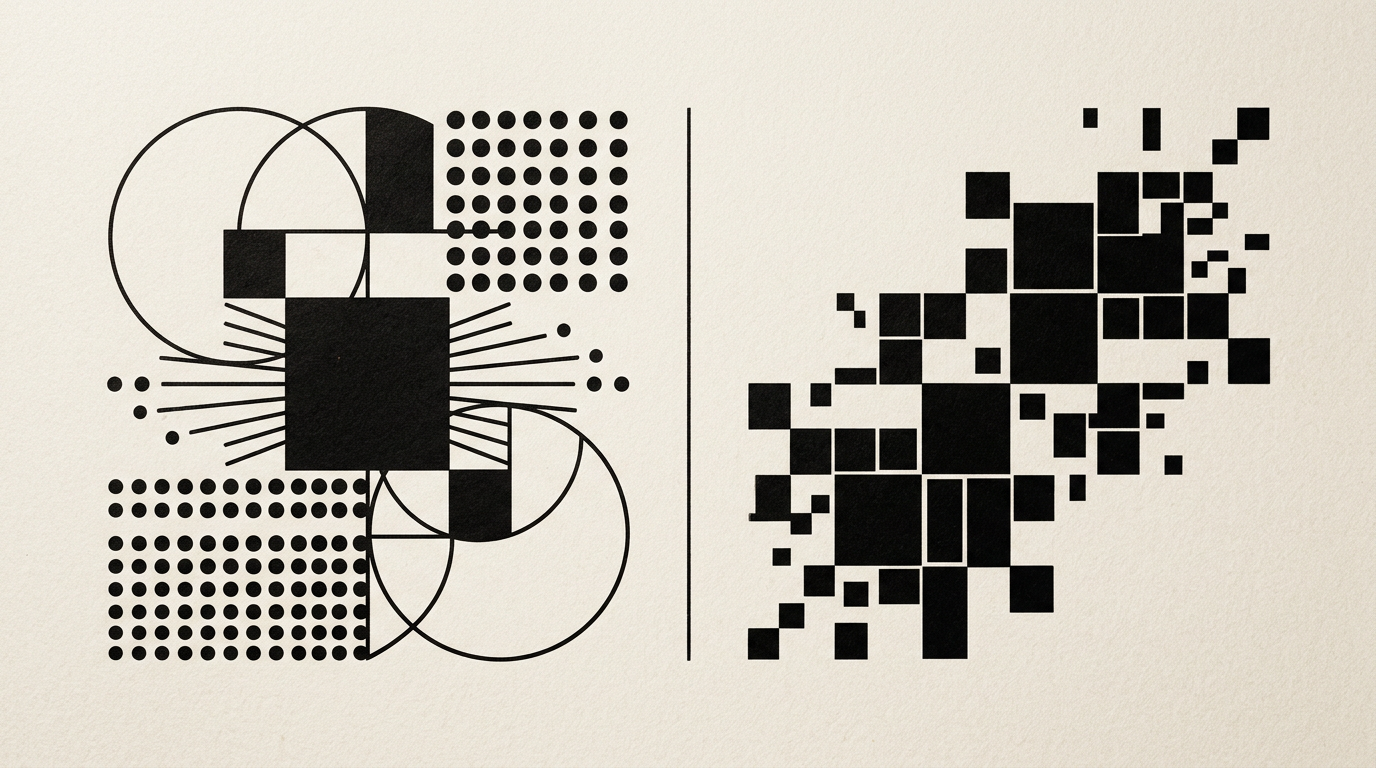
Choosing the right printing method directly impacts your budget and the physical quality of your promotional materials. Whether you are producing packaging, brochures, or business cards, the technical distinction between offset and digital printing determines your unit cost. In this guide, I answer the most frequent questions from my hands-on experience in print and packaging design.
What is the fundamental technological difference between offset and digital printing?
Offset printing uses aluminum plates to transfer ink onto a rubber blanket and then onto paper, whereas digital printing applies liquid ink or toner directly onto the printing substrate. Offset relies on the repulsion of oil and water, offering flawless color precision but requiring a complex pre-press setup. Digital eliminates physical plates and processes the file directly from the computer, reducing preparation time to zero. For a complete graphic design project, the choice depends on volume and material. Offset excels at large runs and custom Pantone colors, while digital is ideal for short runs and fast turnaround times.
At what print run size does offset printing become more cost-effective than digital?
The break-even point where offset becomes cheaper than digital is typically around 500–1,000 copies for brochures and over 1,500–2,000 units for flyers or leaflets. Offset's fixed setup costs (plate making, press calibration, initial paper waste) are distributed across the total quantity, driving down the unit cost significantly as volume increases. In digital printing, the cost per page remains constant whether you print 10 or 1,000 copies. For example, 100 catalogs will be much cheaper on digital, but printing 5,000 catalogs on offset can cost up to 60% less per unit compared to the digital method.
Which printing technology provides better color accuracy and detail?
Offset printing delivers superior print quality and absolute color fidelity, enabling the use of exact Pantone Matching System (PMS) spot colors and metallic inks. Offset presses control the ink layer with sub-millimeter precision, avoiding visible raster patterns or the slightly glossy sheen typical of digital toner. However, modern digital presses have narrowed this quality gap significantly, making them almost indistinguishable from offset to the untrained eye. If your project involves a strict visual identity with exact corporate brand colors, offset remains the guaranteed option for absolute consistency across substrates.
What are the major pros and cons of each printing method?
Deciding between offset and digital depends on your primary project goals: speed, budget flexibility, or individual personalization. Each technology offers distinct technical advantages and limitations that must be addressed during file preparation.
- Offset Advantages: Exceptionally low unit cost for high volumes, exact match for Pantone spot colors, support for heavy packaging boards up to 450+ gsm.
- Offset Disadvantages: Longer turnaround time (3–5 business days), high fixed setup costs for small runs, inability to print variable data.
- Digital Advantages: Fast 24-48 hour turnaround, variable data capabilities (unique numbering, personalized names), zero prepress plate costs.
- Digital Disadvantages: Fixed unit price that becomes expensive at high volumes, potential slight banding on large solid color areas.
What paper types and board weights can be printed on offset vs. digital?
Offset printing handles virtually any paper substrate, ranging from lightweight 60 gsm paper to thick 450 gsm folding boxboards, textured stocks, or synthetics. Digital presses are more restrictive due to internal paper path limits and toner fuser heat, usually capping paper weights between 80 gsm and 350 gsm. Specialty stocks engineered specifically for offset do not always perform well on digital without a prior primer coat, as toner might fail to adhere evenly into deep paper textures. When building a luxury packaging or editorial portfolio, we always verify physical substrate compatibility before exporting print-ready PDFs.
How long does production take for digital vs. offset printing orders?
Digital printing allows jobs to be completed in a few hours or within 24–48 hours, whereas offset orders generally require 3 to 7 working days. The additional time needed for offset comes from pre-press steps: generating CTP (Computer-to-Plate) plates, drying oil-based inks before finishing, and mechanical press setup. With digital printing, the prepress file travels straight from the graphic workstation to the engine, and ink curing is instantaneous. If you face a strict event deadline or urgent promotional launch, digital is your only viable path.
What is variable data printing (VDP) and how is it used?
Variable Data Printing (VDP) is an exclusive digital capability that allows text, images, or codes to change from one printed sheet to the next without stopping the press run. This flexibility is impossible in offset printing, where static plates print identical images across thousands of sheets.
- Diplomas and Invitations: Recipient names and personalized registration codes pulled directly from dynamic databases.
- Loyalty Cards and Labels: Unique barcodes, QR codes, or serial numbers for product traceability and security.
- Direct Mail Marketing: Targeted flyers featuring individual customer addresses and tailored promotional offers.
How should graphic files be prepared to prevent printing errors?
Print files should be exported as PDF/X-1a or PDF/X-4 at 300 DPI resolution and converted to the CMYK color space. For offset production, adding a minimum 3 mm bleed and honoring the Total Ink Limit (TAC, usually max 300%) is mandatory. Additionally, when using a vector logo design, all fonts must be converted to outlines to prevent font substitution during raster image processing. In digital printing, cutting tolerances may shift slightly, so crucial text and graphic elements should stay at least 4–5 mm away from the final trim edge.
How do modern AI tools and GEO/AEO optimization impact print workflows?
Advanced pre-press validation algorithms and GEO / AEO / AIO optimization standards streamline file checks, automatically detecting low resolution or incorrect color profiles before going to press. Automated tools can calculate optimal gang-run imposition on paper sheets to reduce raw material waste. Whether you are launching a digital campaign with a presentation website alongside printed collaterals, smart automation reduces prepress costs for both offset and digital workflows.
What's next?
Need expert guidance choosing between offset and digital printing for your next project, or need print-ready files crafted to industry standards? I can help you create packaging, editorial design, or promotional collateral tailored to your budget. From full branding to press-ready execution, use the contact page to discuss your project details.