5 min read
Spot vs. CMYK Colors: Which Should You Choose for Print?
A technical guide explaining the differences between Pantone spot colors and CMYK process print. Discover when the extra investment is worth it.
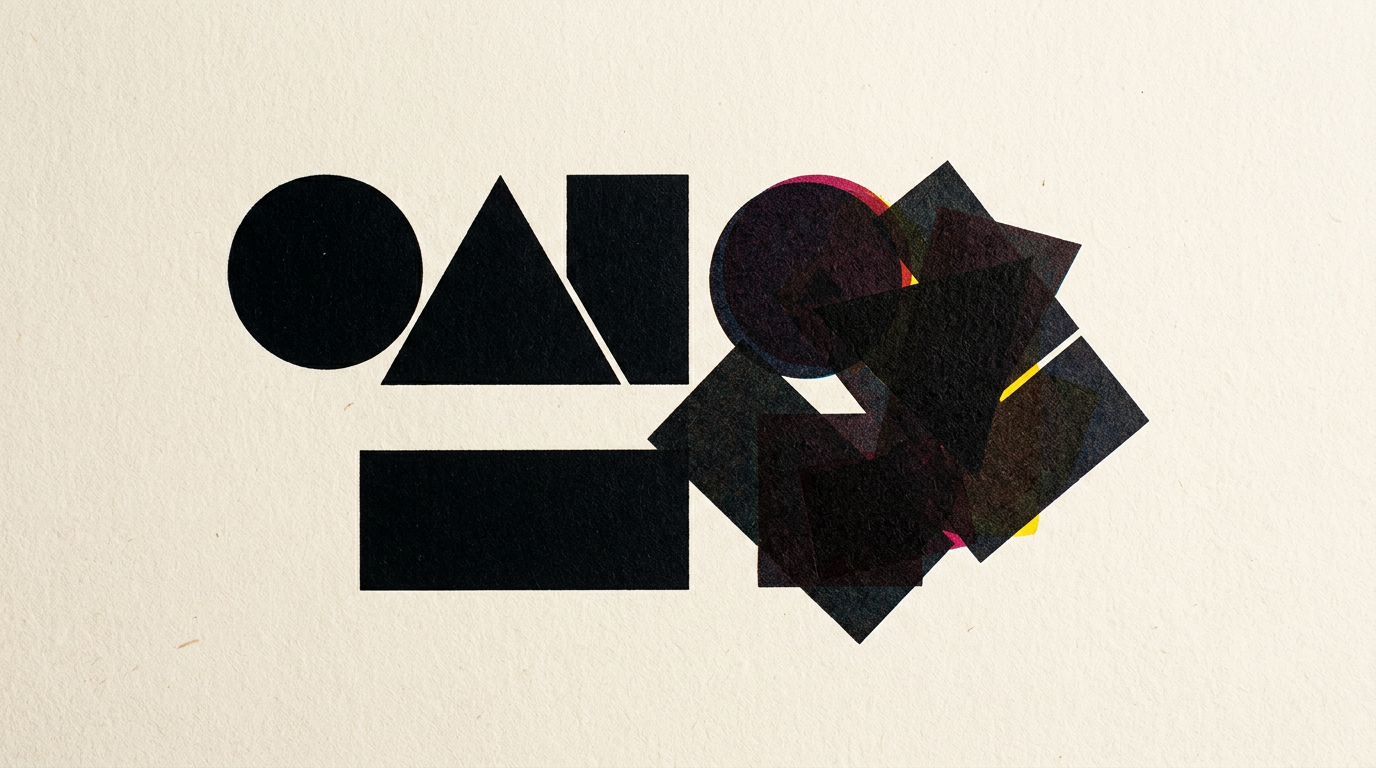
Choosing the right color system for print directly impacts your production budget and brand consistency. In print design, a slight shift in shade between monitor and paper can ruin a product package or a corporate brochure. Here is what you need to know before sending your design files to the press.
What is the fundamental difference between spot and process (CMYK) colors?
Spot colors are inks physically pre-mixed before printing, whereas process colors (CMYK) are created by layering four standard inks: Cyan, Magenta, Yellow, and Key (Black). When working on a graphic design project, a spot color (such as those in the Pantone system) guarantees an exact match on any press because the printer applies a pre-mixed ink formula. In contrast, CMYK uses halftoning (tiny dots) to simulate thousands of shades. While CMYK is ideal for photos or multi-page catalogs, it can vary by 5–10% between different print runs or print shops. Spot colors are opaque, uniform, and precise, making them the industry standard for brand-critical elements.
When is it mandatory to use Pantone spot colors instead of CMYK?
Using spot colors is mandatory when your brand identity relies on shades that cannot be accurately reproduced in CMYK, such as neon, metallic, or vibrant orange tones. If you have built a comprehensive visual identity for a premium brand, consistency across packaging and business cards is critical. You must opt for spot colors in the following specific scenarios:
- The logo features bright greens, oranges, or royal blues that look dull when converted to CMYK.
- You are printing on specialty substrates (dark cardstock, plastic, metal, or heavily textured paper).
- You require specialized functional inks, such as metallic gold, silver, or spot UV coatings.
- High-volume packaging runs (over 50,000 units), where color variation could lead to batch rejection.
Why does printing with spot colors cost more than CMYK process printing?
Printing with spot colors costs more because it requires separate press setup and wash-up for every custom ink added to the run. On a standard 4-color offset press (CMYK), adding a fifth Pantone color requires an extra printing plate, custom ink purchasing, and additional calibration time. Press make-ready costs can increase by 25–40% per spot color. For short runs (under 500 pieces), digital CMYK printing remains the economical choice despite sacrificing a fraction of accuracy. However, for high-volume packaging or corporate brochures featured in a design portfolio, the per-unit cost drops significantly at scale, making spot colors highly cost-effective.
How does color selection affect the logo creation process?
Selecting your color palette early defines your logo’s versatility across both print and digital mediums. A thorough logo design process involves defining exact color values across all systems: Pantone (for premium offset print), CMYK (for standard print), and RGB/HEX (for screens). If a logo is created strictly with vibrant RGB colors meant for a presentation website, an automatic conversion to CMYK will turn a vivid lime green into a muddy olive tone. An experienced designer selects a reference Pantone swatch from the start and tests its CMYK equivalent to prevent costly print surprises.
What does "CMYK + 1 Spot" mean and when is it used?
The "CMYK + 1 Spot" setup refers to printing a full-color photographic design using standard process inks, plus an additional press unit dedicated to a specific Pantone spot ink. This technique is frequently used for product catalogs, magazines, and packaging where you have complex background images alongside a brand logo that must remain 100% color-accurate. Here are the primary practical applications for CMYK + 1 Spot:
- Corporate brochures featuring photos where the brand logo is printed in an exact Pantone Orange.
- Product packaging where body copy and images use CMYK, while security elements or metallic accents use a spot ink.
- Promotional collateral requiring an unyielding corporate brand color alongside multi-colored illustrations.
How can I check if my print-ready files contain spot or CMYK colors?
You can inspect your file's color structure by opening your print PDF in Adobe Acrobat Pro and opening the Output Preview tool. This panel displays every active color separation in the document: if you only see Cyan, Magenta, Yellow, and Black, your file is strictly CMYK. If you see a name like "PANTONE 186 C" listed, your file contains a spot color channel. In applications like Adobe Illustrator or InDesign, spot swatches feature a small dot icon in the Swatches panel. Converting unwanted spot colors to process CMYK prior to export prevents unexpected pre-press charges from your printer.
How does paper stock (coated vs. uncoated) affect spot and process colors?
Paper stock drastically alters how ink absorbs into paper fibers, changing the final brightness and saturation. Coated paper (gloss or matte) keeps ink on the surface, yielding vivid colors and crisp details. Uncoated paper (offset or letterhead stock) acts like a sponge, absorbing ink and dulling the shades. The Pantone system accounts for this by providing separate swatches: C suffix for coated paper and U suffix for uncoated paper. CMYK ink coverage must also be adjusted for paper types to avoid ink oversaturation.
What happens if I automatically convert a Pantone color to CMYK?
Converting a Pantone color to CMYK with a single click in design software often causes a noticeable color shift, as the CMYK gamut is narrower than the Pantone library. Approximately 30–40% of Pantone Solid Coated colors cannot be matched perfectly using standard 4-color process inks. When converting automatically, the software picks the nearest mathematical CMYK value, which can appear dull or darker. For complex packaging or digital strategies—such as optimizing visual assets for GEO / AEO / AIO search visibility where visual quality reinforces brand authority—consulting a physical Pantone Color Bridge guide is essential.
What's next?
Proper prepress file preparation eliminates the risk of wasting time and budget on misprinted collateral. If you need assistance with product packaging, a corporate catalog, or a brand identity engineered for flawless print production, explore my services and portfolio. You can contact me directly for a technical prepress audit or dedicated consultation in graphic design and print.