5 min read
Offset vs. Digital Printing: How to Choose the Right Tech
A practical guide to the differences between offset and digital printing. Learn which technology fits your project based on run size, budget, color accuracy, and deadlines.
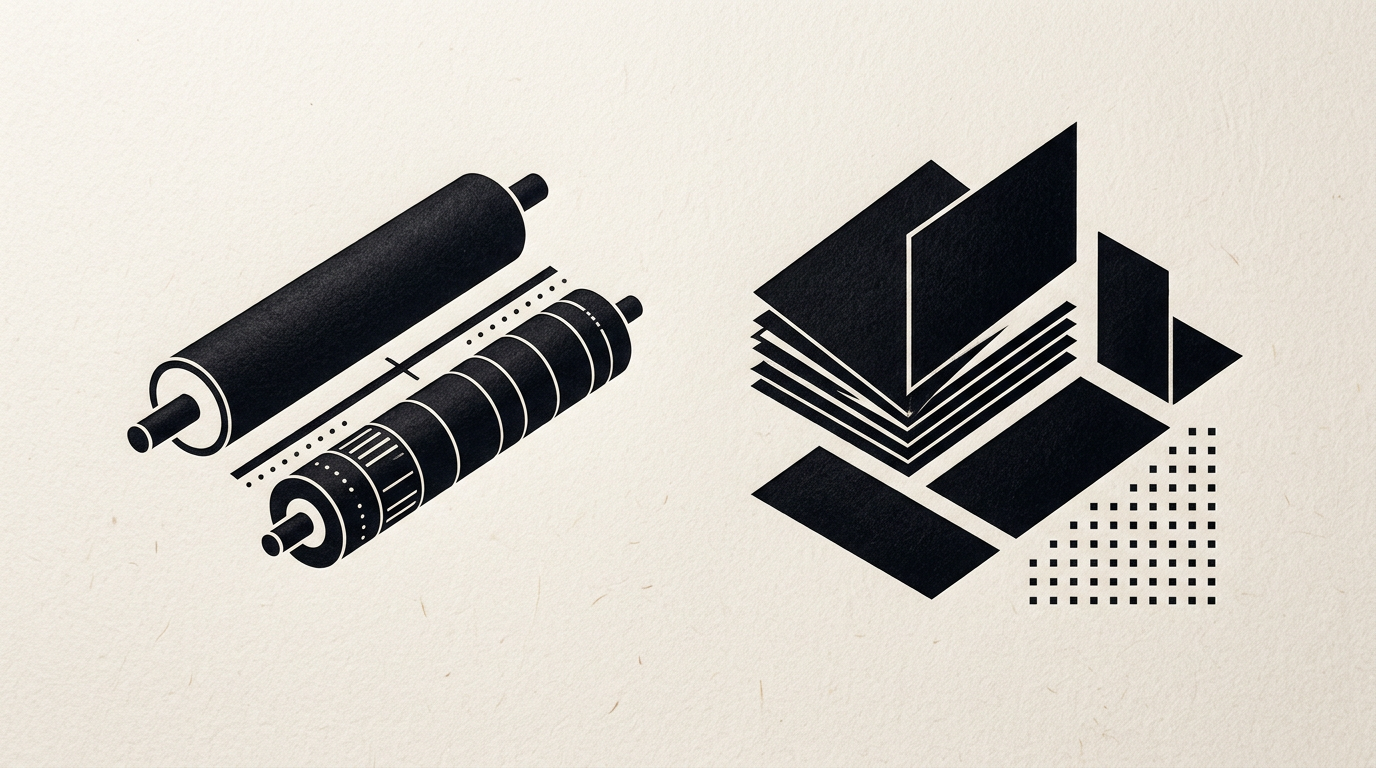
Every print project — whether it is a product packaging box, a sales catalog, or a corporate brochure — reaches a point where you must select the right printing technology. The two primary standards in the industry are offset printing and digital printing.
While both methods can produce crisp visuals on a computer screen, they operate on completely different mechanical principles on paper. Choosing the wrong technology doesn't just mean a wasted budget; it can also cause severe deadline delays or compromise your brand's visual identity.
In this article, we will break down the technical, financial, and practical differences between offset and digital printing so you can make an informed decision for your project.
How the Two Technologies Work
To understand why costs, turnaround times, and physical output vary so significantly, we need to examine the mechanical process behind each method.
Offset Printing
Offset printing is a traditional commercial technique based on the repulsion of oil and water. The process requires creating custom metal plates (usually aluminum) for each color channel in the print job (CMYK: Cyan, Magenta, Yellow, Key/Black) or for custom spot colors (Pantone).
The inked image is transferred from the metal plate to a rubber cylinder (known as a "blanket") and then stamped onto the paper substrate — hence the term "offset" (transferred).
The prepress setup phase is labor-intensive: it involves preparing vector files, outputting CTP (Computer-to-Plate) plates, mounting them onto the press rollers, adjusting ink density, and running alignment sheets before obtaining the first clean, usable print.
Digital Printing
Digital printing skips the metal plates entirely. The digital design file sent from the computer is processed directly by the press, which applies toner (electrostatic powder) or liquid ink straight onto the paper surface via photoconductor drums, fusing units, or industrial inkjet heads.
Setting up a digital job takes just a few minutes: you send the print-ready PDF (complete with bleeds and crop marks), run a single physical proof sheet, and launch full production immediately.
1. Print Volume and Break-Even Point
The most significant practical distinction between offset and digital printing lies in their cost structures.
- Offset printing carries high fixed setup costs and very low variable unit costs. Plate engraving, machine setup, and calibration paper waste cost the same whether you print 1 copy or 10,000 copies. However, once the press is running, its speed is massive, and the cost per additional sheet drops significantly.
- Digital printing has virtually zero fixed setup costs and a fixed per-page cost. Every digitally printed sheet consumes a predictable amount of toner/ink and machine runtime. The cost of sheet number 1 is practically identical to sheet number 500.
The Break-Even Point: As a practical rule of thumb across commercial print shops:
- Below 300 to 500 units (flyers, short brochures, business cards), digital printing is faster and far more cost-effective.
- Above 500 to 1,000 units, offset's low unit price makes digital printing financially unviable.
2. Color Accuracy and Special Inks (Pantone)
Both technologies can deliver sharp image resolution (above 300 DPI), but key differences emerge in large solid areas and specialized ink options.
CMYK Consistency
Advancements in commercial digital presses (such as HP Indigo or Canon ImagePRESS) have brought digital print quality remarkably close to offset. However, offset remains the gold standard for large solid color fields and smooth gradients, where digital toners can sometimes display slight graininess or banding.
Spot Colors and Pantone Matching
If your brand identity relies on an exact brand shade — such as a vivid neon green, a metallic silver, or a specific corporate hue — offset printing is the only true solution.
- An offset press can be loaded directly with pre-mixed ink from the Pantone Matching System (PMS), guaranteeing a 100% match with physical color swatches.
- Digital presses attempt to simulate Pantone shades through CMYK (or CMYK + Orange/Violet) formulas, which can result in minor color variations.
3. Substrate and Material Versatility
The paper stock or packaging material specified for your print piece can also dictate which printing method you must use.
- Offset printing accepts an extensive range of substrates: coated or uncoated paperboards from 70gsm up to 400gsm, textured specialty papers (such as Fedrigoni, G.F Smith, or Arjowiggins), corrugated board, plastics, clear films, and heavy folding boxboards.
- Digital printing faces mechanical limitations due to the high temperatures of the fusing cuvette and tight roller tolerances. Most digital presses handle standard papers between 80gsm and 350gsm well, but struggle with heavily textured surfaces, heat-sensitive plastics, or rigid packaging boards.
4. Production Speed and Variable Data Printing
Turnaround time is often the deciding factor in fast-moving marketing campaigns or product rollouts.
- Turnaround Time: If you need 200 presentation folders for a corporate conference tomorrow morning, digital printing is your only option. Production starts instantly upon PDF approval, and the output requires no drying time. In offset printing, oil-based or mineral inks require hours or even a full day to dry before sheets can be cut, folded, or laminated.
- Variable Data Printing (VDP): Digital printing enables unique information on every single piece. You can print 500 event invitations where each card features a different guest name, custom QR code, or individual barcode. In offset printing, this is impossible because the physical plate image remains static.
Quick Decision Matrix for Your Project
Here is a straightforward reference guide for common graphic design and print jobs:
- Business cards (100–300 pcs): Digital printing.
- Product catalogs (1,000+ copies, 32-64 pages): Offset printing.
- Retail packaging / Folding cartons (mass production, 1,000+ units): Offset printing + die-cutting.
- Packaging prototypes or short runs (20-50 boxes): Digital printing on plotters with digital cutting tables.
- Event flyers / Leaflets (10,000 pcs): Offset printing.
- Personalized invitations (150 pcs): Digital printing.
- Corporate brochures with metallic gold accents: Offset printing.
Conclusion: How to Avoid Costly Printing Errors
Choosing between offset and digital printing isn't about deciding which technology is overall "better," but rather determining which process matches your project's specific parameters. Both hold vital, complementary roles in modern print production.
Proper prepress preparation (DTP) saves time and prevents expensive production mistakes — from setting correct image resolutions and color profiles (FOGRA39/39L) to configuring overprints, spot UV masks, die lines, and bleed margins.
If you need expert design assistance with packaging, brand identity systems, or print-ready file preparation (for both offset and digital workflows), I can help turn your concepts into perfectly executed physical products. Feel free to reach out to discuss your upcoming project.