5 min read
Typography for Print vs Digital: How to Choose Fonts?
A practical guide comparing print and screen typography: technical differences, measurement units, hinting, legibility, and font licensing.
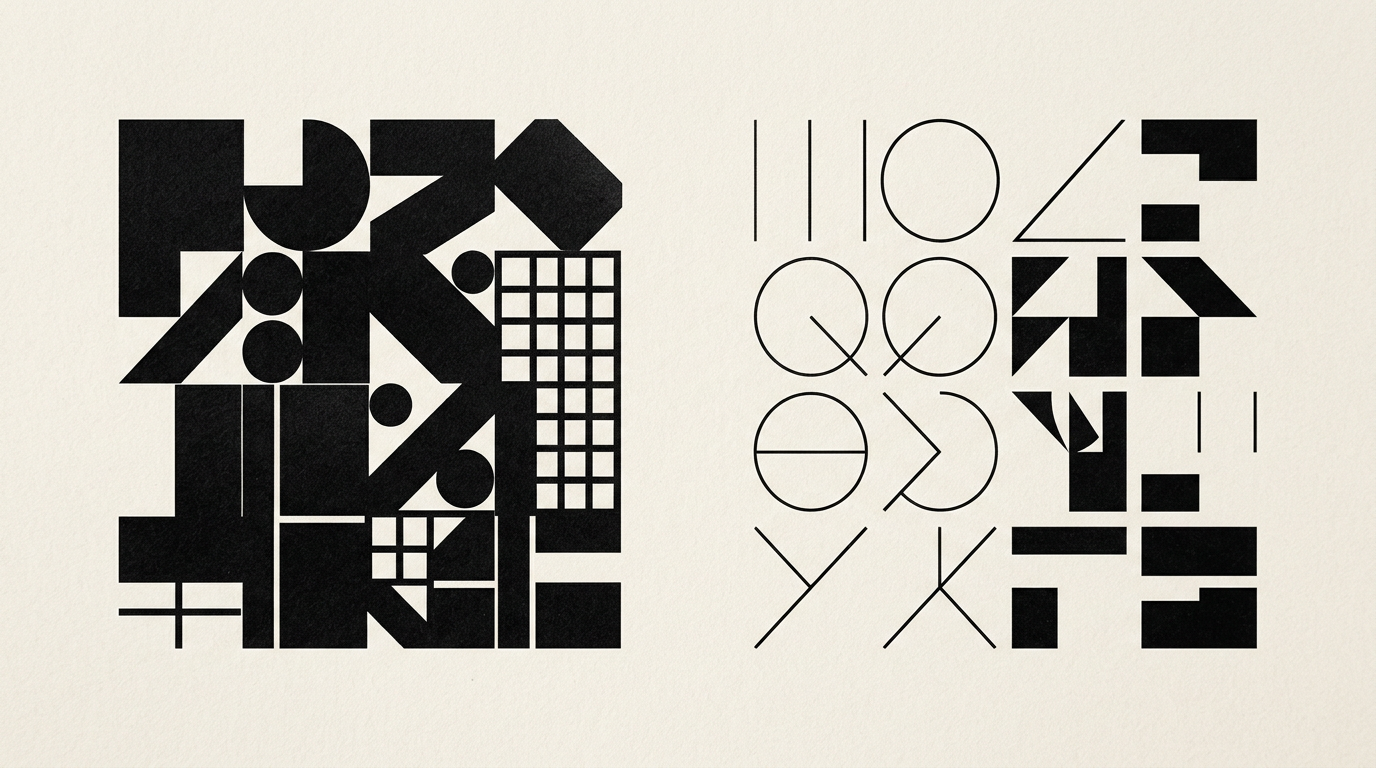
Choosing the right typeface directly depends on the medium where the text is consumed: physical paper or pixel-based screens. A font optimized for ink and paper can become illegible at monitor resolutions, while a web font loses its refined details on textured cardstock. In this guide, I directly answer the most common technical and practical questions regarding typography for print versus digital.
Why does a font that looks great on screen look bad on paper?
The difference stems from how the human eye perceives light reflected on paper versus light emitted by pixels. On screens, fonts require simpler shapes and high contrast to compensate for lower pixel density (typically 72–144 PPI) and backlit displays. When printing at 300 DPI, thin details of a screen-first typeface can appear overly thick, unrefined, or disproportionate. For instance, an ultra-light font that displays perfectly on a presentation website can lose its fine strokes when printed due to ink absorption into paper stock (ink bleed). Additionally, the CMYK color profile used in printing alters visual perception compared to the RGB spectrum of digital displays, making fine details harder to read.
What is the difference between measuring fonts in points (pt) and pixels (px)?
Points (pt) represent an absolute physical unit of measurement, while pixels (px) are a relative unit tied to screen resolution density. One typographic point is standardized at 1/72 of an inch (approximately 0.352 mm), meaning a 12 pt text will always maintain the exact same physical height when printed on paper. Conversely, a pixel depends entirely on the device screen: 16 px can look huge on an older 19-inch 1080p monitor, yet tiny on a 6.1-inch Retina mobile screen. Professional graphic design services use relative units like rem or em in web design for fluid responsiveness, whereas physical catalogs, magazines, and packaging require precise measurements in points and millimeters.
How do I choose between serif and sans-serif for print vs digital projects?
Typeface selection relies on physical resolution: Serif fonts excel in long printed text blocks, whereas Sans-Serif dominates screens due to clean geometric structures. The traditional rule that serif fonts belong exclusively on paper has evolved thanks to high-density modern displays. However, Serif typefaces still offer superior horizontal visual guidance for long body paragraphs in printed books and magazines, where ink crisply defines letter serifs. When building a cohesive visual identity, it is critical to select paired font families that function seamlessly across mediums. Here are the core selection guidelines:
- For print: Serif for books and long body text (min. 9-11 pt), Sans-Serif for technical brochures or display titles.
- For digital: Sans-Serif for primary body text (min. 16 px), Serif primarily for editorial headlines or long-form posts.
- For packaging: Geometric Sans-Serif for high legibility at tiny scale on ingredient labels.
What is font hinting and why is it essential for web typography?
Font hinting is the mathematical process of rendering vector letterforms onto the raster pixel grid of a digital display. Without well-written hinting instructions embedded in the font file, small text will appear blurry, distorted, or misaligned on standard-resolution screens. In printing, font hinting is completely irrelevant because commercial printing presses operate at extremely high dot densities, accurately reproducing pure vector paths. In typographic optimization projects designed for search visibility and performance, such as GEO / AEO / AIO optimization strategies, using properly hinted web fonts guarantees fast loading speed and crisp text rendering across devices, improving user retention and content indexing.
How does spacing (kerning, tracking, leading) affect readability on paper versus screens?
Typographic spacing requires significantly more breathing room on digital screens due to backlighting eye fatigue. On paper, the human eye easily processes denser text with a standard line height (leading) of 120-130% of the font size. On screens, body text requires a generous line height of 140-160% and slightly expanded letter spacing (tracking) to prevent optical character overlap. A common mistake is using identical letter spacing across both media, which causes printed text to feel loose and scattered, while web text looks cramped and difficult to read.
What technical typography mistakes should be avoided before sending files to print?
The primary technical mistake in prepress typography is using multi-channel digital color mixes for small body text. While digital interfaces forgive pixel layout errors, commercial offset or digital printing can ruin an entire production run of catalogs if typographic settings are incorrect. Here are the essential technical rules to follow:
- Failing to convert text to outlines or failing to embed font files inside the production PDF.
- Using Rich Black (4-color CMYK blend) for small body text under 12 pt, instead of 100% K (pure black).
- Ignoring bleed areas and placing body text closer than 3-5 mm to the trim line.
- Applying thin-line fonts under 6 pt on absorbent paper stock or textured packaging materials.
How can I maintain typography consistency between printed materials and a website?
Visual consistency is achieved by selecting paired font families tailored specifically for each medium's performance needs. Many classic print typefaces lack web-safe counterparts or web performance optimizations, while Google Web fonts often lack the elegance needed for high-end print. During a logo design project and brand guidelines development, I establish primary print fonts along with matching web font alternatives. You can inspect my portfolio to see real-world branding projects where physical collateral and digital touchpoints maintain seamless visual alignment.
How much does font licensing impact budget planning for print and web?
Font licensing is structured separately for print and web, requiring distinct license types depending on deployment. Desktop licenses (for print collateral, catalogs, packaging) are typically one-time purchases based on the number of workstations (e.g., €30–€50 per font weight). Conversely, Webfont licenses are billed based on monthly website traffic (pageviews) or recurring annual subscriptions. Using a commercial font on a live site without proper web licensing exposes a business to severe legal penalties. For budget efficiency, I often recommend open-source fonts under the Open Font License (OFL) or purchasing universal commercial packages at brand launch.
What's next?
If you need a clear typographic strategy and flawlessly prepared files for print production or web development, I can help you build a unified identity. I analyze your brand requirements and deliver all assets according to technical production standards. Head over to the contact page to discuss your upcoming branding, print, or web project.