5 min read
Print vs Digital Typography: How to Choose the Right Font?
Learn the technical differences between paper and screen fonts, from resolution and hinting to licensing and pre-press file setup.
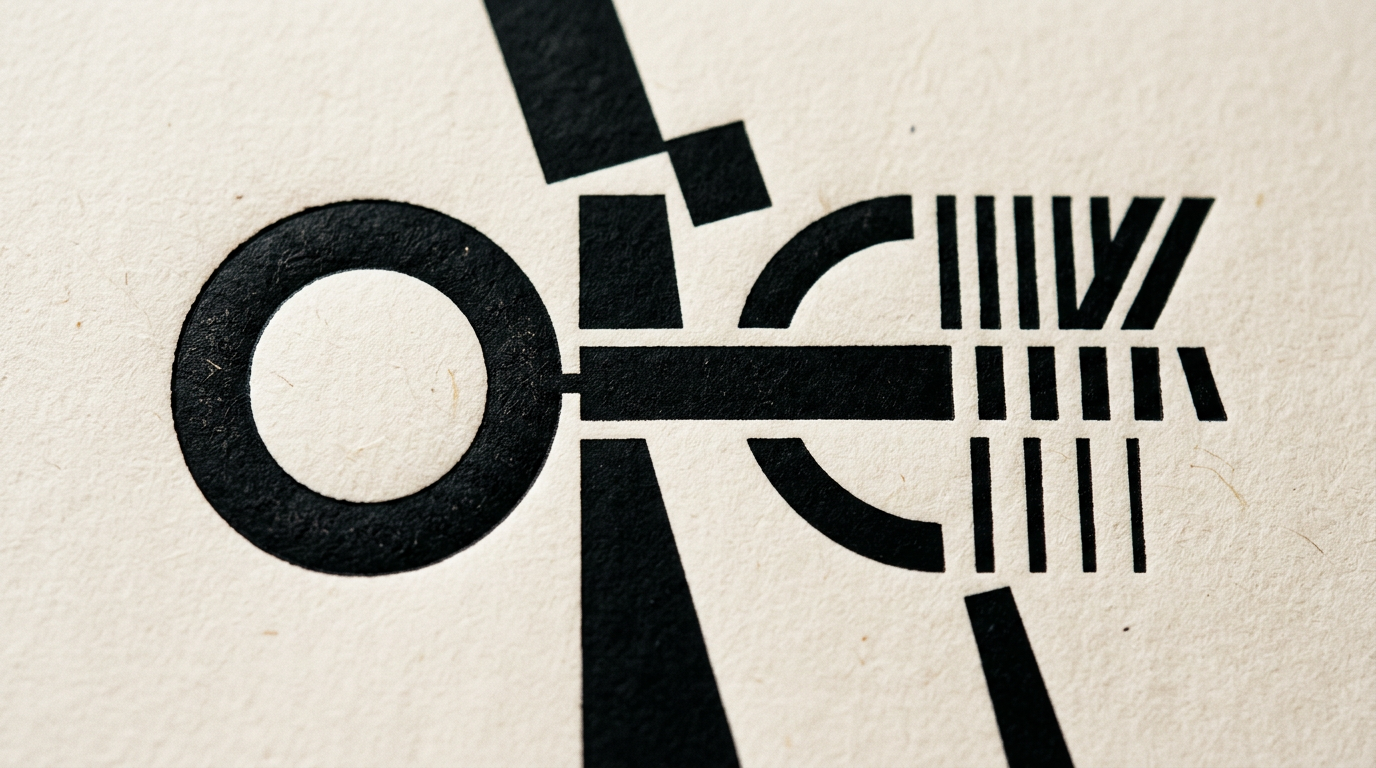
Selecting typography for printed materials versus digital media is not just an aesthetic choice, but a strict technical equation. Visual performance relies heavily on the substrate: screen rendering varies based on pixels and brightness, while print is shaped by ink absorption, halftone screens, and 300 DPI resolution. When building a design system, you need to understand how letters behave under the microscope of physical versus digital environments.
What is the main technical difference between print and web fonts?
The main difference lies in file formats and device rendering technologies. In print, vector fonts (TrueType or OpenType) are sent to a Raster Image Processor (RIP) and rendered on paper at a minimum resolution of 300 to 2400 DPI, maintaining razor-sharp outlines regardless of scale. In digital media, web fonts use compressed formats like WOFF or WOFF2 optimized for quick loading, rasterizing across a fixed pixel grid (typically 72 to 450 PPI). Print typography often relies on fine details like delicate serifs and high stroke contrast. Conversely, web fonts incorporate font hinting instructions that guide browsers to align letter edges onto pixel grids, maintaining legibility at small sizes on standard screens.
Why does a font that looks great on a monitor become hard to read in a printed brochure?
A digital font optimized for light-emitting screens loses clarity on paper due to ambient light reflection and ink gain (the spreading of liquid ink into paper fibers). Digital screens render text via illuminated pixels against dark or light backgrounds, creating a high artificial contrast that masks minor outline defects. On uncoated or absorbent paper stock, ink bleeds and expands thin strokes, closing letter interiors like counter-e or counter-a.
Key factors influencing print legibility include:
- Paper absorption rate: Uncoated or recycled stocks expand letter outlines by up to 10–15%.
- Minimum stroke width: Lines thinner than 0.25 pt can break or disappear in offset printing.
- Light source: Paper reflects ambient light, requiring stronger structural contrast than LED displays.
If you are looking for professional graphic design services, recalibrating font parameters across mediums is a critical step in pre-press file setup.
What minimum font size should I use in print compared to a website?
The recommended minimum size for body copy in print is 6–8 points (pt), whereas on a website the baseline standard is 16 pixels (px) or 1rem. This gap stems from physical viewing distances and visual angles. A flyer is read at roughly 30 cm, allowing comfortable reading at 7 pt, whereas a laptop screen rests 50–70 cm away and a desktop monitor over 80 cm. Furthermore, units of measurement differ fundamentally: typographical points (pt) are absolute physical units (1 pt = 1/72 inch), while pixels (px) are relative units tied to screen pixel density. On packaging or labels, 5.5 pt can work only when rendered in a single solid spot color (Pantone) using a typeface with a generous x-height.
How does font licensing affect print and digital design projects?
A standard Desktop License for print does not legally grant you the right to host and serve that same font file on a web server. Desktop licenses are calculated per installed workstation for .otf or .ttf files and allow embedding text in print-ready PDFs. Webfont licenses (.woff or .woff2), on the other hand, are billed based on monthly website traffic (pageviews) or recurring annual subscriptions. When developing a comprehensive visual identity, you must verify early whether the font foundry offers desktop/web bundle options or opt for open-source Google Fonts (OFL) to avoid unexpected licensing fees worth thousands of euros as your brand scales.
What is kerning and why does it require extra attention on paper?
Kerning is the selective adjustment of space between specific letter pairs (such as "AV", "Wa", or "P."), and print kerning errors are permanent once the print run is complete. Digitally, web browsers rely on automatic metric or optical kerning algorithms that vary slightly depending on the operating system and rendering engine. In print—especially for large display headlines, billboards, or packaging—every letter pair demands manual inspection. Uneven spacing creates visual gaps that disrupt reading flow. Additionally, overly tight kerning on paper risks letters merging together due to ink expansion during printing.
Should I use Serif fonts for web and Sans-Serif for print?
This is an outdated rule from the 1990s; modern selection depends strictly on context, hierarchy, and screen resolution. High-density Retina and 4K screens render delicate serifs just as sharply as high-end offset printing, stripping away past technical limitations.
Selecting the ideal typeface family follows these practical guidelines:
- Long body copy in print: Serif typefaces (e.g., Garamond, Georgia) guide the eye smoothly along text lines via the baseline serifs.
- Dynamic web interfaces: Sans-Serif typefaces (e.g., Inter, Roboto) offer a clean, modular structure perfect for forms, UI components, and microcopy.
- Editorial and luxury design: Pairing a bold Serif headline with a clean Sans-Serif sub-headline works seamlessly across both coated paper and a modern presentation website.
How do I prepare fonts for printing in final PDF files?
To prevent font substitution errors at the print shop, final PDF files must have all fonts fully embedded or converted to vector outlines (curves). Exporting via Adobe InDesign or Illustrator using PDF/X-1a:2001 or PDF/X-4 presets ensures font subsets are securely embedded. Based on my workflow when creating a professional logo design, I always convert critical brand typography (logos, headlines, labels) directly into vector curves. Additionally, ensure small black text (under 12 pt) is set to 100% K (Black) with Overprint enabled, avoiding Rich Black (composite CMYK) to prevent misregistration issues on press.
How can I maintain visual consistency between a printed catalog and online platforms?
Visual consistency is built by establishing a strict primary and secondary typography system in your brand guidelines, accompanied by a clear font mapping matrix. If you use a proprietary commercial font for your printed catalog, assign a closely matched open-source web alternative that shares x-height, proportions, and personality. Presenting a cohesive brand in your portfolio depends on hierarchy: heading-to-body size ratios must remain visually proportional whether viewed on an A4 printed page or a smartphone screen.
What's next?
Flawless technical execution in typography saves production budgets and safeguards your brand reputation. Whether you need a complete visual identity system, an offset-ready product catalog, or a responsive website tailored to every device, I am here to help. Feel free to reach out via my contact page to discuss the technical requirements of your upcoming project.