5 min read
Print vs Digital Typography: How to Choose Correctly?
Discover essential differences between print and digital typography: font sizes, spacing, licensing, and technical file preparation.
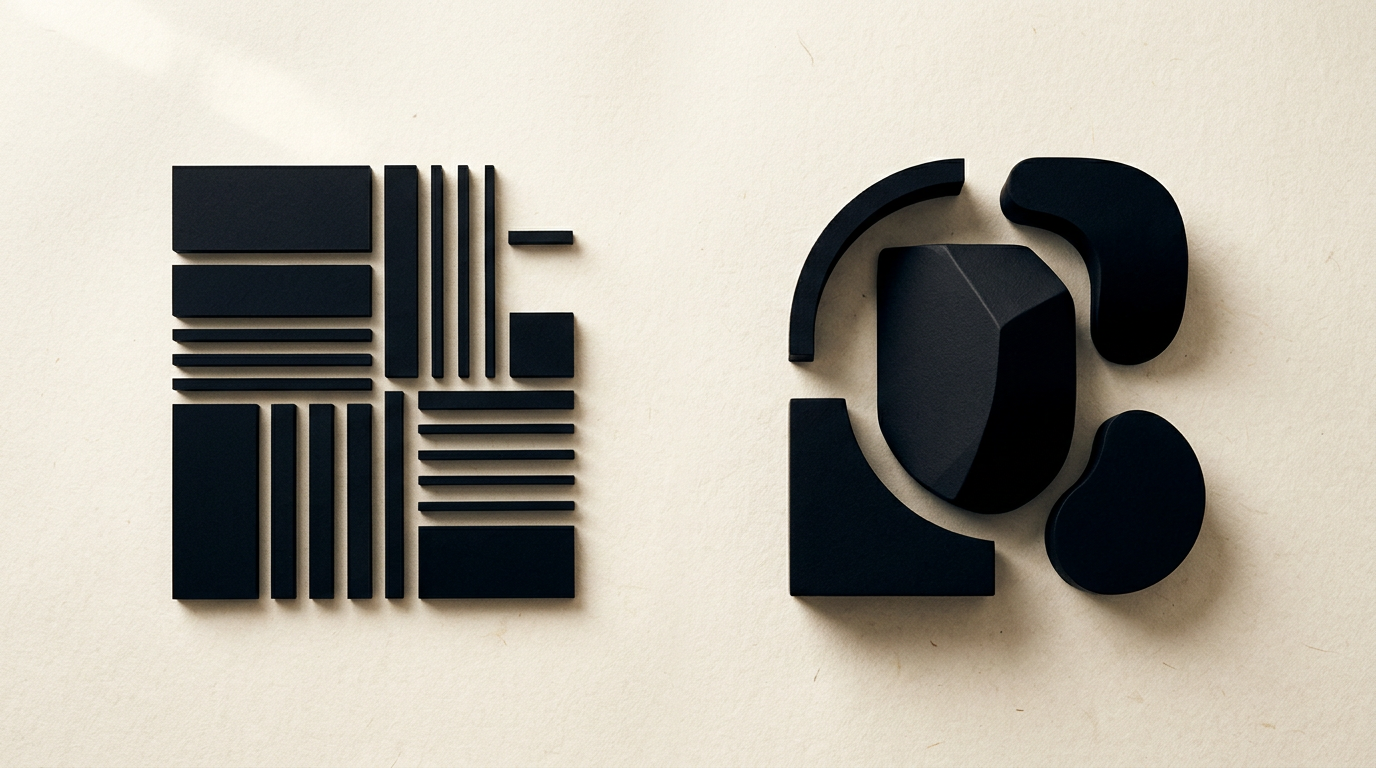
Choosing the right typeface directly depends on the medium where the text is read: paper or screen. While core legibility principles remain similar, technical specifications and font behaviors differ radically between printed materials and digital applications. In this detailed guide, I explain the main technical, licensing, and rendering differences you need to know before starting a project.
Why does a font look different on a printed flyer compared to how it appears on a monitor?
Fonts look different on print compared to screens because display media use completely different rendering technologies, color spaces, and resolutions. Monitors emit direct light in the RGB color space using pixels (72–144 ppi), while print reflects light through precisely adjusted drops of CMYK ink at a much higher resolution of 300 dpi or more. A properly executed graphic design project accounts for ink absorption into paper fibers (dot gain), which can visually thicken thin letters. On screens, letter edges are smoothed by anti-aliasing algorithms, making fine details appear blurry if legibility isn't optimized at the pixel level.
What font sizes should I use for print compared to digital media?
Print relies on fixed typographic points (pt), whereas web standards recommend flexible relative units (rem, em) or pixels (px). The physical viewing distance determines the minimum functional text size:
- Print (books, brochures, flyers): Body text usually ranges between 9 pt and 11 pt for a standard viewing distance of 30–40 cm. Footnotes can go down to 6–7 pt.
- Web and Digital: Body text should be at least 16 px (1rem) to remain readable on phone or laptop screens from a distance of 50–70 cm.
- Packaging and Posters: On packaging, legal disclaimers often have a regulated minimum x-height of 1.2 mm, while street posters require headlines over 72–120 pt.
How do line spacing and letter spacing affect readability on paper versus screens?
Text displayed on screens requires more generous line spacing and letter spacing compared to printed materials. On a monitor, light emitted by the display creates a glow effect that makes closely spaced letters optically overlap. In web design, a standard line-height for body text is 1.5–1.6 (meaning line spacing is 50–60% larger than font size). Conversely, in print, a leading of 1.2–1.3 is sufficient for smooth reading. Additionally, small print fonts benefit from manual kerning adjustments to prevent ink bleed in sharp letter angles.
Which font types work best for printed catalogs versus websites?
Serif fonts (with small strokes at letter ends) excel on matte paper, while sans-serif fonts are easier to read on digital displays. Serifs guide the eye along horizontal text lines in dense books or catalogs. On a presentation website, legibility is optimal with clean sans-serif fonts such as Inter, Roboto, or Montserrat, as simple lines do not distort on lower-density monitors. However, modern Retina displays now allow elegant serifs without loss of clarity, provided the chosen font has a screen-optimized version.
How do I correctly prepare text files for print to avoid printing errors?
To guarantee that text prints crisp and error-free, you must follow strict technical rules before sending files to the print shop. Projects in my portfolio clearly demonstrate the importance of technical accuracy:
- Outline text (Create Outlines): Convert titles and graphic text into vectors when sending EPS or unembedded PDF files to prevent font substitution.
- Use 100% K (Black): Small black text must be set to 100% Black (K:100%), not rich CMYK black, to avoid misregistration when printing plates overlap.
- Enable Overprint: Small black text should have Overprint Black turned on so it doesn't knock out the background color underneath.
- Embed Fonts: When sending editable PDFs, ensure the font license permits full character set embedding.
Why does my logo's font look sharp on a business card but blurry on my website?
This happens due to a lack of vector optimization or using low-resolution raster files on high-density displays. A professional logo design is originally created in vector format (EPS, AI, SVG), allowing infinite scaling without quality loss. If a standard resolution PNG or JPG (72 dpi) is uploaded to a website without high-density assets for Retina screens, letters will look blurry. The technical solution is using SVG files for web graphics, guaranteeing razor-sharp edges on any device screen.
How does typography choice impact readability and brand identity across both media?
Consistent typography builds trust and immediate visual recognition, whether a customer reads a printed brochure or browses on a phone. When developing a visual identity, I select versatile font families that offer dedicated versions for both print and web (WOFF2 files). If a brand uses a decorative typeface on a flyer and an entirely different font on its website, visual cohesion suffers. A well-structured typographic system establishes a clear hierarchy: high-impact headers, scannable subheadings, and comfortable body text on any medium.
Can the same font licenses be used for both print and web applications?
No, font licensing is strictly separated based on the medium of use and distribution method. A Desktop license allows you to install the font on your computer and generate static files for print, PDFs, or raster images. To use the same font on a website via the @font-face rule, you need a dedicated Webfont license, typically priced by monthly pageviews or domain usage. Using a Desktop font file on a web server without proper web licensing constitutes copyright infringement.
How does proper web font optimization affect visibility on Google and AI platforms?
Choosing and technically loading web fonts directly impacts site speed, Core Web Vitals scores, and search engine crawling capabilities. In a sound GEO / AEO / AIO optimization strategy, a fast, well-structured site is prioritized for indexing and AI answer retrieval. Loading too many font styles or uncompressed files causes severe performance drops and layout shifts (FOUT/FOIT). Using modern WOFF2 formats, font subsetting, and declaring font-display: swap ensures instant text rendering and optimal user experience.
What's next?
If you need guidance in choosing the right typography, building a cohesive brand identity, or preparing files for print and web, I am here to help. I design clear, technical, and effective visual solutions tailored precisely to your business needs. Visit the contact page to discuss your project or request a custom evaluation.